GTA 6 Best Settings for Controller, Camera & Graphics
Автор: FixPS5
Загружено: 2026-11-22
Просмотров: 236
Описание:
GTA 6 Best Settings for Controller, Camera & Graphics
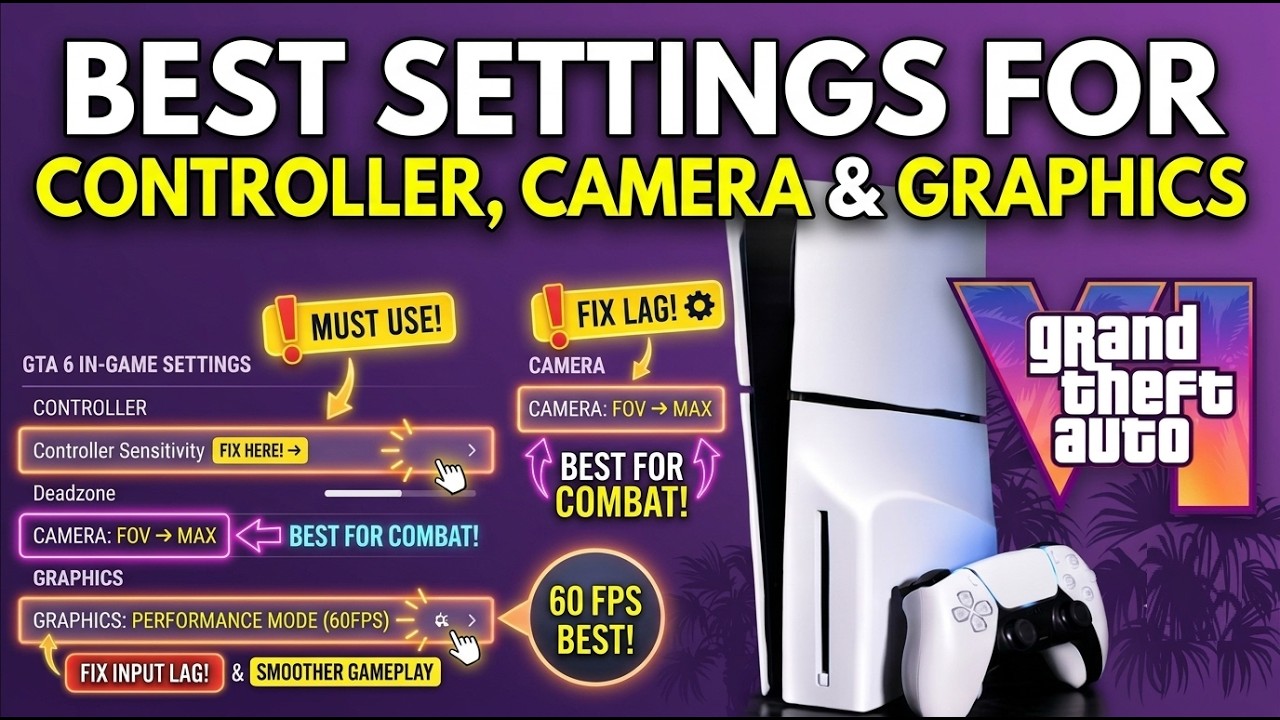
For the best GTA 6 settings, start by adjusting your controller, camera, and graphics options according to your playstyle. Open the game's Settings menu and check the Controls section for aim sensitivity, look sensitivity, vibration, and adaptive trigger options. Under Camera, customize camera sensitivity, perspective, and vehicle camera settings if available. These adjustments can help make driving, aiming, and exploring more comfortable.
For graphics and display settings on PS5, open Settings, select Screen and Video, and set Resolution to Automatic. Enable HDR and VRR if your TV supports them, and keep 120 Hz Output on Automatic if you have a compatible 120 Hz display. Also, adjust your TV's brightness, contrast, and picture mode for better visibility. Remember, console display settings cannot unlock higher FPS unless the game officially supports it.
GTA 6 Best Settings for Controller, Camera & Graphics
#gta6 #gta6game #ps5
Повторяем попытку...
Доступные форматы для скачивания:
Скачать видео
-
Информация по загрузке: