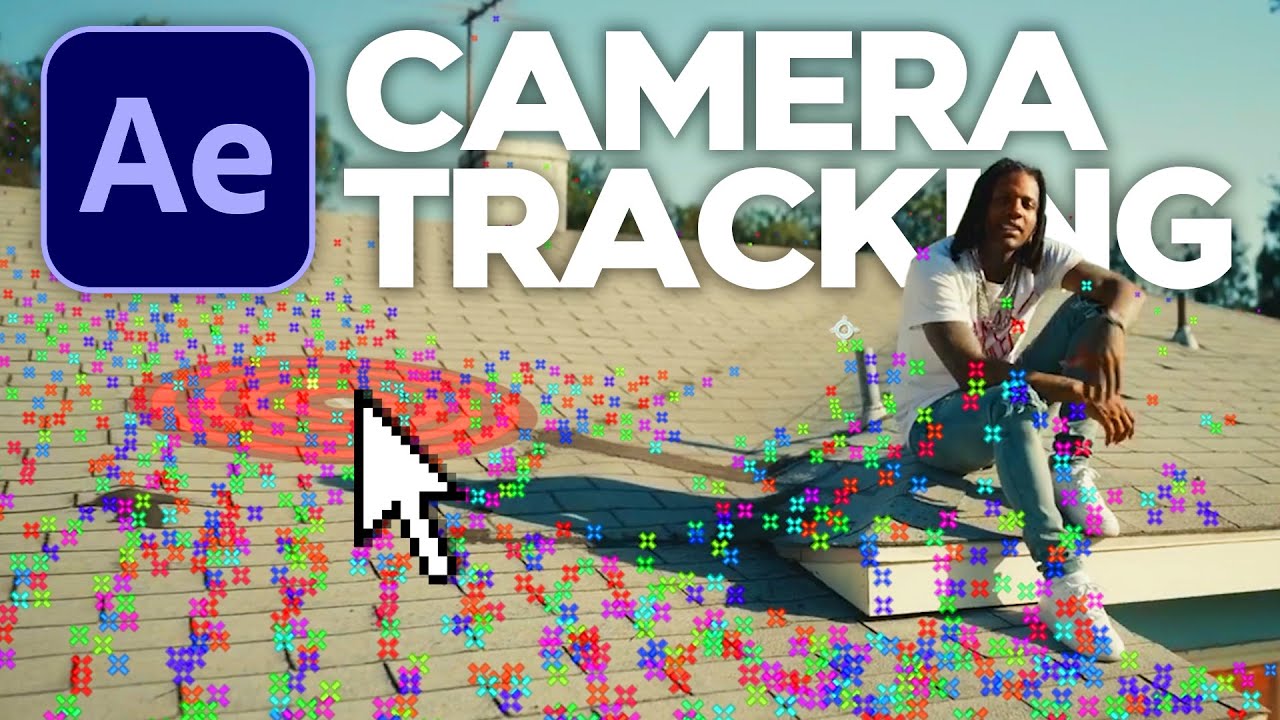
Can't SELECT 3D Camera Tracker TRACK POINTS — How to FIX [After Effects Tutorial]
Автор: JoheZ
Загружено: 2020-07-13
Просмотров: 70982
Описание:
► Subscribe us: https://bit.ly/3en5Khl
► Get Adobe Creative Cloud: https://bit.ly/2Zif9Tz
👌 (Affiliate) Epic software for creating subtitles automatically - MAESTRA
https://maestrasuite.com?fpr=olohuone...
Can't SELECT 3D Camera Tracker TRACK POINTS — How to FIX [After Effects Tutorial]
WHAT YOU WILL LEARN IN THIS TUTORIAL
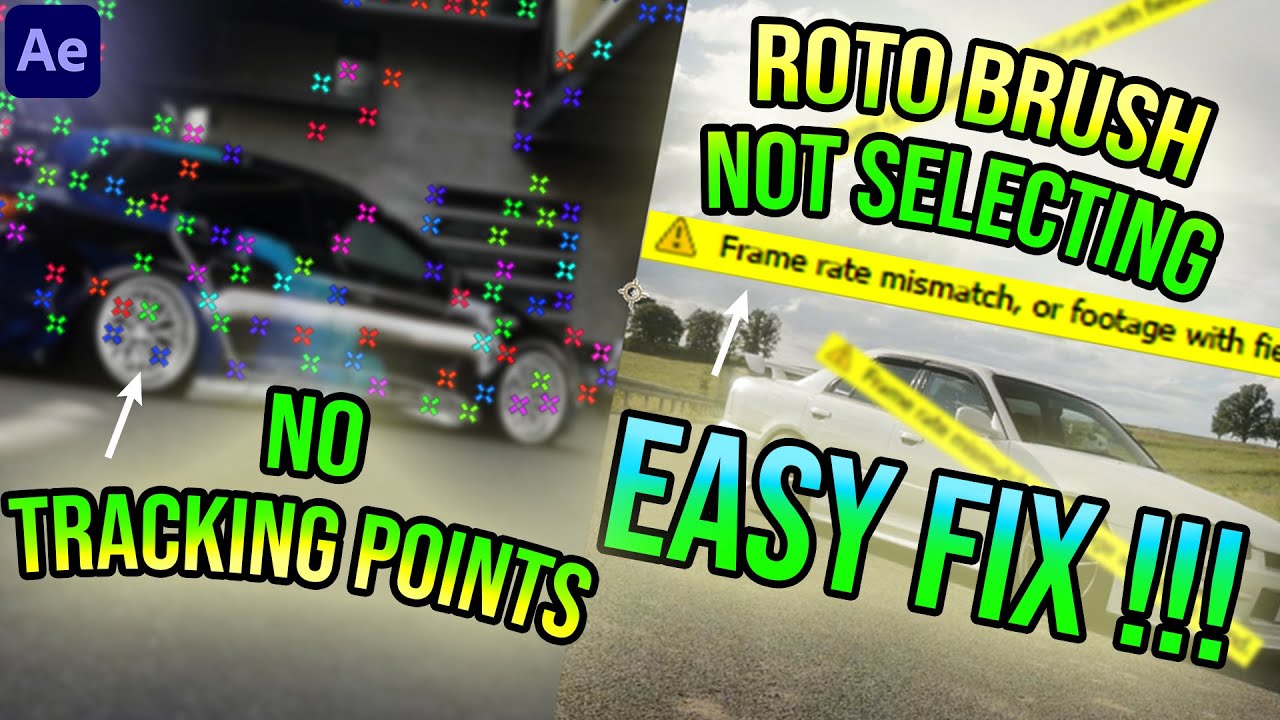
During last couple of years I have had this issue with After Effects 3D camera tracker: You have used 3D Camera Tracker on your video and the tracking was successful, but there is one small problem — YOU CAN'T CLICK ON THE 3D CAMERA TRACKER TRACK POINTS! Last week I finally got this thing really solved and I was immediately like "I HAVE TO MAKE A VIDEO ABOUT THIS" — because I know that many of you are (maybe) fighting with this same problem.
How to make the TRACK POINTS clickable again?
1. Make sure that "Render Track Points" is checked (from the 3D camera tracker settings)
2. Go After Effects's top bar and VIEW
3. Check that the SHOW LAYER CONTROLS -option is active
ABOUT MAESTRA
I also talk about a software called Maestra - you can create the subtitles automatically with Maestra. You can also do voiceovers and transcriptions with Maestra (automatically).
I am their affiliate so if you want to support my channel, please click the link above to register and check Maestra out. The first 30 minutes is FREE minutes as you start using Maestra.
Check maestra:
https://maestrasuite.com
Download Aegisub free software here:
http://www.aegisub.org/
Hey, but thanks for watching! I appreciate that.
Please SUBSCRIBE to our channel if you find value in this video.
TOOLS I USE
► Adobe Creative Cloud CC -paketti: https://bit.ly/2Zif9Tz
► Windows 10 Pro OEM: https://bit.ly/3g0S6m8
► Rode NT-USB (my voice over mic): http://bit.ly/2GilaUV
► OBS-studio (record PC monitor): http://bit.ly/2p25RIj
► DJI Osmo Action (cam): https://bit.ly/2zPENEp
WATCH NEXT:
► How to HARDCODE Subtitles to Your Films | With AEGISUB Styles | VLC tutorial
• How to HARDCODE Subtitles to Your Films wi...
► CAN'T SELECT 3D CAMERA TRACK POINTS | HOW TO FIX | After Effects Tutorial
• Can't SELECT 3D Camera Tracker TRACK POINT...
► Adobe Premiere EXPORT FAILED | ERROR compiling movie [HOW TO FIX]
• Adobe Premiere EXPORT FAILED / Error compi...
FOLLOW JOHANNES:
► WEBSITE: http://johannesmyllymaki.fi
► YOUTUBE: https://bit.ly/2CnlKTy
► JOHE PLAY PIANO YOUTUBE: https://bit.ly/38zLEPH
► JOHE PLAY PIANO FACEBOOK: https://bit.ly/2TT1HC4
FOLLOW OLOHUONETUOTANTO:
► WEBSITE: http://bit.ly/2bEhflQ
► YOUTUBE: https://bit.ly/3en5Khl
► FACEBOOK: http://bit.ly/2bkN4ST
► INSTAGRAM: http://bit.ly/2bpkHlm
► TWITTER: http://bit.ly/2bkMpRc
Повторяем попытку...
![Can't SELECT 3D Camera Tracker TRACK POINTS — How to FIX [After Effects Tutorial]](https://imager.clipsaver.ru/TVeMHkrySF4/max.jpg)
Доступные форматы для скачивания:
Скачать видео
-
Информация по загрузке:
![[LIVE]: Санкт-Петербург. Стройка метро](https://imager.clipsaver.ru/5vhGsLSZNrA/max.jpg)






![Учебное пособие по отслеживанию 3D-текста в After Effects 🎥 3D Camera Tracker [+]](https://imager.clipsaver.ru/wjOeQqifBE0/max.jpg)

![ПЛАВНЫЙ ПЕРЕХОД ИЗ МУЗЫКАЛЬНОГО ВИДЕО С РЫВКОМ/СЛАЙДОМ | ЭФФЕКТ ФРЕДО БЭНГА [AFTER EFFECTS]](https://imager.clipsaver.ru/C_YCsOolWhI/max.jpg)