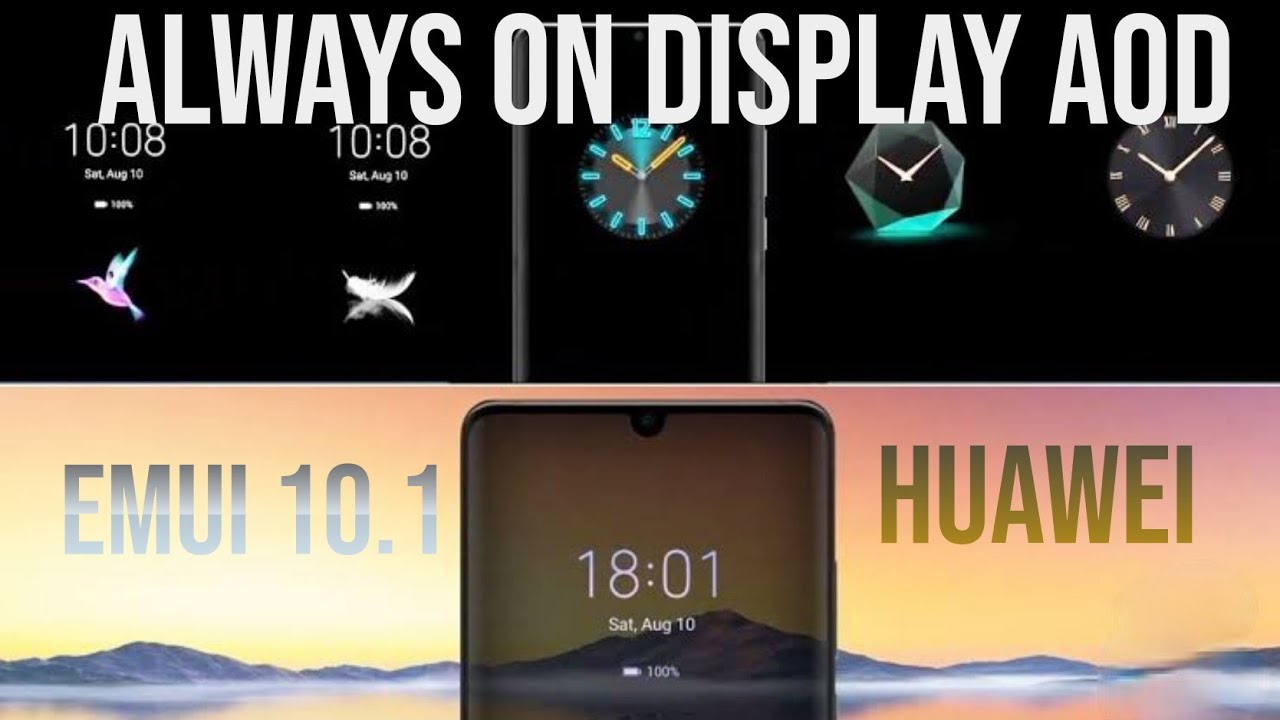
How to change always on display in EMUI 10.1|Huawei P40 pro| Huawei Mate 40 pro
Автор: Combo Tech
Загружено: 2020-07-08
Просмотров: 9762
Описание:
EMUI 10.1 has a number of new features for the eligible devices including the three new fingerprint animations for the in-display fingerprint scanner.
The new fingerprint animations are inspired by the elements of earth, fire, and water. Providing animation effects look immersive and riveting, and enhances user experience.
Currently the feature is rolling out for Huawei P30, Mate 30, and Mate 20 Series. On the other hand, it’s already available in the Huawei P40 series, Huawei P30 Pro New Edition, Nova 7 Pro, Honor 30 series, and more.
How to change Always On Display
1. Settings.
2. Home Screen & Wallpaper.
3. Always On Display.
4. Enable Always On Display.
5. Select AOD style
Facebook
/ combotech23
Instagram
/ combo.tech23
Twitter
/ combotech2
#EMUI10.1#alwaysondisplay#AOD
Повторяем попытку...
Доступные форматы для скачивания:
Скачать видео
-
Информация по загрузке: