The Ultimate Linux Gaming Tool - LUTRIS
Автор: The Linux Experiment
Загружено: 2020-05-25
Просмотров: 197942
Описание:
The first 1000 people who click the link will get 2 free months of Skillshare Premium: https://skl.sh/thelinuxexperiment5
Gaming on Linux is now a reality. A ton of games work perfectly thanks to Proton, DXVK, and Steam. Some games still aren’t available through Steam, though, and managing all the different sources and installing various games manually can be a pain. Fortunately, there is a handy application that allows you to group and launch all your games from a single interface, and install new games with handy scripts that do all the work for you. it’s called Lutris, and we’re going to take a look at it, right after this !
This video was sponsored by Skillshare
Support the channel on Patreon:
/ thelinuxexperiment
Follow me on Twitter : / thelinuxexp
My Gaming on Linux Channel: / @thelinuxgamingexperiment1440
Follow me on LBRY: https://lbry.tv/@TheLinuxExperiment:e
The Linux Experiment merch: get your goodies there! https://teespring.com/en-GB/stores/th...
Lutris has been created in 2009, by Mathieu Comandon. He wanted an easier way to manage his games running on linux, especially the ones that ran using wine, and so he decided to create an Oblivion launcher first, which quickly evolved into Lutris. This program now has 167 contributors, and more than 60 releases!
But what is Lutris: it’s a game manager for Linux, which can pull games from various services, like Steam, Humble, or GoG, but also your games installed through Steam running with Wine, native Linux games, browser games, or emulated ones !
It’s a little bit more than that, though, since Lutris also allow you to install games directly for a huge online library of user contributed scripts. These make installing games on Linux a breeze, especially those using Wine and that need tweaks, registry entries, or specific tools to run correctly.
Lutris first feature is to help you manage all your games, and launch them from one place. It uses different sources, called runners, to aggregate the games in one place. These runners include Steam for Linux, Steam for Windows, Humble, GoG, a ton of emulators, and more. All the games installed through these sources will be listed in your lutris window, and can be launched, uninstalled, and tweaked from there.
The easiest way to start using Lutris is by importing your games: just open the “Import games” menu, and select the runner, for example Steam. You’ll see all installed games, and can import them one by one, or all at a time. YOu can also automate this by automatically importing all games at startup. This makes it a breeze to get started. Once your games are there, and sometimes after a restart of the app, you’ll be able to manage them individually: play them, uninstall them, add a shortcut to your applications menu, or simply tweak anything you’d like to start the game itself.
Lutris has a huge online library of games that can be installed with a few clicks, thanks to user contributed scripts. Obviously, Lutris is no game store, and you'‘l still need to own the game, a physical copy or the ISOs to install them, apart from free games you could download freely off the internet.
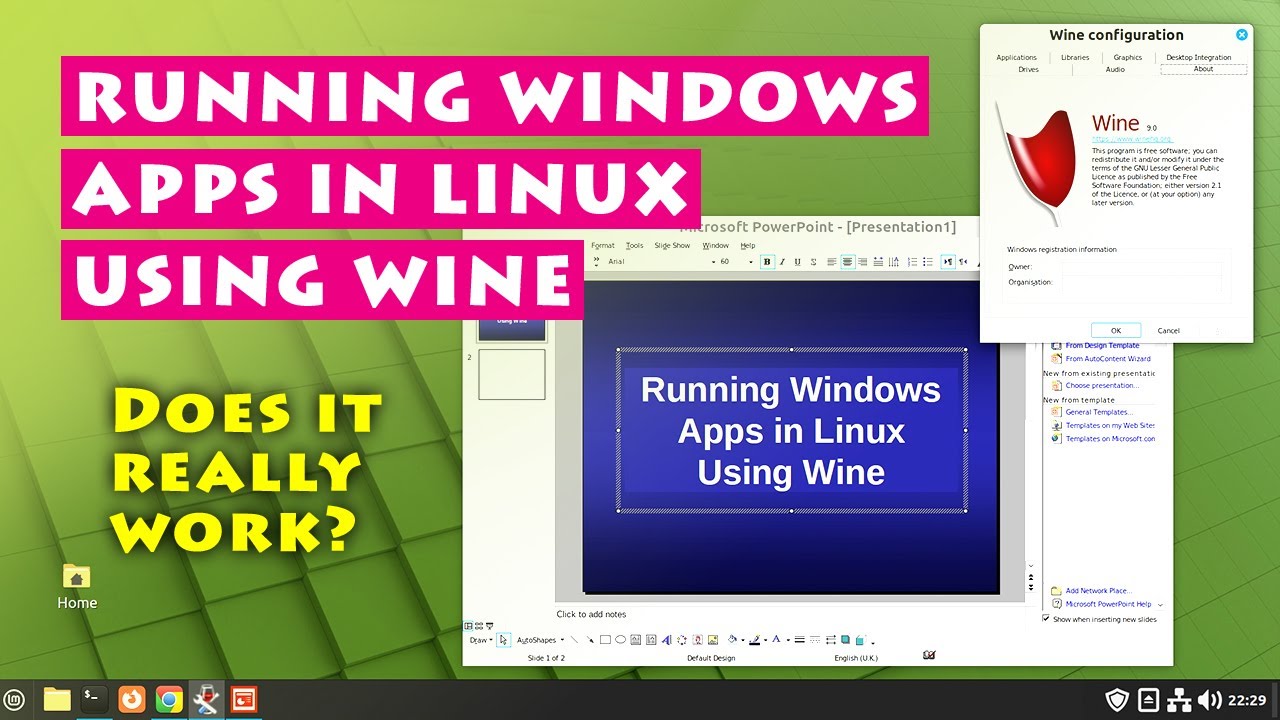
You can install games either through the Lutris website, or through the app itself. Just search for the game you want, and it will display in the main window. From there, you can install it, and Lutris will take care of all the setup: installing the right wine version, the right tweaks, creating the folder structure, enabling DXVk, or whatever other tool the game needs to run. This makes Lutris particularly useful for installing windows games: no need to run the installer through wine, creating a new prefix, using winetricks to set some things up, or running a few command lines: Lutris does it all for you !
Some games will offer multiple installation options, either to install the game from various sources, like Steam or GoG, or to offer various install scripts that might work better or wore on your hardware. Lutris will display ratings for these scripts, and some additional instructions you might need that Lutris can’t handle itself, like installing dependencies. It’s a good idea to read these instructions on Lutris’s website or in the app to make sure you’re not missing anything and your game will run.
Lutris allows you to tweak a lot of settings for each game and runner. While games installed with a Lutris install script won’t need these, since they’ll apply them all for you, games you install manually or through steam might benefit from a few tweaks here and there. You can enable or disable DXVK or VKD3D for Direct X Games, you can enagle Feral Gamemode, Esync, or even tell the game to run at a specific resolution or in a virtual desktop. You can also choose the wine version they’ll use, and download new ones from the Wine runner options.
Повторяем попытку...

Доступные форматы для скачивания:
Скачать видео
-
Информация по загрузке: