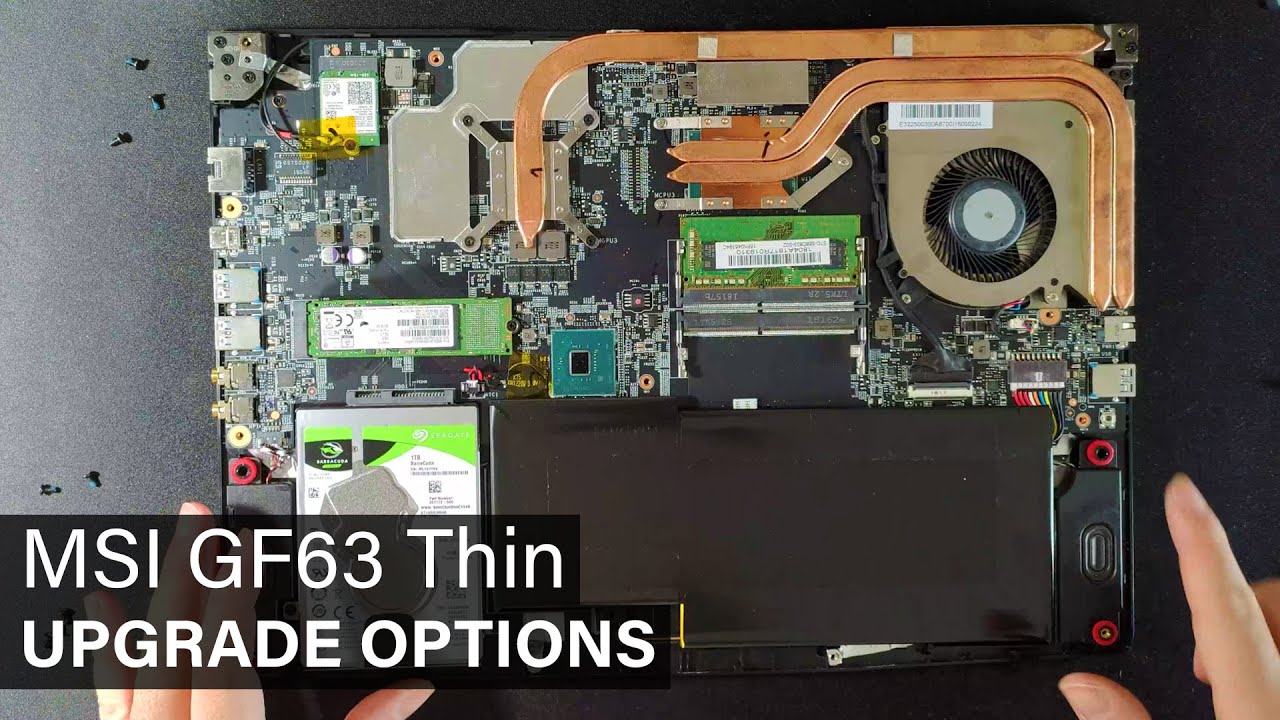
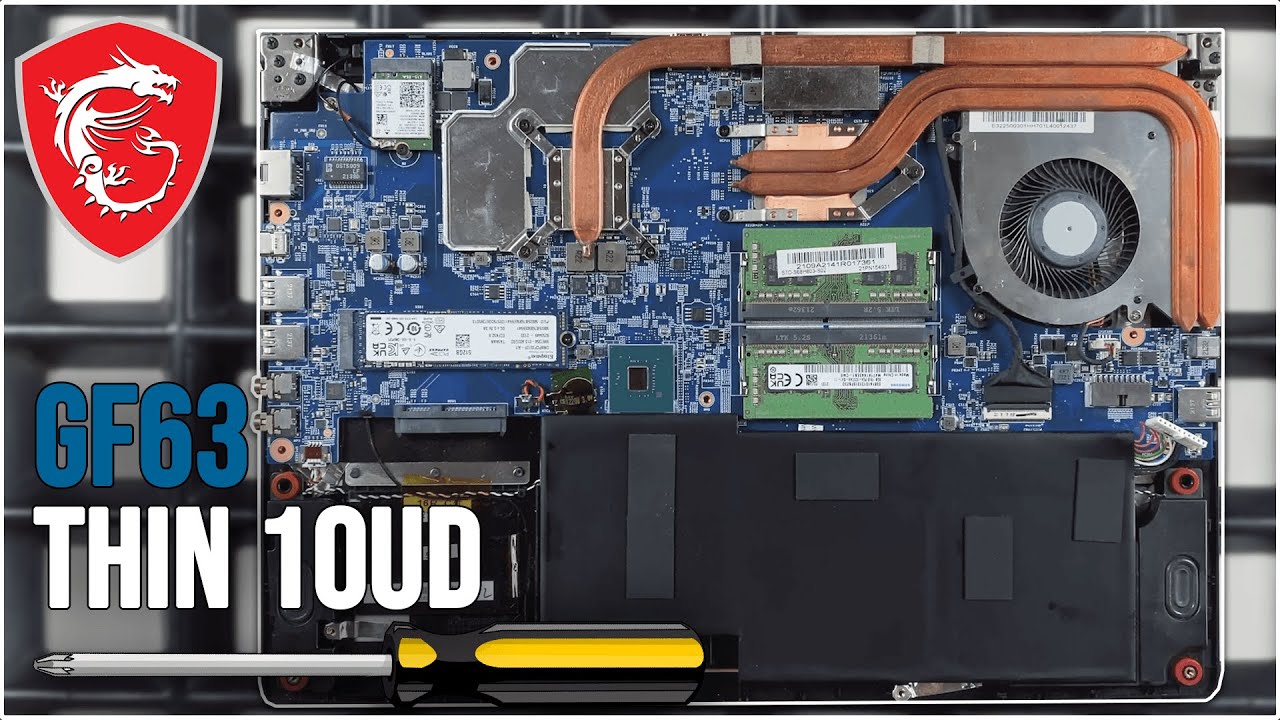
How to Upgrade MSI GF63-8RD 2020/Disassembly/SSD plus RAM/GF and GV series/Specs
Автор: TechPH
Загружено: 2020-04-14
Просмотров: 3959
Описание:
A simple click to subscribe is a big help
This video also work for other laptop model and brand
This video also work for MSI GF and GV series
Remember this will void your laptop warranty because we break the warranty sticker
As much as possible do not touch small SMD and ICs in the motherboard to prevent electro static
Please don't forget to clone windows from HDD to SSD
Please follow this link on how to clone windows from HDD
• How to upgrade acer nitro 5 2020 (Full) at 6:58min
• How to upgrade Legion Y530 Gaming 2020/NVM... at 6:32min
Why need to clone windows from HDD to SSD?
Because we need more faster windows bootup and application start up
If you choose to install windows 10 on SSD instead of cloning use latest version of windows 10 example: version 1809,1903,1909
and install MSI drivers from msi website and do not install drivers pack
I recommend you unplug the HDD connection before installing windows 10 on HDD just reconnect after finish installing
How to upgrade msi laptop RAM and SSD
How to fix 100% disk usage
How to fix slow laptop
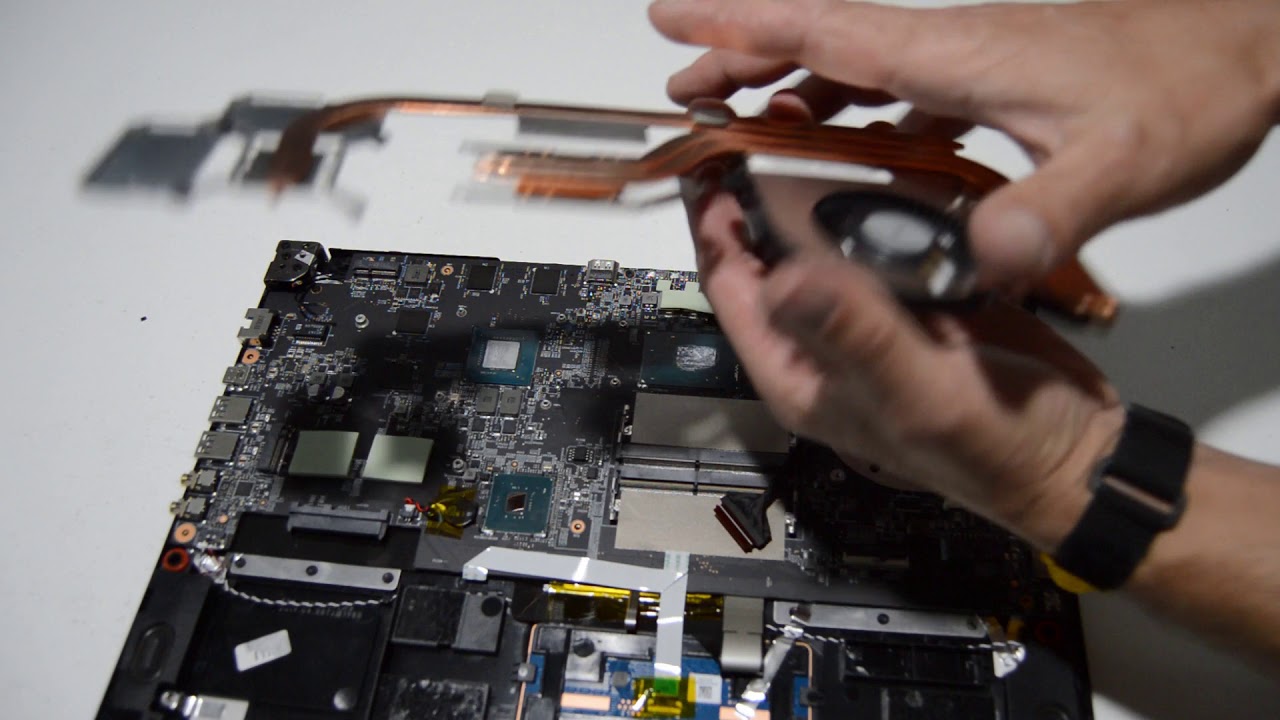
How to disassemble msi laptop GV and GF series
This video will guide you to fix your slow laptop even if it's brand new
We love to help you guys in your pc/laptop problems
We are experienced IT people
We build and repair Desktop PC everyday
We make unboxing videos
We upload videos every week
Повторяем попытку...

Доступные форматы для скачивания:
Скачать видео
-
Информация по загрузке: