Understanding FreeCAD: Lesson 4 Auto Scale Features with Formula | Part Design | Beginners Tutorial
Автор: MangoJelly Solutions for FreeCAD
Загружено: 2021-12-18
Просмотров: 8427
Описание:
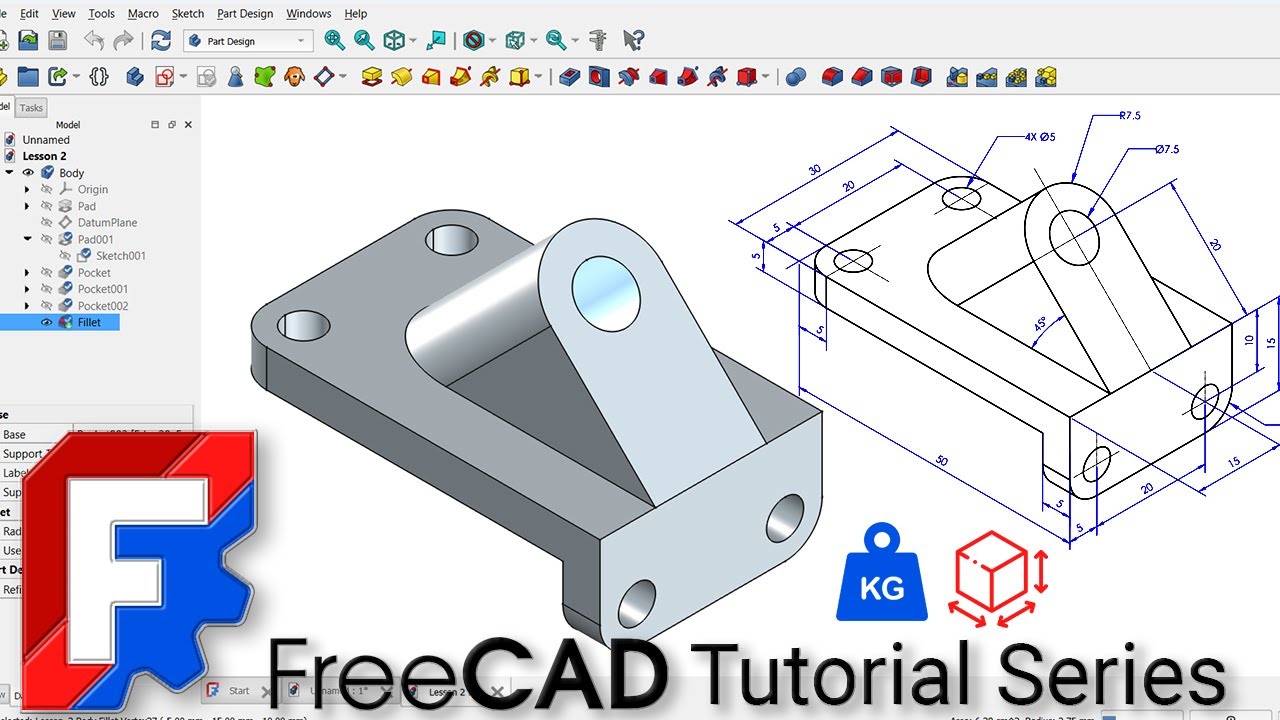
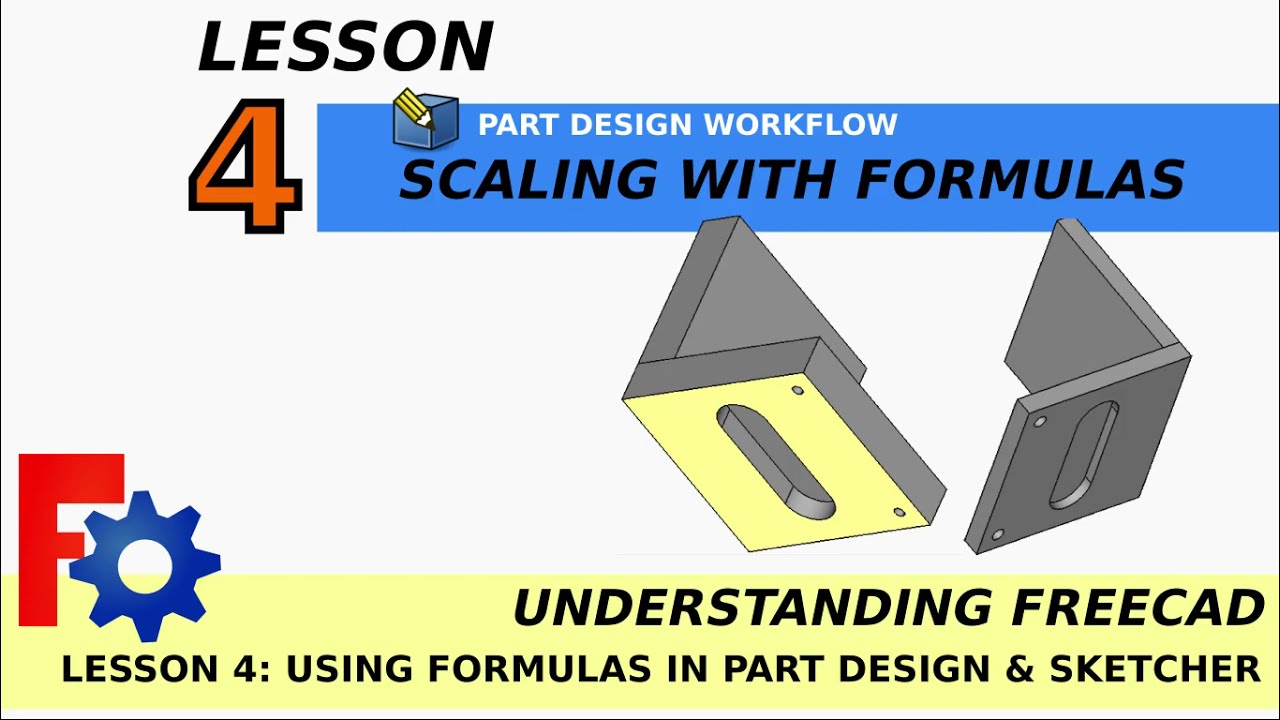
Lesson 4 We will be learning about how to create and use formulas in FreeCAD to reference features such as pads and pockets to other features so we can, for example scale one pad in the part design workbench and other pads and pockets will adjust themselves automatically. We will create a simple object where each feature (pads, pockets etc) will be linked together via a formula so, for example when we come into a pad and change the thickness and / or length, all of the other features will automatically update with the new thickness and length even if we want features such as pockets that are set, for example, half way through a wall, we can automatically update these to reflect the new depth when other features are updated. We will even look at references geometry in FreeCAD's sketcher workbench and reference this to a pad in the partdesign wb.
#FreeCAD , #CAD #3DPrinting, #CNC
Journey with me and
Next Lesson:
Lesson 5 Inverse / Reverse pocket. Curvature with profiles (Beginners course)
• Understanding FreeCAD: Lesson 5 - Quick Ea...
Previous Lesson
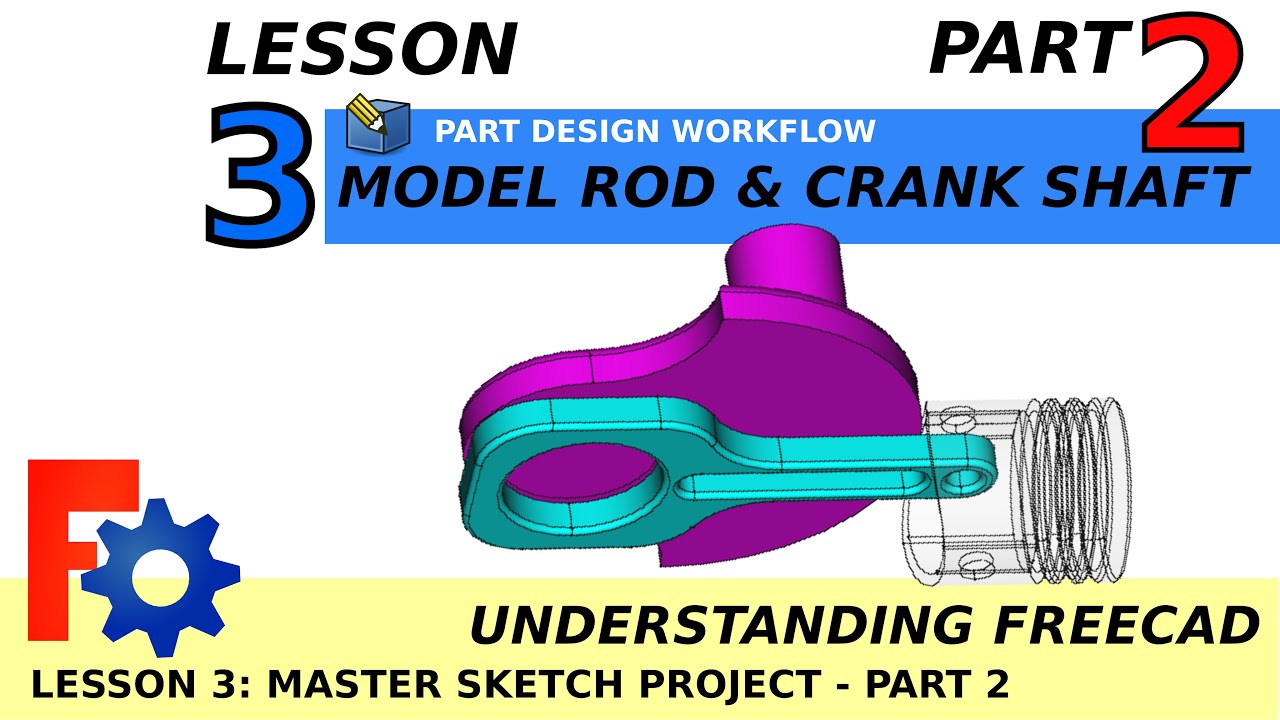
Lesson 3 (1 of 4) Model a Piston Crank Shaft Assembly Animation in Part Design A2Plus
• Understanding FreeCAD Lesson 3.1 Model a P...
Donate:
https://ko-fi.com/mang0
Patreon
/ mangojellysolutions
Subscribe:
/ @mangojellysolutions
Browse my Redbubble Shop:
http://MangojellyLabs.redbubble.com
Повторяем попытку...
Доступные форматы для скачивания:
Скачать видео
-
Информация по загрузке: