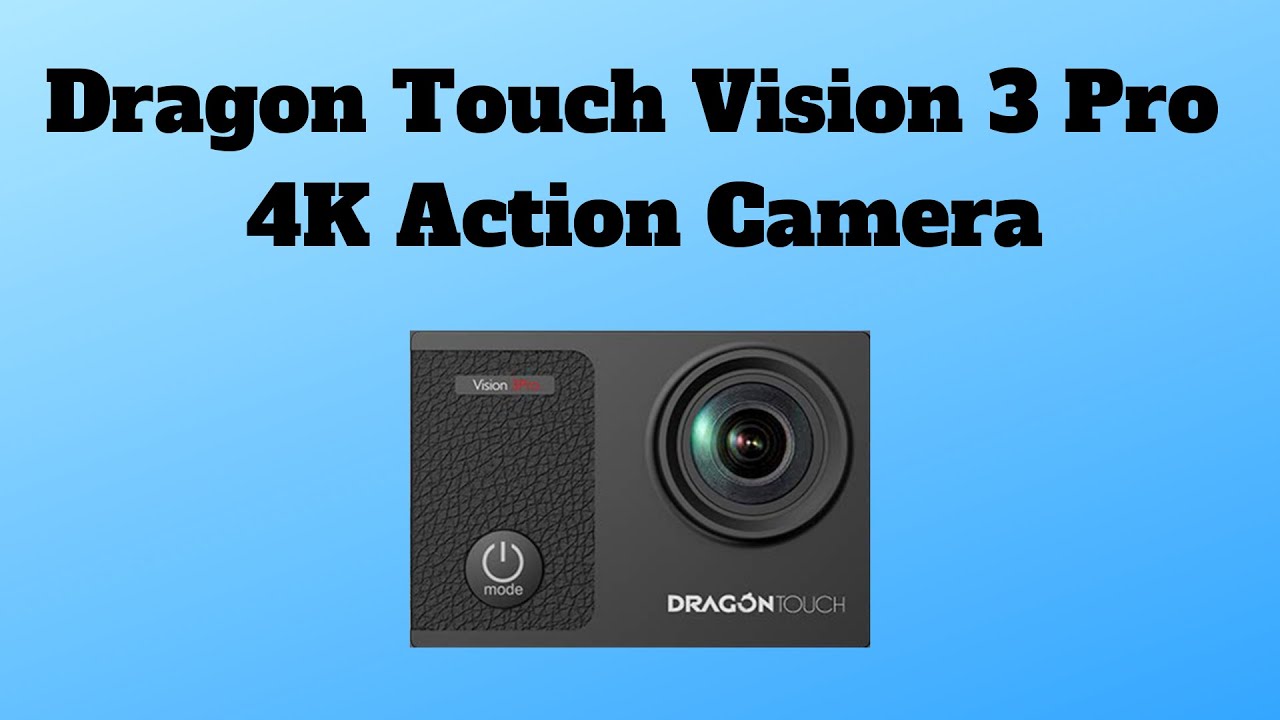
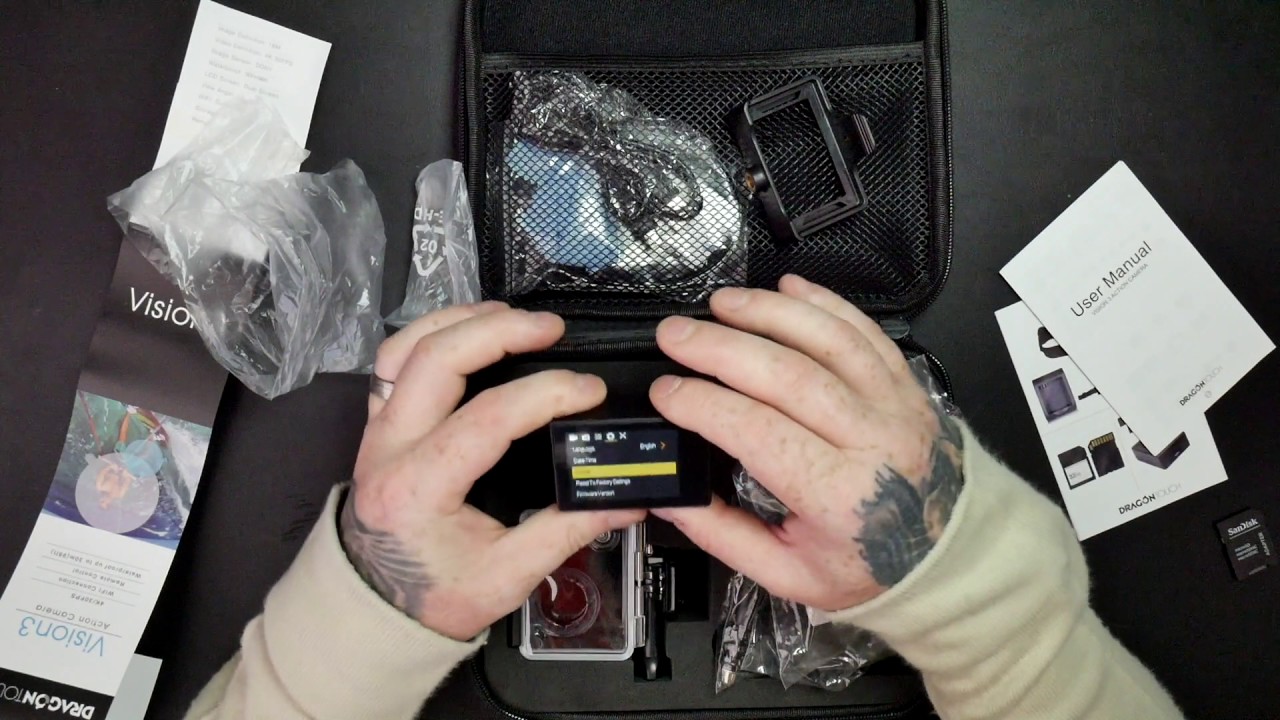
Dragon Touch Vision 3 Action Camera: setting
Автор: Dragon Touch
Загружено: 2018-02-04
Просмотров: 46587
Описание:
Product links:
Official Website: https://bit.ly/2PQihQQ
Amazon US: http://amzn.to/2E1eTis
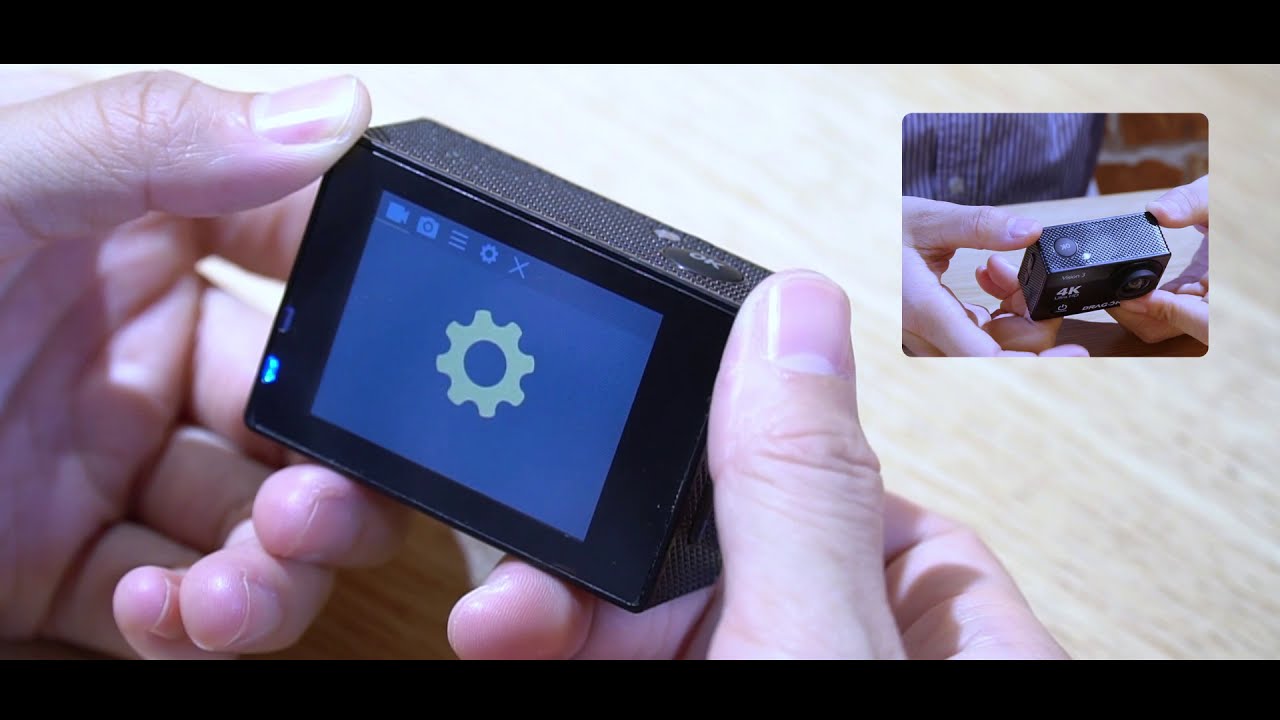
Camera Setting:
Click “Mode” button to turn on the camera
Click “Mode” button to switch between 5 modes: Video Mode, Photo Mode, Slow Motion, Play Back, Setting Mode
1. Loop recording is the process of recording audio continuously to an endless memory. This guarantees that the recorder will never miss an action in some live events such as live sports.
2. Time-Laps Record: Time-lapse photography is a technique whereby the frequency at which film frames are captured (the frame rate) is much lower than that used to view the sequence. When played at normal speed, time appears to be moving faster and thus lapsing.
3. Slow Motion: Slow motion is an effect in film-making whereby time appears to be slowed down.
4. Dramashot: Drama Shot lets you take a series of pictures of any moving subject and puts them together, so you can see the detailed action that’s seamlessly merged into one very dynamic photo.
5. Driving Mode: Driving mode to have the camera turn on and off automatically when you turn your car on and off.
For more from DragonTouch, follow us:
Facebook: / dragontouch.fans
Twitter: / dragontouch_
Instagram: / dragontouch_official
Official Website: https://www.dragontouch.com/
#DragonTouch
Повторяем попытку...
Доступные форматы для скачивания:
Скачать видео
-
Информация по загрузке: