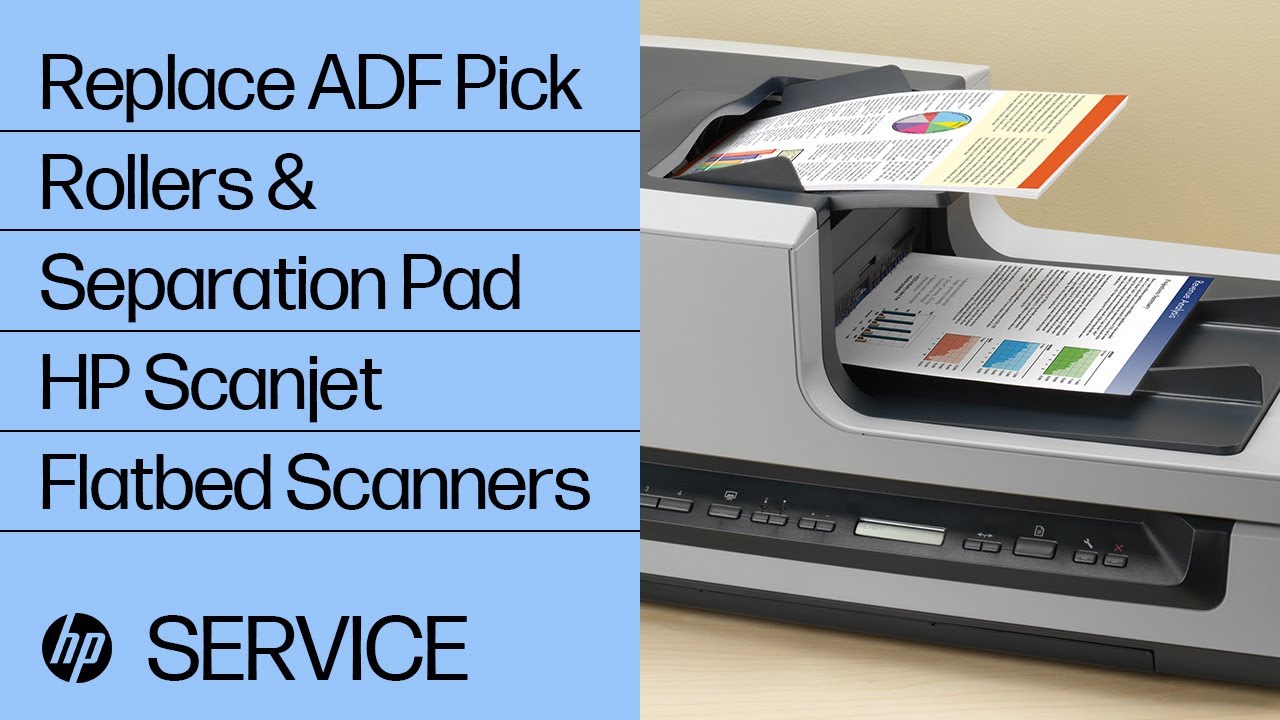
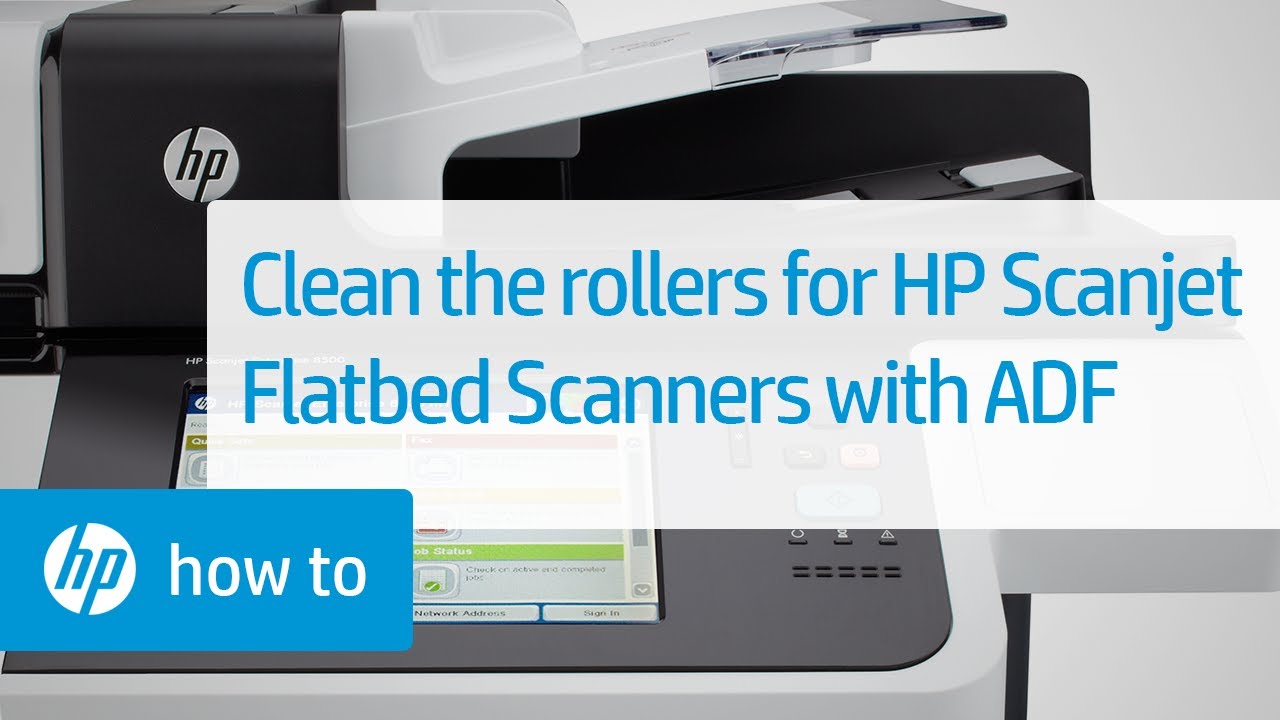
Fixing Paper Jams on HP Scanjet Flatbed Scanners with an ADF | HP Scanjet | HP
Автор: HP Support
Загружено: 2013-11-04
Просмотров: 36114
Описание:
Learn how to resolve a paper jam in the automatic document feeder (ADF) on HP Scanjet Flatbed Scanners with an ADF. An optional process called flossing the ADF will also be demonstrated.
The steps shown apply to these scanners:
HP Scanjet Enterprise 8500 fn 1
HP Scanjet N9120
HP Scanjet 5590
HP Scanjet 8270
HP Scanjet N6310
HP Scanjet N6350
HP Scanjet 7500
HP Scanjet Enterprise 7500
HP Scanjet N8420
HP Scanjet N8460
For other helpful videos go to hp.com/supportvideos or / hpsupport . More support options for your printers and scanners are available at hp.com/support.
#HP #HPSupport #HPScanjet
SUBSCRIBE: http://bit.ly/PrinterSupport
SHOP NOW: http://store.hp.com/us/en/
About HP:
HP Inc. creates technology that makes life better for everyone everywhere — every person, every organization, and every community around the globe. Through our portfolio of printers, PCs, mobile devices, solutions, and services, we engineer experiences that amaze.
Connect with HP:
Visit HP WEBSITE: http://www.hp.com
Like HP on FACEBOOK: / hp
Follow HP on TWITTER: / hp
Follow HP on INSTAGRAM: / hp
Follow HP on LINKEDIN: / hp
This video was produced by HP.
Fixing Paper Jams on HP Scanjet Flatbed Scanners with an ADF | HP Scanjet | HP
Повторяем попытку...

Доступные форматы для скачивания:
Скачать видео
-
Информация по загрузке: