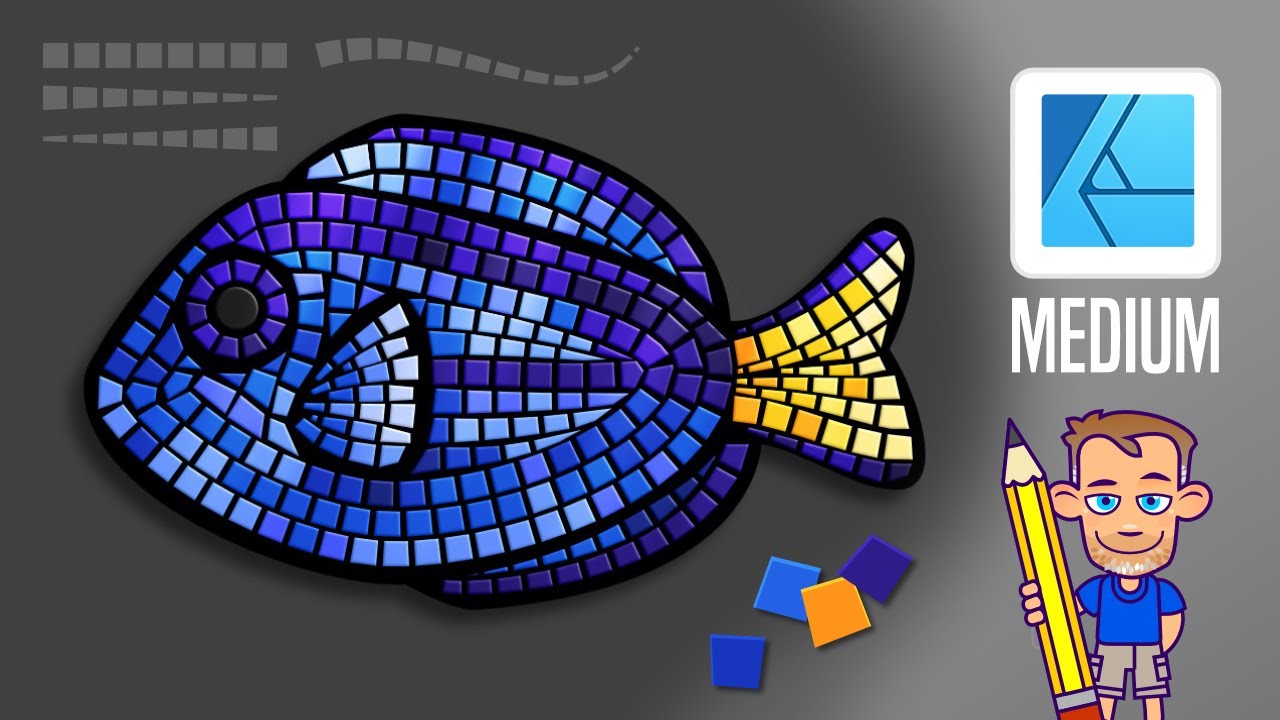
Affinity Designer Tutorial - Creating a Mosaic Effect with dashed lines
Автор: 2dgameartguru
Загружено: 2024-04-28
Просмотров: 3033
Описание:
In this more advanced video, I create a somewhat realistic-looking mosaic effect in Affinity Designer using dashed lines and pressure curves.
Starting with the rough shape of a Blue Tang [aka Dory fish] using circles and the node tool, I create a mosaic pattern using dashed lines. Dashed lines don't allow pressure curve adjustments. In order to work around that issue, I created lines with two strokes. By using lines matching the shape of the fish, I bend the mosaic pattern, fill in smaller shapes with the Pen Tool, and finally separate all into individual tiles to colour with the Colour Picker Tool. The final touches are a 3D fx to give the tiles depth and shapes set to overlay for more colour variation/ shine.
Enjoy!
See more Affinity Designer and Inkscape tutorials on the website at http://2dgameartguru.com.
Повторяем попытку...
Доступные форматы для скачивания:
Скачать видео
-
Информация по загрузке: