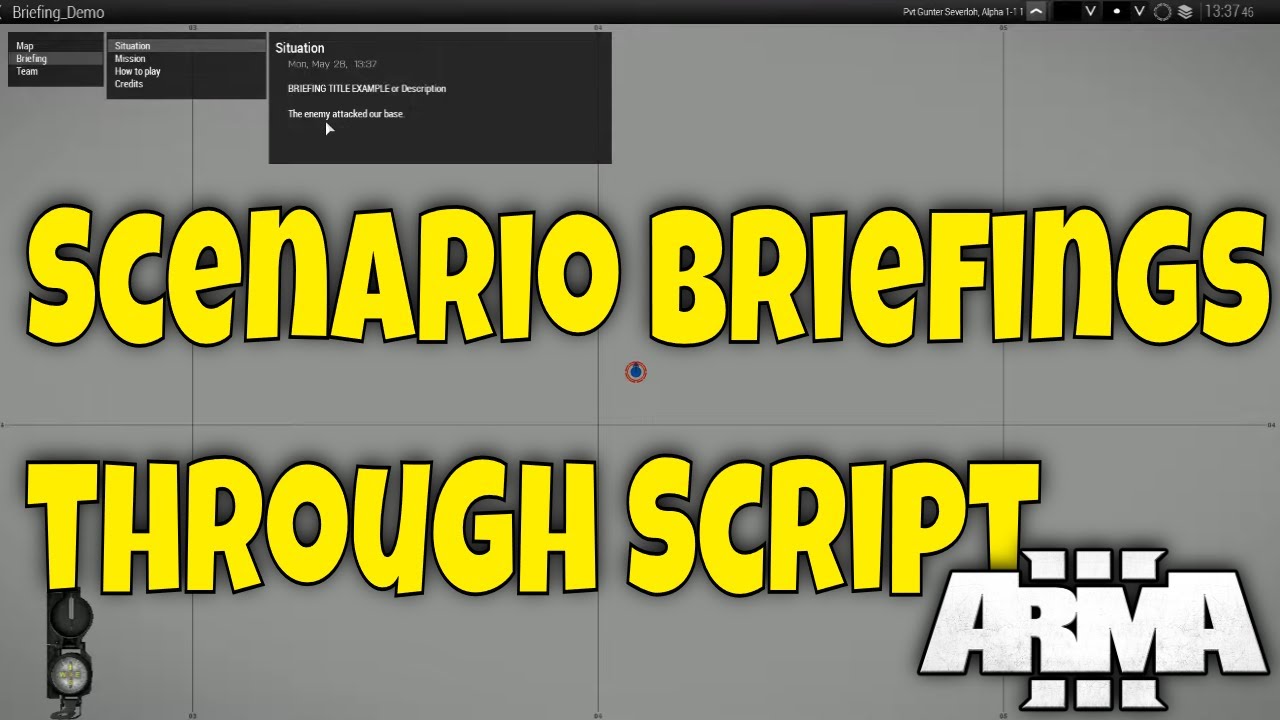
Create a Briefing for your Scenarios in Arma 3!
Автор: Гюнтер Severloh
Загружено: 2019-08-04
Просмотров: 7296
Описание:
In this tutorial i will show you how to use the briefing template you can download,
and implement it into your mission for Arma 3.
Theres also a written guide with time stamps down below.
=================================
DOWNLOAD BRIEFING TEMPLATE HERE:
=================================
https://drive.google.com/open?id=103r...
Timestamps
0:00 Introduction
0:11 Step 1 Download the briefing template
0:46 Step 2 Briefing Overview
3:36 Step 2A Creating another Section or Tab
4:54 Step 2B Naming a Section or Tab
6:07 Step 3 Creating the initPlayerLocal.sqf
8:26 Step 4 Move the scripts
9:19 Step 4A Locate your mission folder
10:34 Step 5 Test briefing ingame
=============
WRITTEN GUIDE
=============
Step 1 - 0:11 Download the Briefing Template
=====================================
After you download the zip file for the briefing template, you will need winzip, winrar, or 7zip to open and extract the zip file.
The extracted file will be the Briefing.sqf
Step 2 - 0:46 Briefing Overview
=========================
Open the Briefing.sqf with either notepad, wordpad, or notepad++
Once open:
The top of the script is at the bottom, and bottom is at the top, thats just how its
coded but ingame it reads normal where it reads from top down.
Titles and breaks, are coded and
create a space between description and other lines.
Step 2A - 3:36 Creating another Section or Tab
=====================================
Take an existing section or tab highlight it, press control C
and then make space to paste into a new area by pressing control v to paste.
Step 2B - 4:54 Naming a Section or Tab
================================
Naming a section or tab, is done by locating the title at the end of the code seen here:
_sit = player createDiaryRecord ["diary", ["Situation","
change the word situation to what you want, save and ingame the name will not only title a tab but enable a tab or section to be created in the briefing, if you miss this part then the previous tab will combine with it.
Step 3 - 6:07 Creating the initPlayerLocal.sqf
====================================
To start open a notepad, wordpad, or a notepad++ document and type or
paste the following code in it:
_null = [] execVM "Briefing.sqf"; // Briefing tabs
Save as: initPlayerLocal.sqf
Step 4 - 8:26 Move the Briefing.sqf and the initPlayerLocal.sqf
to your mission's folder
==================================================
In the video i go into the editor, and place a unit, save the mission,
and then return to the desktop, now i will locate the folder for the mission i just created.
Step 4A - 9:19 Locate your mission folder
=================================
Your mission should be located here if its singleplayer:
C:\Users\Username\Documents\Arma 3\missions
Step 5 - 10:34 Test the briefing ingame
================================
Enter the game, go to the editor, open your mission and play it, go to your map,
and at the top left in the tab you should see the word briefing, click on that and
you should see the 4 tabs there that we created in the script.
================
Music used in the video:
ArmA 3 Apex Theme by Jeremiah Rose
To the top by Silent Partner
Arma 3 Codes Playlist
• Arma 3 Codes
Arma 3 Code Snippets Playlist
• Arma 3 Code Snippets
Arma 3 Scripts Playlist
• Arma 3 Scripts
Arma 3 Tutorials Playlist
• Arma 3 Tutorials
#arma3missionmaking #arma3editor #Arma3 #Arma3Editing
#Arma3MissionMaking #Arma3EdenEditor
#Arma3Script #arma3sqf
My Computer Specs
---------------------------------
Intel Core i7-7700K Kaby Lake Quad-Core 4.2 GHz
EVGA Z270 FTW K
EVGA XC BLACK GeForce RTX 2060 12GB
G.SKILL Ripjaws V Series 32GB (4 x 8GB)3600mhz
EVGA SuperNOVA 1000w P2 220-P2-1000-XR
Cryorig H7 Tower Cooler
"This video was created using content of Bohemia Interactive a.s."
"Copyright © 2025 Bohemia Interactive a.s. All rights reserved."
"See www.bistudio.com for more information."
Повторяем попытку...
Доступные форматы для скачивания:
Скачать видео
-
Информация по загрузке:


