Скачать
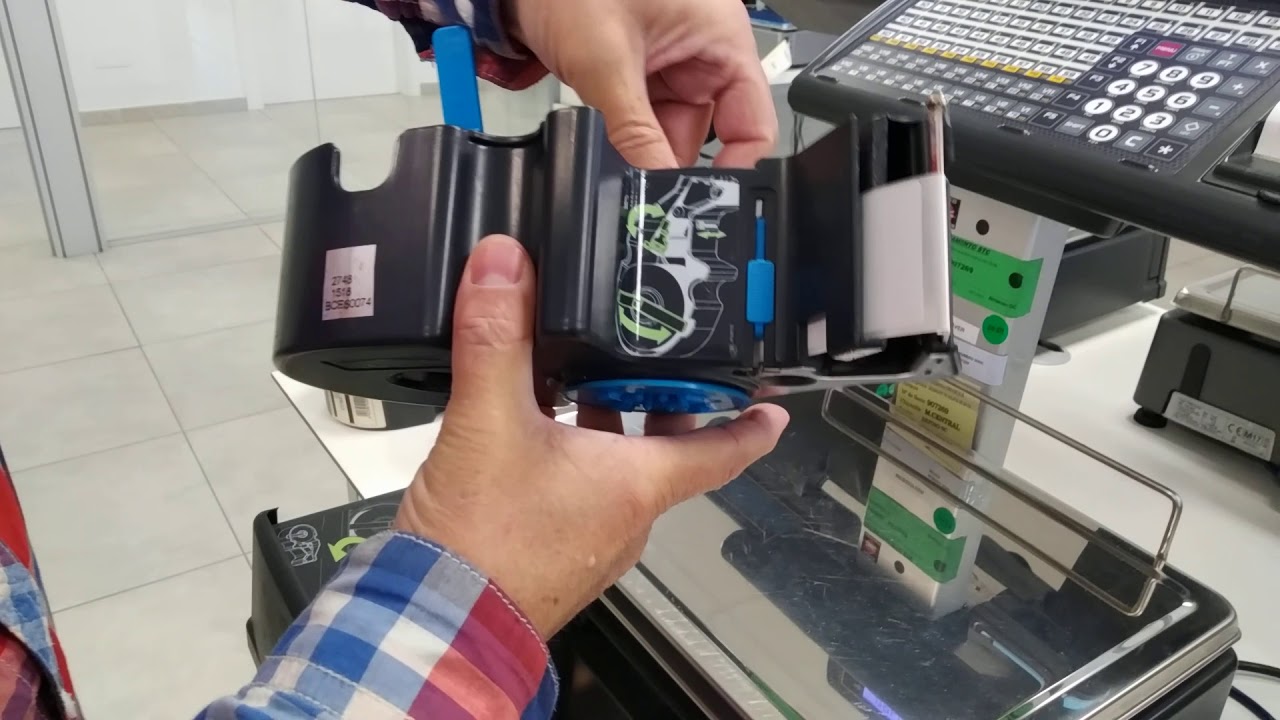
Dibal Weighing Scales 500Range Opto Label Calibration Manual
Автор: TechTactics
Загружено: 2021-01-11
Просмотров: 6865
Описание:
This video show how to calibrate the label follow your label size.
This is manual calibration for Dibal Weighing Scales.
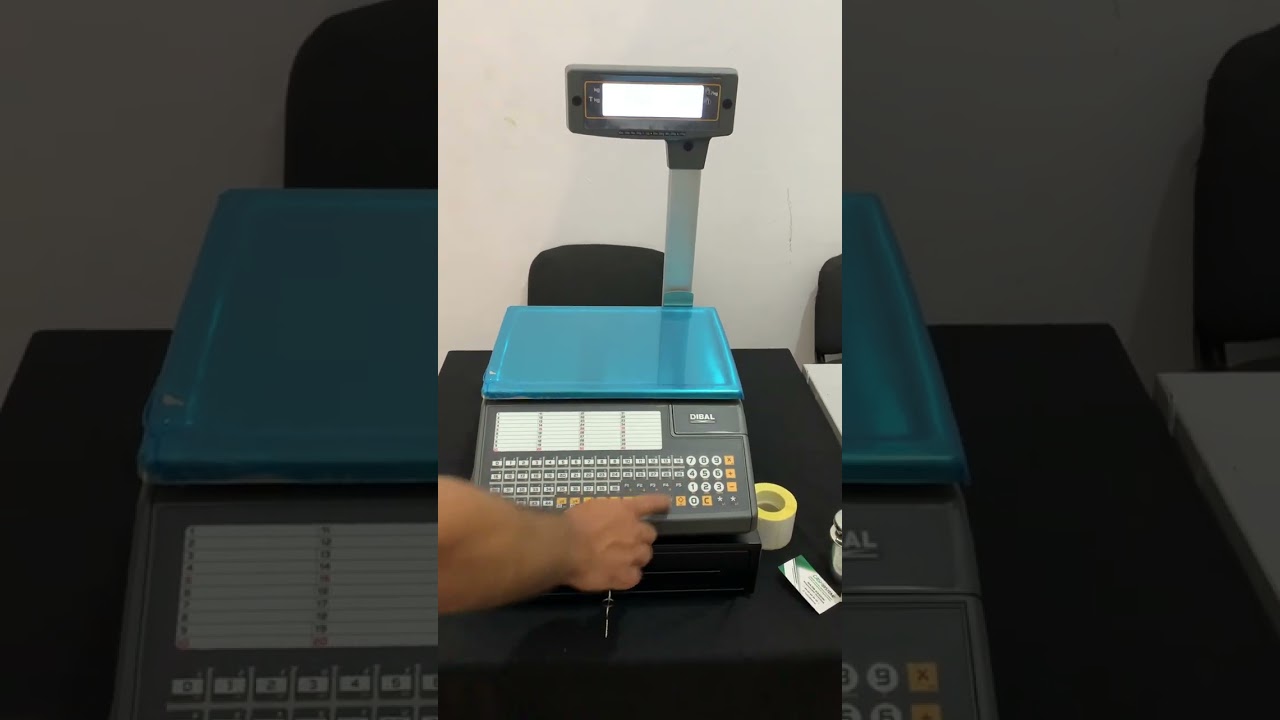
1. Enter test & adjustment mode
2. Push F4 button to enter label calibration mode
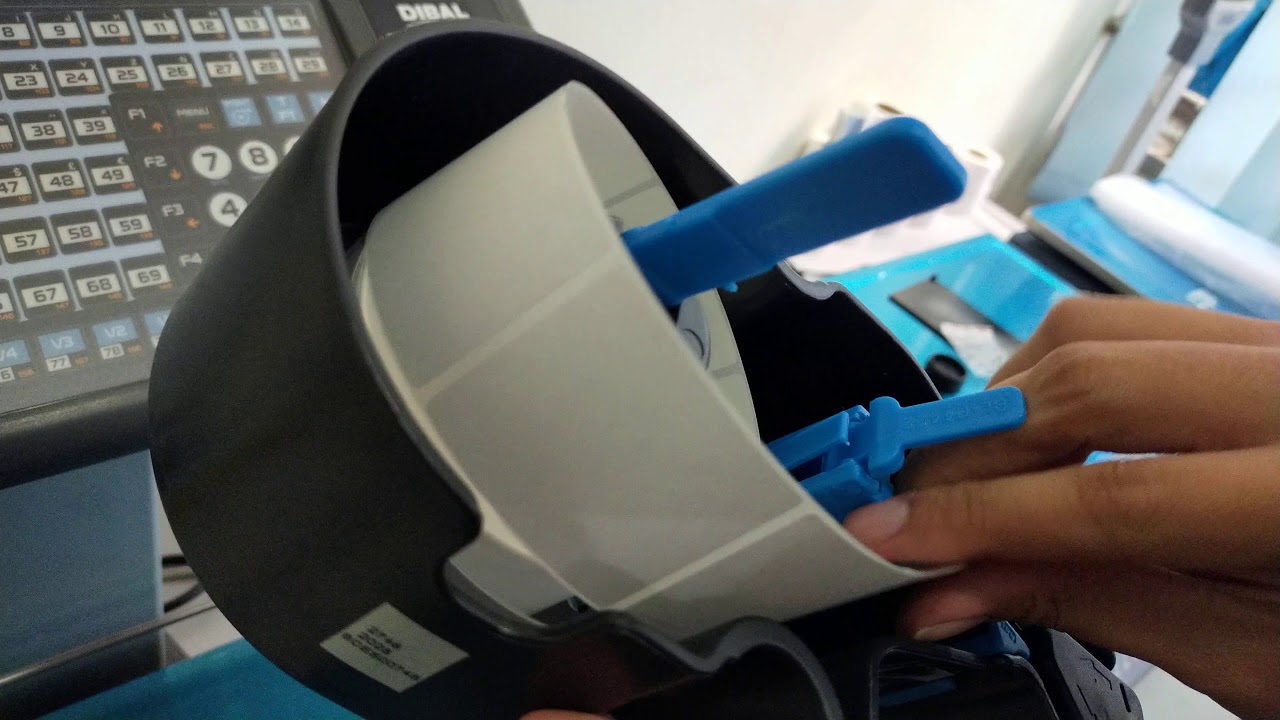
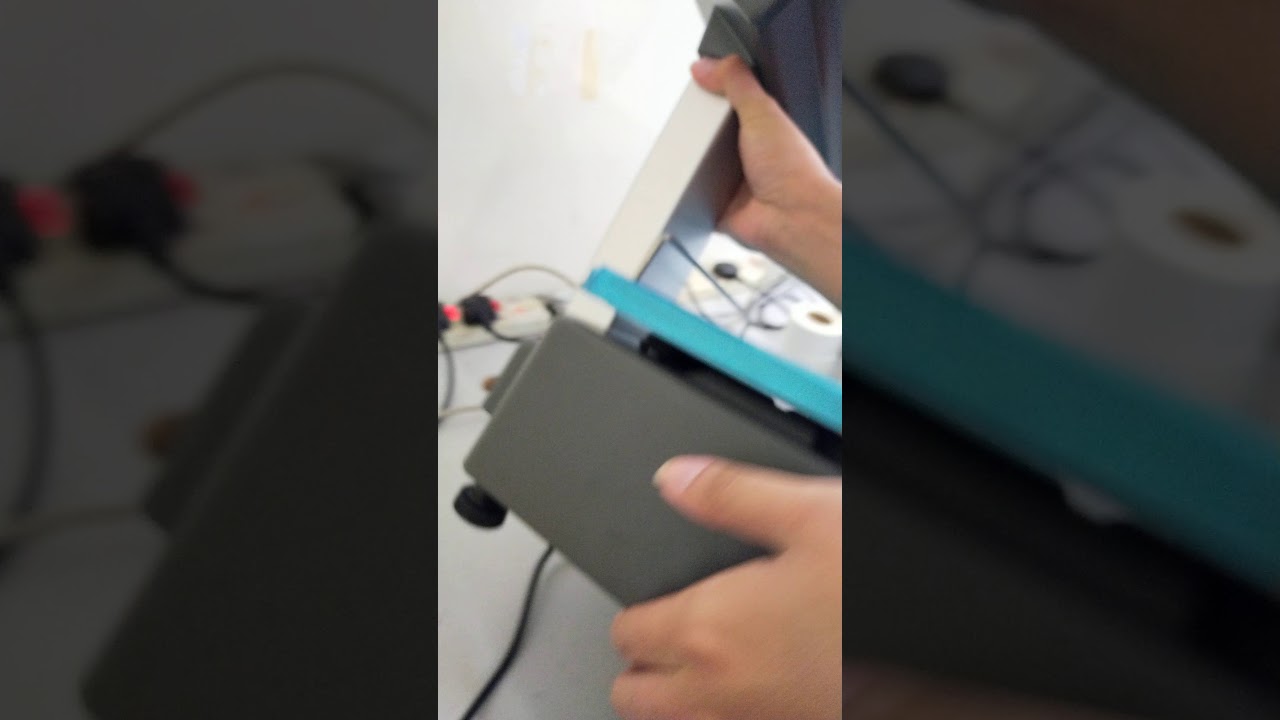
3. Put back sticker paper on opto without sticker paper
4. Read the result and note it. (e.g : 140)
5. Move the label with sticker to opto sensor
6. Read the result and note it. (e.g: 225)
7. Result without sticker + result with sticker and devide by 2
8. (140 + 225 ) / 2
9. Enter the result & Enter to save.
10. Done
But Me A Coffee :
https://donorbox.org/buy-me-a-coffee-44
Не удается загрузить Youtube-плеер. Проверьте блокировку Youtube в вашей сети.
Повторяем попытку...
Повторяем попытку...
Доступные форматы для скачивания:
Скачать видео
-
Информация по загрузке: