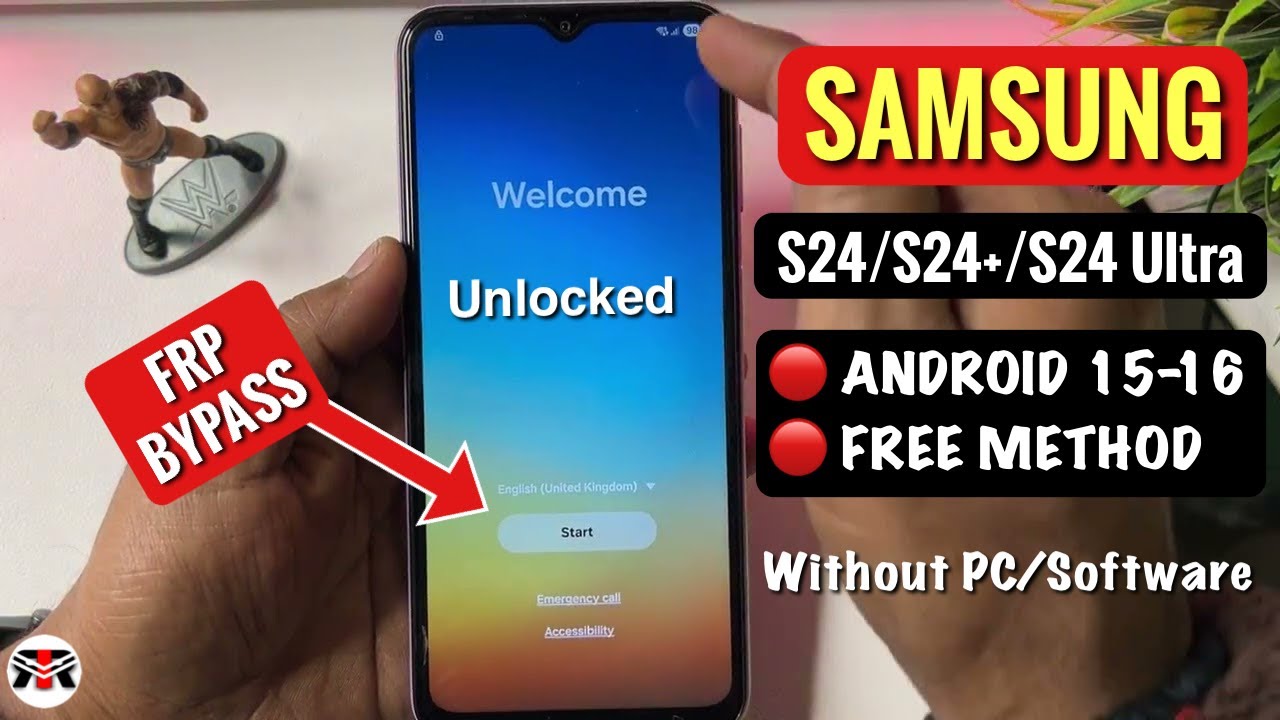
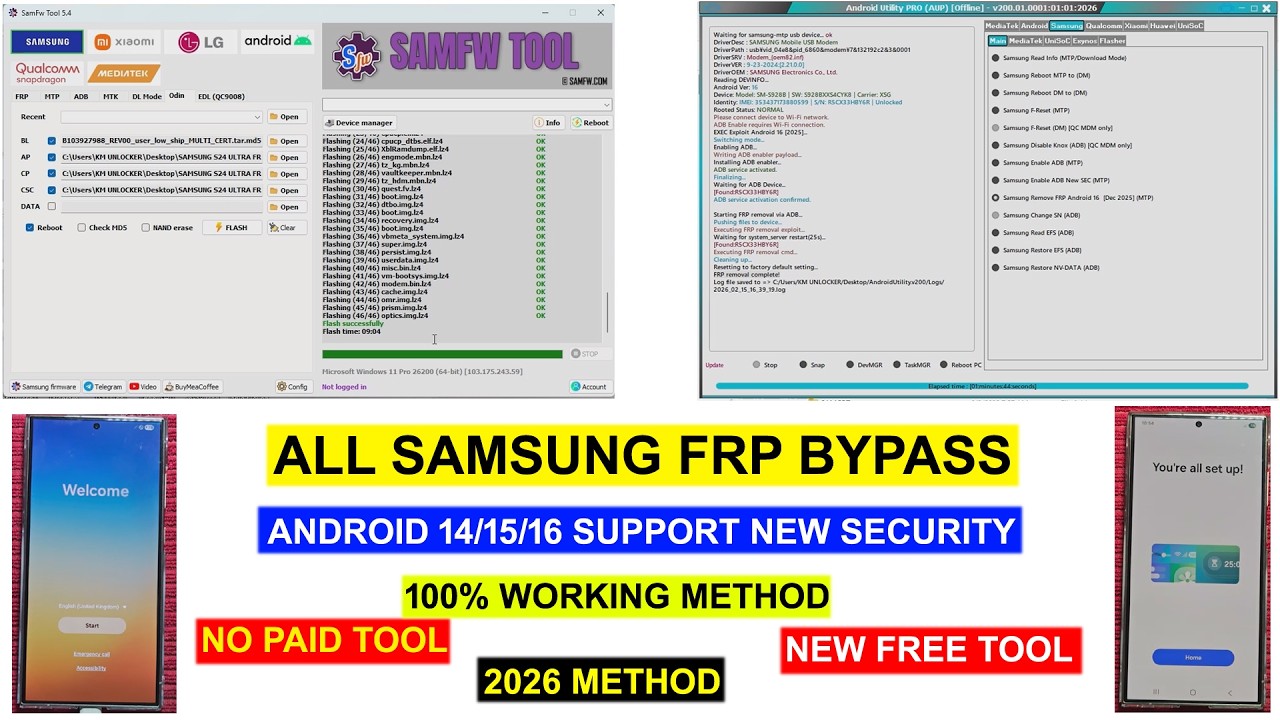
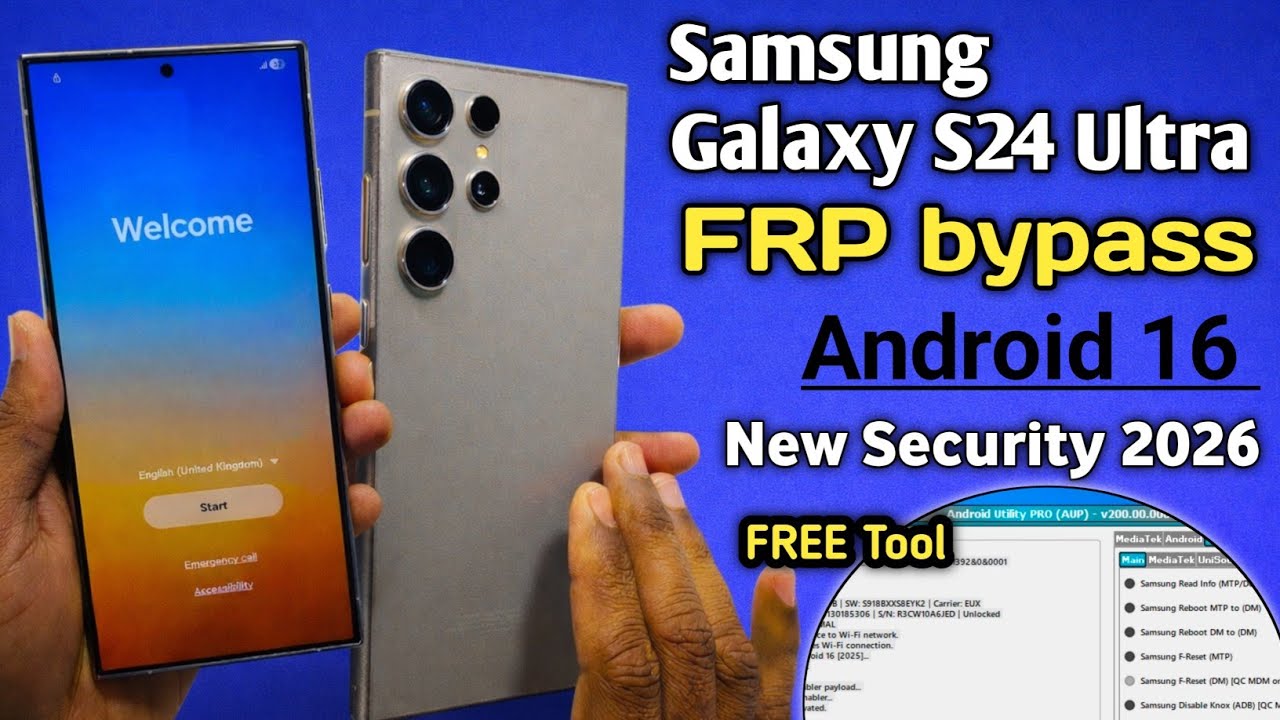
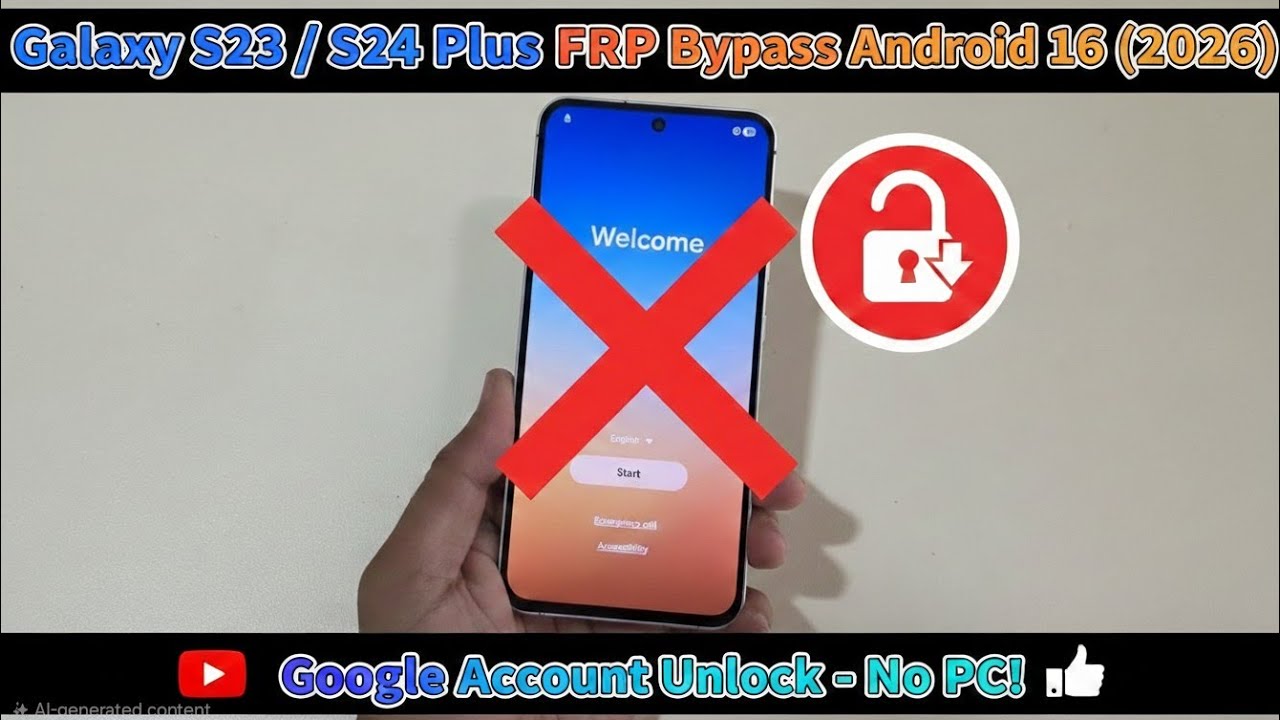
Galaxy S24 Plus FRP Bypass Android 16 (2026) | One Click Unlock - No PC Method 🔥
Автор: Jame shirin tech
Загружено: 2026-02-12
Просмотров: 182
Описание:
Hello everyone! If you are stuck on the "Google Account Verification" screen after a factory reset on your Samsung Galaxy S24 Plus, this video is for you.
In this guide, I will show you the 2026 latest "One Click" method to bypass FRP (Factory Reset Protection) on the new Android 16 update. This method is fast, easy, and requires No PC / No Computer.
✅ Key Features:
Latest Security: Works on February 2026 Security Patch.
One Click Method: Easiest way to bypass without complex software.
No PC Required: Everything is done directly on the phone.
Supported Models: Galaxy S24, S24 Plus, and S24 Ultra.
📌 Steps Covered:
Connecting to Wi-Fi and reaching the Welcome screen.
Triggering the hidden "Accessibility" or "Emergency" exploit.
Accessing the browser to launch the bypass settings.
Final step to unlock the device into the Home Screen.
⚠️ Disclaimer: This video is for educational purposes only. Use this method only on your own devices if you have forgotten your password.
#SamsungS24Plus #FRPBypass2026 #Android16Unlock #OneClickFRP #SamsungGoogleAccount #S24Ultra #NoPCMethod #SamsungS24Series
Повторяем попытку...
Доступные форматы для скачивания:
Скачать видео
-
Информация по загрузке: