How to Control TV Volume on Xbox Series X Settings (TV Volume up or Down)
Автор: YourSixTech
Загружено: 2024-06-28
Просмотров: 24940
Описание:
You can conveniently control your TV volume directly through your Xbox Series X|S by following these steps:
Press the Xbox button on your controller to open the guide menu.
Navigate to the tab for Profile & system and select Settings.
Highlight General and select TV & display options.
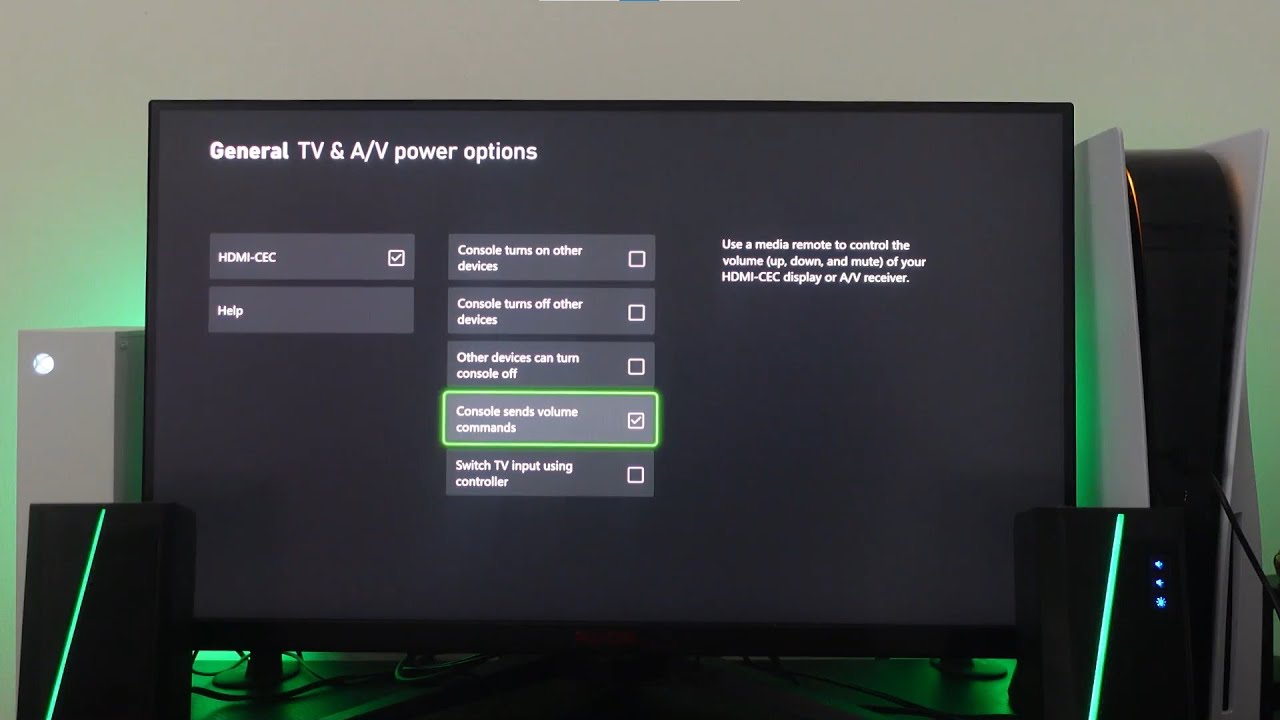
From here, select Device control.
Ensure that HDMI-CEC is enabled.
Select Console sends volume commands to activate this feature.
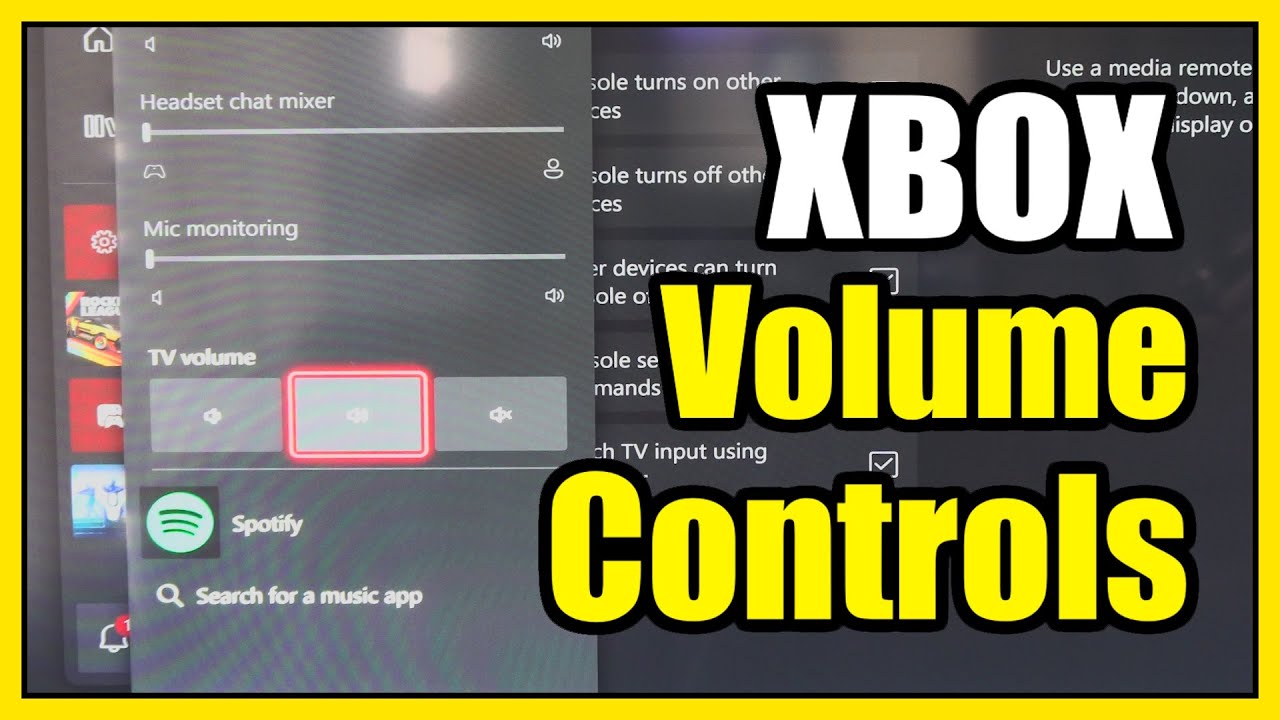
Once you’ve enabled this setting, you’ll be able to adjust your TV volume using your Xbox Series X|S controller. No more juggling between remotes—just seamless control!
...
Twitter: https://twitter.com/YourSixStudios?la...
Twitch: / yoursixstudios
Discord: / discord
Instagram: / yoursixstudios -
((( Subscribe to my LIVE STREAMING )))
((( Gaming Channel "YourSixGaming" )))
/ @yoursixgaming ...
((( Subscribe to my ADVENTURE CHANNEL )))
((( Travel, Cameras & More "YourSixAdventures)))
/ @yoursixadventures
Повторяем попытку...
Доступные форматы для скачивания:
Скачать видео
-
Информация по загрузке: