Scrivener 1 for Windows: Customising the Toolbars
Автор: Juliet Boyd - Tech Tutorials for Authors
Загружено: 2021-01-15
Просмотров: 371
Описание:
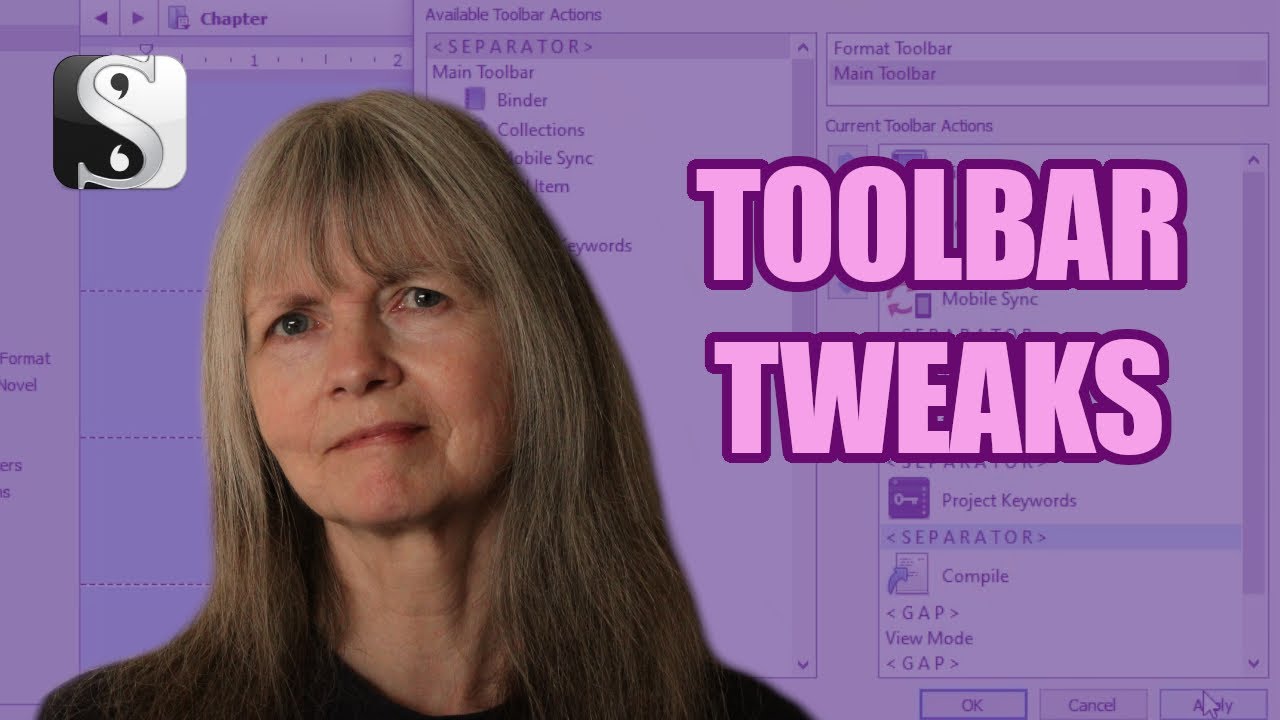
There are many default items on the toolbars in applications that we never use. Sometimes, it's good to put what you need there instead. Here's how to do that in Scrivener for Windows.
00:00 How to Customise Your Toolbar in Scrivener for Windows
00:14 The Two Toolbars
00:24 Opening the Customiser and Features
00:54 Removing an Item from the Toolbar
01:05 Adding an Item to the Toolbar
01:19 Rearraging Items on the Toolbar
🎥 Subscribe for future videos like this: / @techtutorialsforauthors
This is the equipment I use to record my videos and my audiobooks. They're Amazon affiliate links, so I'll get a small commission if you decide to buy after clicking through. This won’t affect the price you pay.
Blue Yeti mic
Amazon UK: https://amzn.to/2ZbwduD
Amazon US: https://amzn.to/3bEaRIH
Earamble pop filter
Amazon UK: https://amzn.to/2yWEsQy
Amazon US: https://amzn.to/2zIclEz
Canon EOS 4000D camera
Amazon UK: https://amzn.to/2XMWk9B
Amazon US: https://amzn.to/3ku3Dg4
Find out about my writing on my website:
🌍 https://www.julietboyd.com
Subscribe to my kids’ channel for middle grade book reviews and writing prompts:
📖 / @middlegradebookreviewsforkids
See you again soon.
#scrivenerforwindows #scrivenertutorial #scrivenerforbeginners
Повторяем попытку...
Доступные форматы для скачивания:
Скачать видео
-
Информация по загрузке: