How to Create SRT Subtitles and Captions in Premiere Pro CC - Open Captions in Premiere Pro CC
Автор: David Mbugua
Загружено: 2020-12-21
Просмотров: 18080
Описание:
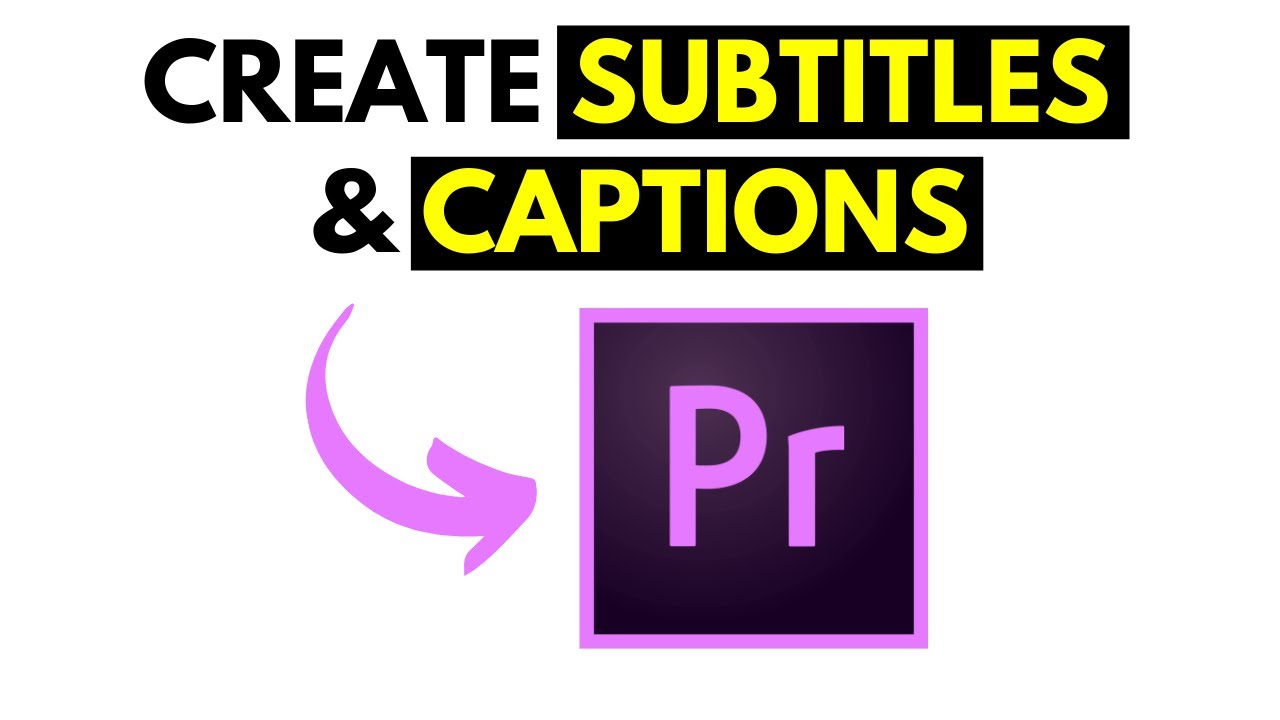
In this video, I'll show you how to Create Subtitles and Captions in Premiere Pro CC.
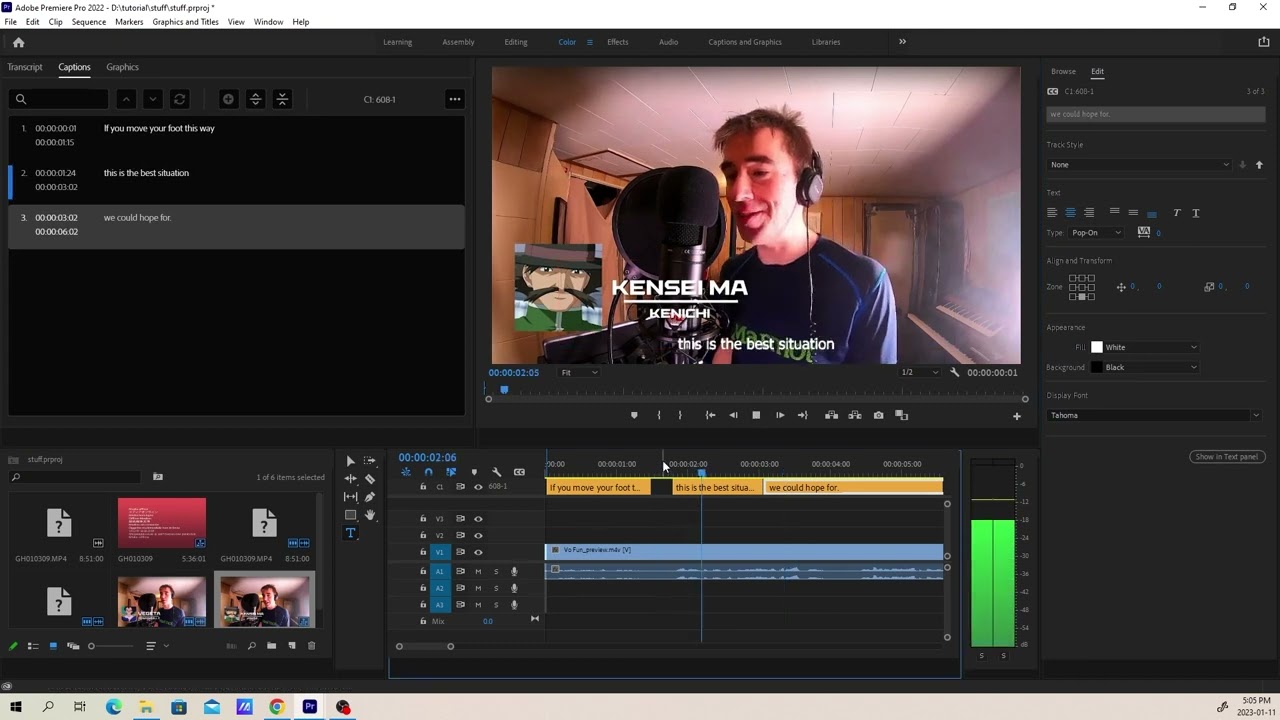
By the end of this video, you should be able to import a video in Premiere Pro, Create Open Captions and finally export your Subtitles and Captions as SRT subtitles.
Get my Captioning Course 👉 http://bit.ly/VideoCaptioningCourse
Watch More Premiere Pro Tutorials
👉 How to Export Only Captions or Subtitles From Premiere Pro as SRT Subtitle or Text File
• How to Export Only Captions or Subtitles F...
👉 How to Change the Background Style Fill Mode for Subtitles in Adobe Premiere Pro CC
• How to Change the Background Style Fill Mo...
👉 How to Add a Background to Your Subtitles in Adobe Premiere Pro CC
• How to Add a Background to Your Subtitles ...
👉 How to Fix File Importer Detected Inconsistency Error In Adobe Premiere Pro
• How to Fix File Importer Detected Inconsis...
👉 How to Quickly Export a Video In Premiere Pro CC 2021 [Quick Export Feature]
• How to Quickly Export a Video In Premiere ...
👉 How to Add Subtitles or Closed Captions to a Video in Premiere Pro CC 2020 Version 15 New Interface
• How to Add Subtitles or Closed Captions to...
👉 How to Burn Subtitles or Captions Into Video in Premiere Pro CC 2021
• How to Burn Subtitles or Captions Into Vid...
👉 How to Import Subtitles In Adobe Premiere Pro CC 2021 - [Styling and Burn Subtitle Into Video]
• How to Import Subtitles In Adobe Premiere ...
👉 How to Create Subtitles and Captions in Premiere Pro CC - Open Captions in Premiere Pro CC
• How to Create SRT Subtitles and Captions i...
👉 How to Quickly Synchronize SRT Subtitles and Captions in Premiere Pro CC
• How to Quickly Synchronize SRT Subtitles a...
Повторяем попытку...
Доступные форматы для скачивания:
Скачать видео
-
Информация по загрузке:








![How to Import Subtitles In Adobe Premiere Pro CC 2021 - [Styling and Burn Subtitle Into Video]](https://imager.clipsaver.ru/0tA0YQqDHAI/max.jpg)