How to use Airtable Related Fields in a WeWeb app
Автор: WeWeb
Загружено: 2024-02-20
Просмотров: 671
Описание:
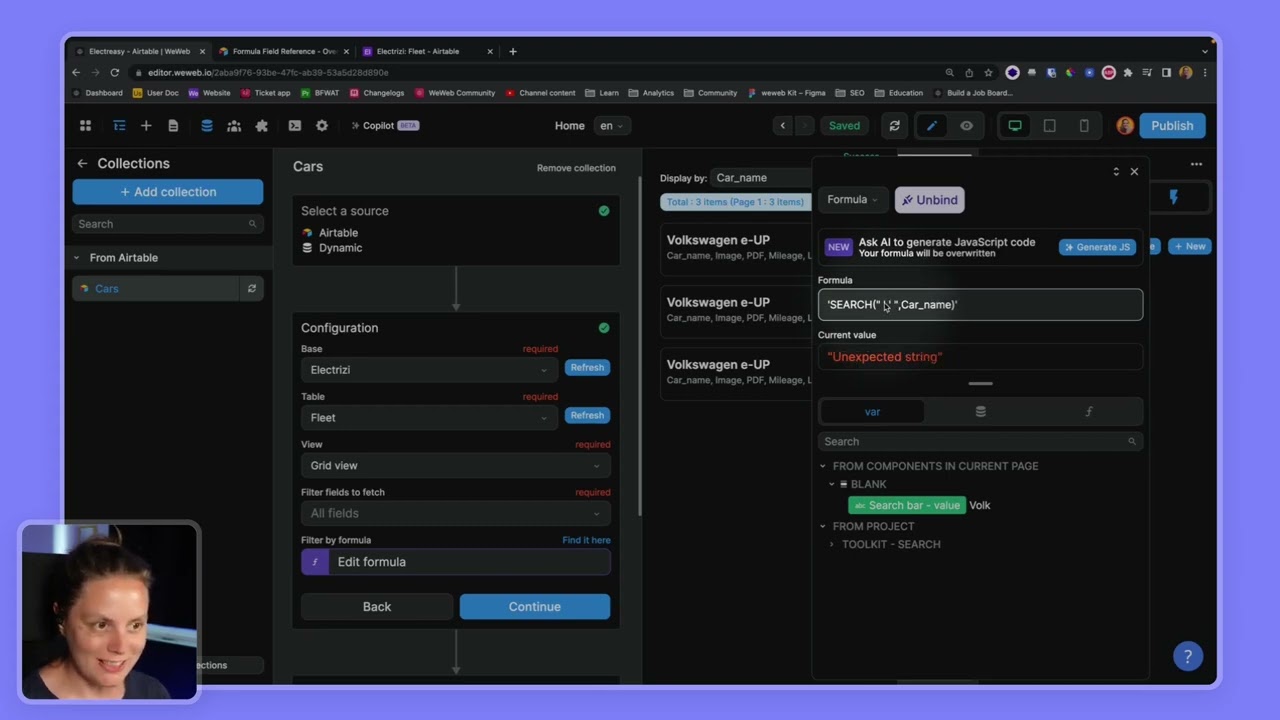
This video covers the process of integrating related fields from Airtable into a We Web application, focusing on:
• Understanding and working with related fields in Airtable and We Web
• Creating a new collection in We Web to pull region data from Airtable
• Using lookup formulas to display meaningful data instead of IDs
• Implementing and configuring a dropdown menu to filter properties by region
• Setting up filters and workflows to dynamically update the property list based on the selected region
Documentation:
➡ https://docs.weweb.io/plugins/data-so...
* * * *
Subscribe to our channel to be the first to hear about new video releases! 🙂 / @weweb
WeWeb is a no-code platform that empowers anyone to create pixel-perfect frontends on top of any backend without vendor lock-in. Why limit yourself by a monolithic architecture? Our mission is to enable you to build scalable web applications 10x faster. Whether you're a first-time entrepreneur or an enterprise-grade company, you can turn your ideas into fully functional, scalable solutions — faster and cheaper than you could with just code.
Have a question? Please visit https://support.weweb.io/.
Learn more about WeWeb:
🏠 Homepage: https://weweb.io/
📣 Twitter: https://x.com/weweb_io
❤️ Community: https://community.weweb.io/
Chapters -
00:01 Introduction
00:42 Understanding Related Fields
01:21 Creating a New Collection
02:00 Using Lookup Formulas
03:22 Displaying Correct Region Names
04:08 Setting Up Dropdowns
05:49 Configuring Dropdown Options
07:09 Setting Default Values
07:53 Implementing Filtering
08:37 Creating a Workflow for Dropdown Changes
09:16 Conclusion
#weweb #airtable #backend #frontend #nocode #integration
Повторяем попытку...

Доступные форматы для скачивания:
Скачать видео
-
Информация по загрузке: