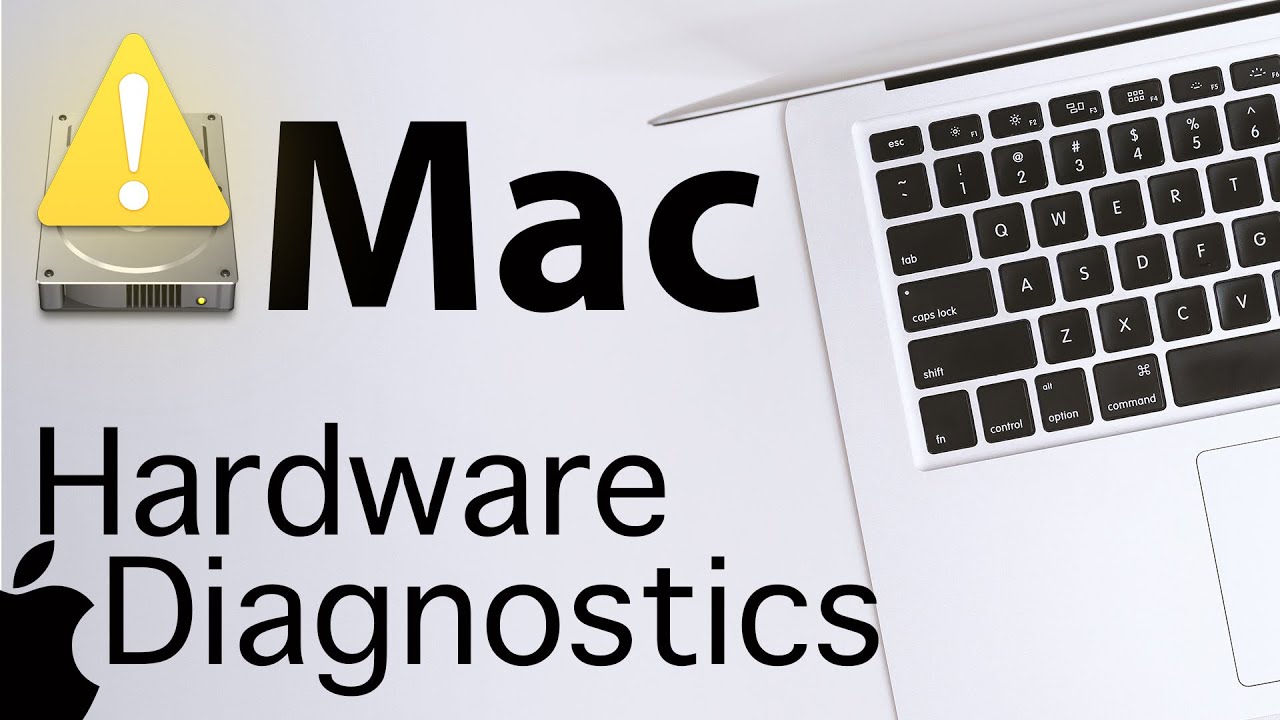
How to Test Mac Hardware using Apple Hardware Diagnostics Tool - How well is your Mac Working?
Автор: Apple Ninja
Загружено: 2020-02-01
Просмотров: 94168
Описание:
How well is your Mac running? When was the last time you ran the Mac Hardware Diagnostics? This is a MUST KNOW for every Mac User!
SUBSCRIBE & HIT THE 🔔 / appleninja
Video link:
I will show how to Boot your Mac into Apple Diagnostics:
The Easy Way with Key Commands - Local & Internet Diagnostics
The Command Line Way from within the MacOS (Super AWESOME!)
I will show how to connect to Apple Diagnostics over the Internet when Apple Diagnostics doesn't start off the local Diagnostics.
What Does Apple Diagnostics Cover:
***Apple Diagnostics will run a multitude of tests to confirm each of the below components.
Wi-Fi hardware
Camera
USB Hardware
Keyboard
Bluetooth Hardware
Trackpad
Thunderbolt Hardware
Set Serial Number
System Management Controller (SMC)
Firmware
Fan
Memory Module
Onboard Memory
Power Adapter
Processor
Battery
SD Card Reader
Storage Device
Ability to Start OS X Recovery
Display
Graphics Processor
Audio Hardware
The tool you use depends on your Mac model and macOS version. To see the model and version, choose Apple menu - About This Mac.
If your Mac is from 2013 or later, use Apple Diagnostics, which is built into your Mac.
If your Mac is from 2012 or earlier and has OS X 10.8.4 or later, use Apple Hardware Test, which is built into your Mac.
If your Mac is from 2012 or earlier and has OS X 10.8.3 or earlier, use the system software disc or USB flash drive that came with your Mac.
*** Special Thanks To JÉSHOOTS on Pexels.com for the Mac Image!
Apple Diagnostics: Reference codes
ADP000
No issues found
CNW001
CNW003
CNW004
CNW005
CNW006
There may be an issue with the Wi-Fi hardware.
CNW007
CNW008
No Wi-Fi networks were detected. Either there are no Wi-Fi networks in range, or the Wi-Fi hardware may be having an issue.
NDC001
NDC003
NDC004
NDC005
NDC006
There may be an issue with the camera.
NDD001
There may be an issue with the USB hardware.
NDK001
NDK003
NDK004
There may be an issue with the keyboard.
NDL001
There may be an issue with the Bluetooth hardware.
NDR001
NDR003
NDR004
There may be an issue with the trackpad.
NDT001
NDT002
NDT003
NDT004
NDT005
NDT006
There may be an issue with the Thunderbolt hardware.
NNN001
A serial number was not detected.
PFM001
PFM002
PFM003
PFM004
PFM005
PFM006
PFM007
There may be an issue with the System Management Controller (SMC).
PFR001
There may be an issue with the computer's firmware.
PPF001
PPF003
PPF004
There may be an issue with the fan.
PPM001
There may be an issue with a memory module.
PPM002
PPM003
PPM004
PPM005
PPM006
PPM007
PPM008
PPM009
PPM010
PPM011
PPM012
PPM013
PPM014
PPM015
There may be an issue with the onboard memory.
PPP001
PPP002
PPP003
There may be an issue with the power adapter.
PPP007
The power adapter was not tested.
PPR001
There may be an issue with the processor.
PPT001
The battery was not detected.
PPT002
PPT003
The battery will need to be replaced soon. It is functioning normally, but holds less charge than it did when it was new.
PPT004
The battery requires service. The battery is not functioning normally, though you may not notice a change in its behavior or the amount of charge it holds. You can continue to use your battery before it’s checked without harming your computer.
PPT005
The battery is not installed properly. Shut down and discontinue use. The computer requires service.
PPT006
The battery requires service. The battery is not functioning normally, though you may not notice a change in its behavior or the amount of charge it holds. You can continue to use your battery before it’s checked without harming your computer.
PPT007
The battery needs to be replaced. The battery is functioning normally but holds significantly less charge than it did when it was new. You can continue to use the battery until you replace it, without harming your computer.
VDC001
VDC003
VDC004
VDC005
VDC006
VDC007
There may be an issue with the SD card reader.
VDH002
VDH004
There may be an issue with a storage device.
VDH005
Unable to start OS X Recovery.
VFD001
VFD002
VFD003
VFD004
VFD005
VFD007
There may be an issue with the display.
VFD006
There may be an issue with the graphics processor.
VFF001
There may be an issue with the audio hardware.
Apple Site References:
How to use Apple Hardware Test
https://support.apple.com/en-us/HT201257
How to use Apple Diagnostics on your Mac
https://support.apple.com/en-us/HT202731
Apple Diagnostics: Reference codes
https://support.apple.com/en-us/HT203747
Diagnose problems with your Mac
https://support.apple.com/guide/mac-h...
Apple Ninja Site of the Week! (Extremely Useful Blogs and Sites):
This Awesome Site owned by Rich Trouton has a Wealth of Information around Mac's in all Environments.
Der Flounder - Owner Rich Trouton
https://derflounder.wordpress.com
Повторяем попытку...
Доступные форматы для скачивания:
Скачать видео
-
Информация по загрузке:


![Как сжимаются изображения? [46 МБ ↘↘ 4,07 МБ] JPEG в деталях](https://image.4k-video.ru/id-video/Kv1Hiv3ox8I)


