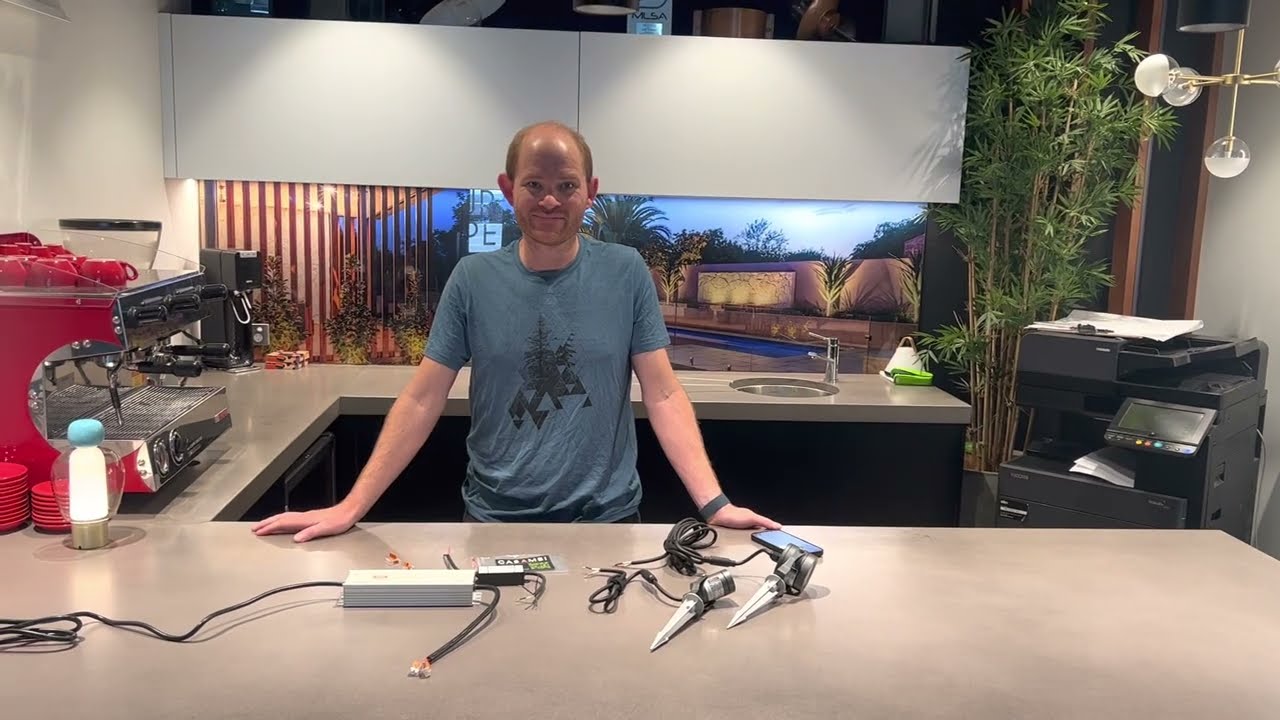
How To Set Up and Use The Casambi Bluetooth 4 Channel PWM Controller
Автор: aspectLED
Загружено: 2023-10-03
Просмотров: 10584
Описание:
The Casambi 4 Channel PWM Controller is controlled with the Casambi app which can be downloaded free from the Apple App Store and Google Play Store. Multiple Casambi controllers can be used from a simple one-light direct control to a complete and full-featured light control system where up to 127 of these units can form automatically an intelligent mesh network.
Check out other remotes and dimmers here:
• Dimmers
Go check out the Casambi here:
https://www.aspectled.com/casambi-4-c...
00:00 Introduction to Casambi PWM 4
Casambi PWM 4 is a Bluetooth-controlled LED controller.
Can be connected to 12 or 24v DC power, supporting RGBW, RGB color tuning, or single-channel LED lights.
Important consideration: Discusses wattage limits and how to overcome them using boosters.
01:40 Wiring Specifications and Wattage Limits
Overview of connecting Casambi PWM 4 to power supply and LED lights.
Emphasizes the 96-watt wattage limit and introduces the use of boosters for connecting multiple LED strips.
Provides a practical example of expanding the system to power three 4-in-1 LED strips with one controller.
02:10 Using the Casambi App
Explains the initial setup using the Casambi app on iOS.
Covers firmware updates and pairing the Casambi dimmer to a new network.
Demonstrates using sliders for dimming, adjusting white levels, choosing colors, and creating a palette for quick access.
03:33 System Expansion and Control Options
Highlights the ability to expand the Casambi system with multiple controllers.
Discusses grouping units into zones and controlling them simultaneously.
Mentions the option to use Express remotes for control, catering to users who prefer a remote over a smartphone.
Follow us!
Instagram: / aspectled
Facebook: / aspectled
Pinterest: / aspectled
Повторяем попытку...

Доступные форматы для скачивания:
Скачать видео
-
Информация по загрузке: