How to monitor your body signals with Vitals | Galaxy Watch9 | Samsung
Автор: Samsung
Загружено: 2026-07-22
Просмотров: 6700
Описание:
Stay in tune with your body—just by wearing the Galaxy Watch9.
With Galaxy Watch, Vitals works in the background while you sleep, tracking key body signals to help you understand how your body changes over time.
Simply wear your Galaxy Watch to bed and discover subtle changes in your body's signals that you might not notice on your own, along with personalized insights that help you better understand your overall health and wellness.
In this official video guide, learn how to set up and use Vitals to monitor your heart rate, blood oxygen, skin temperature, and more. Better understand changes in your health with personalized insights. Learn more: http://smsng.co/Watch9_Howto_Vitals_yt
00:00 Intro
00:19 Explore your Vitals
01:17 Build your baseline
02:11 Monitor your insights
Follow these steps to monitor your body signals with Vitals on Galaxy Watch9.
Explore your Vitals:
Step 1: Pair Galaxy Watch9 with your phone.
Step 2: Open Vitals in the Samsung Health app.
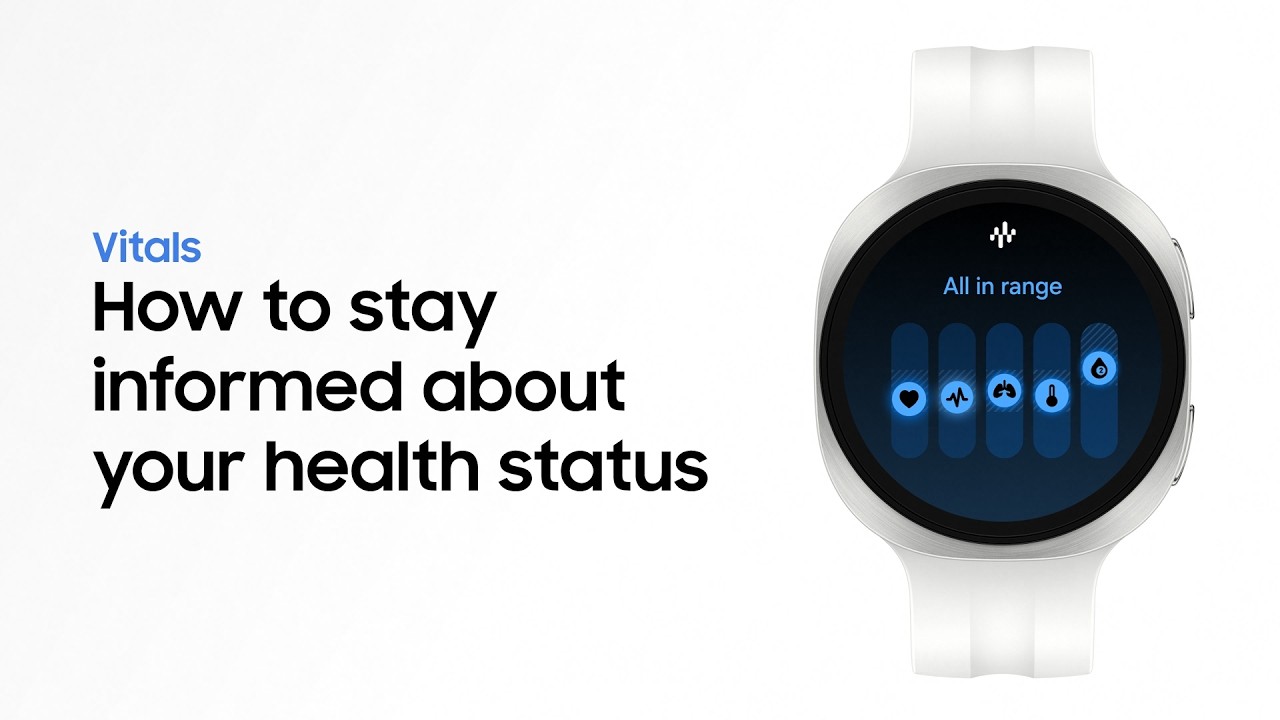
Step 3: Explore the 5 key health metrics tracked while you sleep.
Step 4: Tap 'About vitals' for more details and guidance.
Build your baseline:
Step 1: Open the Samsung Health app on your watch.
Step 2: Go to Settings and then Sleep.
Step 3: Turn on Blood oxygen and Skin temperature.
Step 4: Wear your Galaxy Watch9 while you sleep.
Step 5: Continue wearing your Galaxy Watch9 for at least 7 nights to build your personal baseline.
Monitor your insights:
Step 1: Open Vitals after your personal baseline is established.
Step 2: Review your health insights.
Step 3: Check metrics outside your usual range.
Step 4: Tap Vitals out of range to review overall trends.
Step 5: Tap Compare data to compare each metric against your baseline.
Q: What is Vitals on Galaxy Watch9?
A: Vitals tracks key health metrics during sleep and compares them against your personal baseline to help you stay informed about changes in your body.
Q: What metrics does Vitals track?
A: Vitals tracks Heart rate, Heart rate variability, Respiratory rate, Skin temperature, and Blood oxygen.
Q: What happens when unusual patterns are detected?
A: Vitals compares your metrics against your baseline and provides additional details and helpful guidance when unusual patterns are detected.
#GalaxyAI #GalaxyWatch9 #Samsung
Повторяем попытку...
Доступные форматы для скачивания:
Скачать видео
-
Информация по загрузке: