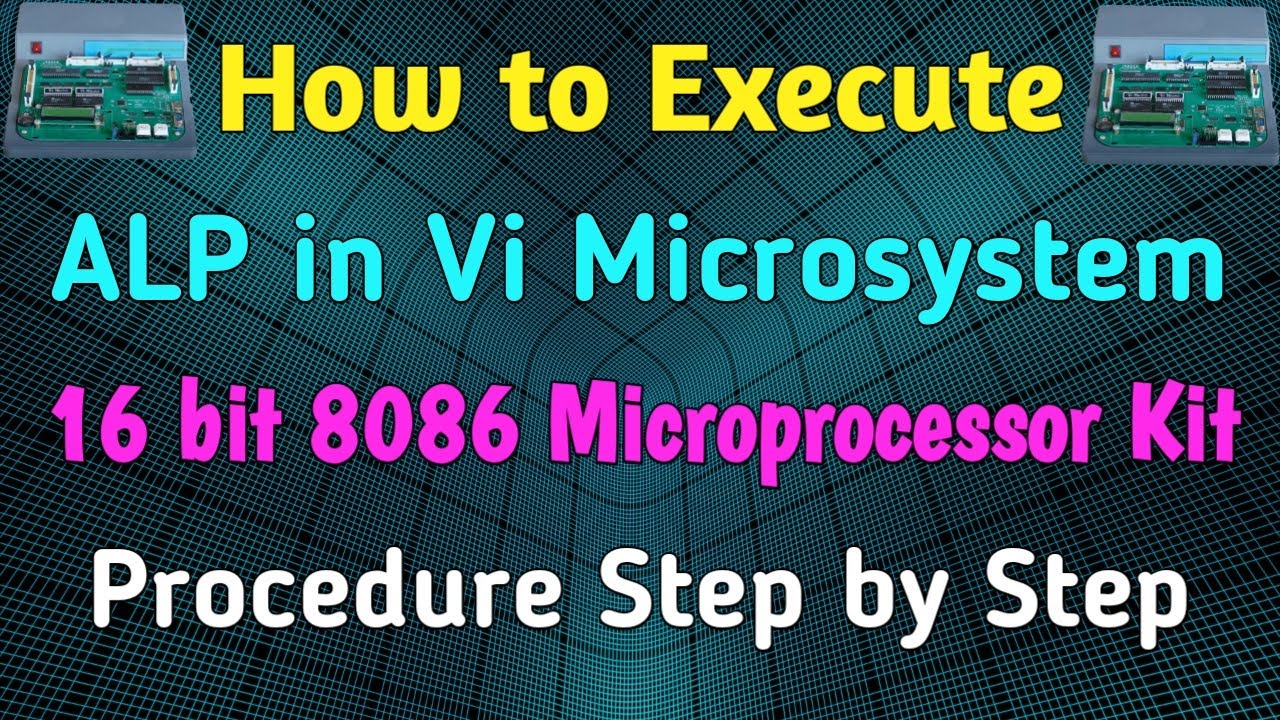
How to execute 16 bit ALP in Vi Microsystems 16 bit Microprocessor Kit | 8086 | MPMC Programs | MPMC
Автор: APTECh
Загружено: 2022-08-31
Просмотров: 627
Описание:
Friends ఈ video లో Vi Microsystems 16 bit 8086 Microprocessor Kit లో ALP (Assembly Language Program) ని ఎలా Execute చేయాలో చెబుతాను.
Note: If you get instruction like 'MOV AX,C123', Enter 'MOV AX,0C123' instead of 'MOV AX,C123'
DOSBox and DEBUG Application Softwares :
https://drive.google.com/file/d/1Upjz...
https://www.dosbox.com/download.php?m...
MASM Software and Execution Procedure:
https://drive.google.com/file/d/1U4Ke...
Vi Microsystems (8086) 16 bit Microprocessor Kit Execution Procedure:
Microprocessor using Program
Press Reset button
Type a and Press Enter key then enter Startingaddress and again Press Enter key
enter program line by line and press Enter key 2 times for each line
Press Reset button
Type SB Inputaddress (Except Startingaddress )
Press Enter then enter input values using Enter key
Press Reset button
Type GO Startingaddress (like GO 1000 or GO 2000 …….etc)
Press Reset button
Type SB Outputaddress
Press Enter output value is displayed and Check remaining outputs using Enter key
Microprocessor using Opcodes
Press Reset button
Type SB Startingaddress (like SB 1000 or SB 2000 …….etc)
Press Enter then enter opcodes using Enter key
Press Reset button
Type SB Inputaddress (Except Startingaddress )
Press Enter then enter input values using Enter key
Press Reset button
Type GO Startingaddress (like GO 1000 or GO 2000 …….etc)
Press Reset button
Type SB Outputaddress
Press Enter output value is displayed and Check remaining outputs using Enter key
Follow me in Facebook page:-
/ aptechannel
Follow me in twitter:-
/ channeltset
Follow me in instagram:-
/ aptech_p.gopalakrishna
#MPMC #MASM #ALP #ViMicrosystems #AssemblyLanguageProgram #DOSBOX #Debug #Microprocessor #Microcontroller #8086mp
Повторяем попытку...
Доступные форматы для скачивания:
Скачать видео
-
Информация по загрузке:


