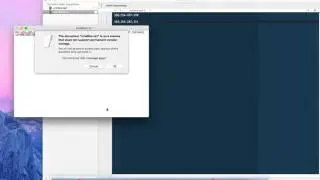
Ultimaker S5 - How to Setup Static IP Address Guide
Автор: VAG Repair Center
Загружено: 2021-01-30
Просмотров: 3383
Описание:
How to setup static IP address on Ultimaker S5
★ Download and install putty from the link below
https://www.chiark.greenend.org.uk/~s...
★ Run putty and enter present Ultimaker ip address and choose SSH
★ Ultimaker login credentials
user : root
pass : ultimaker
★ Type the following to edit the file
vi /etc/rc.local
★ change ip addresses to your need and insert it into rc.local file just before exit 0 line
sleep 100
ifconfig eth0 192.168.1.50 netmask 255.255.255.0
route add default gw 192.168.1.0 eth0
★ When finished editing
hit "ESC" and type :wq to save the file
enter "sudo reboot" into the terminal and wait for the ultimaker to reboot
Повторяем попытку...

Доступные форматы для скачивания:
Скачать видео
-
Информация по загрузке:


![[HOWTO] Find an Unknown Static IP Address !!](https://image.4k-video.ru/id-video/3VAlvtFWOwE)