STREET VIEW IN SKETCHUP with Placemaker Tours
Автор: TheSketchUpEssentials
Загружено: 2018-10-15
Просмотров: 18635
Описание:
In this video, learn how to use Placemaker tours in SketchUp to incorporate Google Street View Images into your city models!
DOWNLOAD PLACEMAKER (Affiliate Link)
http://www.thesketchupessentials.com/...
MORE PLACEMAKER TUTORIALS
http://www.thesketchupessentials.com/...
Want to Support the SketchUp Essentials?
/ thesketchupessentials
http://www.thesketchupessentials.com/...
THE SKETCHUP ESSENTIALS COURSE
http://www.thesketchupessentials.com/...
MY SKETCHUP MODELING PC SETUP
https://kit.co/TheSketchUpEssentials/...
SKETCHUP BOOKS AND RESOURCES
https://kit.co/TheSketchUpEssentials/...
MY CURRENT FAVORITE SKETCHUP PLUGINS AND EXTENSIONS
https://kit.co/TheSketchUpEssentials/...
(Affiliate Links)
PLEASE LIKE AND SUBSCRIBE
Check Us Out On -
Website - http://www.thesketchupessentials.com
Twitter - / easysketchup
Facebook - / thesketchupessentials
Pinterest - / easysketchup
Disclaimers: all opinions are my own, sponsors are acknowledged. Product Links in the description are typically affiliate links that let you help support the channel at no extra cost.
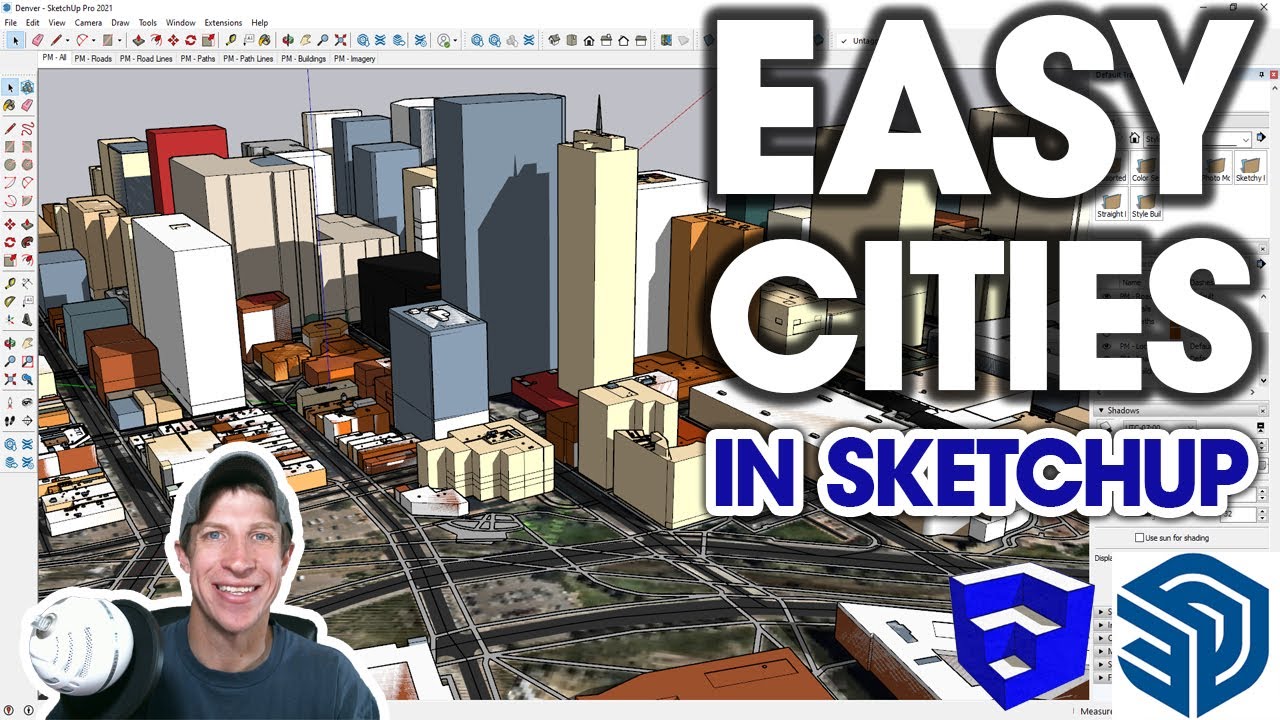
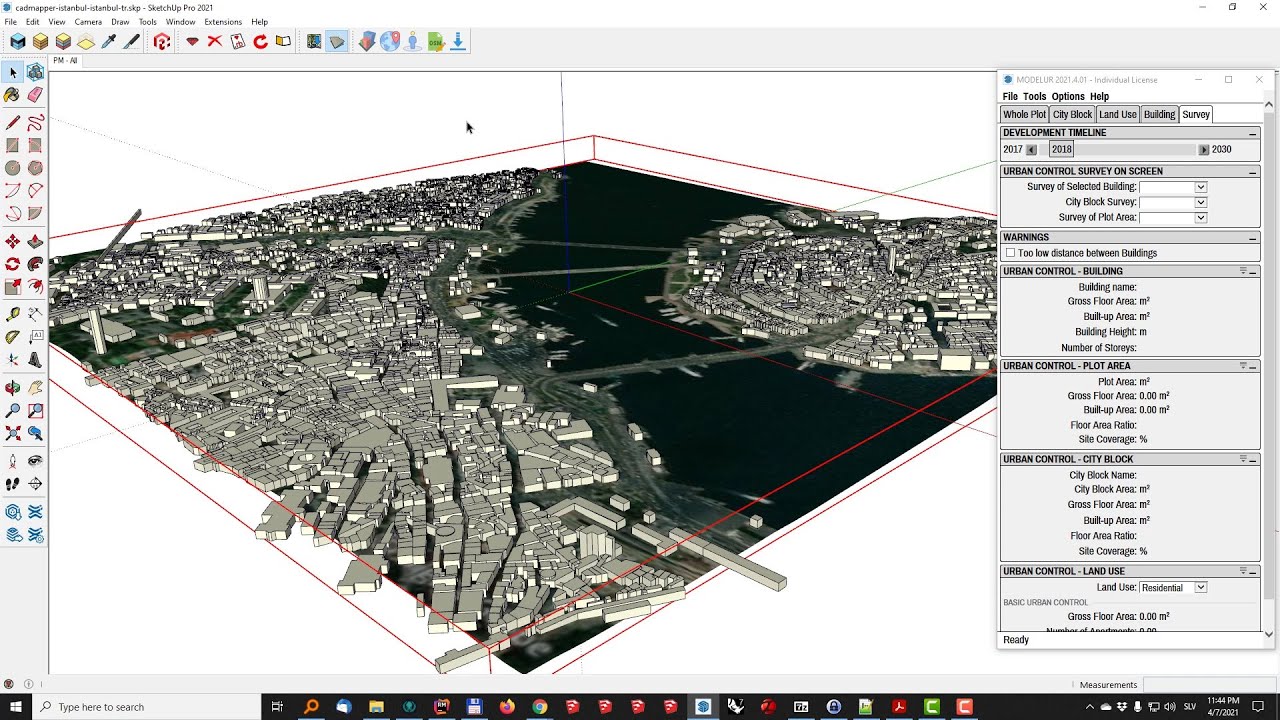
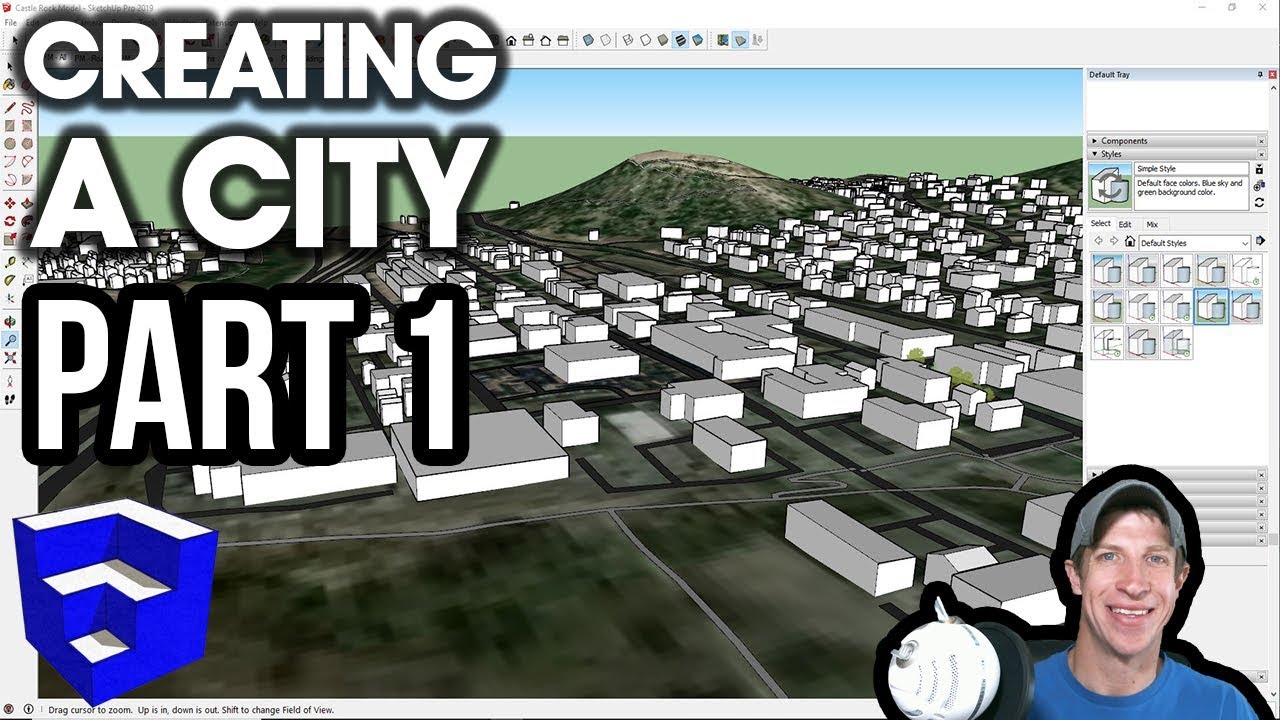
In today’s video, we’re going to check out Placemaker Tour Mode in SketchUp. This is a really fun feature that allows you to view and use Google Street View imagery within your Placemaker created city models.
Today’s video is brought to you by my supporters on Patreon.
When we first open up Tour Mode, you’re going to notice that you get a new window that pops up in your SketchUp model, showing Google Street View images. You might also notice that if you move your view around in the Google Street View window, your camera in SketchUp moves as well.
You can sync up your camera view with Google Street View by clicking the button for “Load SketchUp View.” This will line up your current view with whatever you’re seeing in Street View.
Notice that if you move your camera to a different location, then click the “Load SketchUp View” button, it will re-update your street view location in SketchUp.
One thing to note is that if you zoom in or out on your street view, it changes the field of view within your SketchUp model.
In addition, you can also use this to texture buildings – now I will note – the closer your buildings get to the ground, the worse your imagery gets, because there are pretty much always trees, cars, etc in your view. However, it is great for pulling quick images to place context on buildings.
Also, note that you don’t necessarily adjust the texture size to fit the buildings when you do this – instead, you adjust the building size to fit the textures, then do a final adjustment to make the texture fit. This is a bit counter-intuitive, but once you’ve done it once or twice, it gets pretty easy.
Overall, I really love this feature – it’s just another tool in the site context modeling toolbox.
Leave a comment below and let me know what you thought!
Повторяем попытку...

Доступные форматы для скачивания:
Скачать видео
-
Информация по загрузке: