How to Set Up JBL 5 1 Soundbar – HDMI, Bluetooth & Subwoofer Setup Walkthrough
Автор: Gadget Ecology
Загружено: 2025-07-29
Просмотров: 4072
Описание:
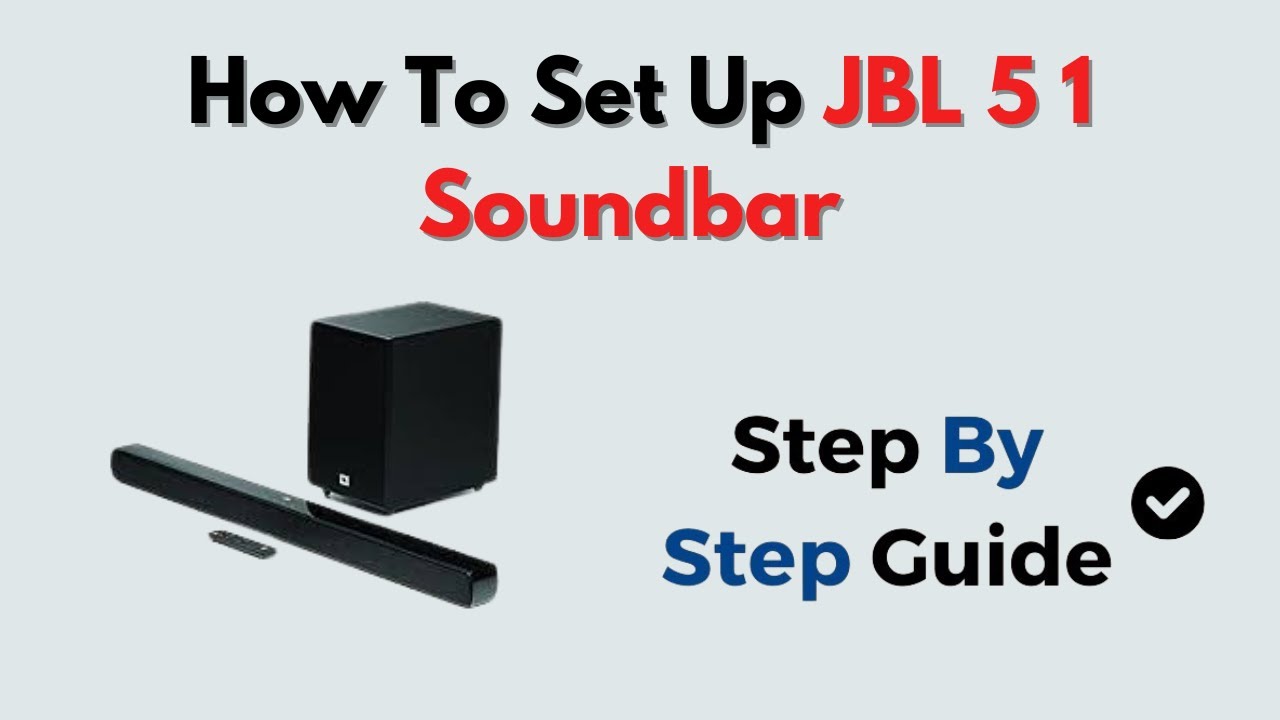
To set up your JBL 5.1 Soundbar with HDMI, Bluetooth, and subwoofer, start by connecting the soundbar to your TV using the supplied HDMI cable via the HDMI ARC port while ensuring HDMI-CEC and ARC are enabled on your TV. For Bluetooth setup, switch the soundbar source to Bluetooth and pair it with your device. To connect the wireless subwoofer and surround speakers, press and hold the DIM DISPLAY button on the remote for 5 seconds, then press BASS+ and BASS- in sequence to enter pairing mode; the subwoofer LED will blink quickly and turn solid when paired. After setup, place the subwoofer and speakers in your preferred locations and adjust the wireless surround volume using the remote control for an immersive 5.1 surround sound experience.
--------------------------------------------------------------------------------------------------------------------
Disclaimer:
This channel shares detailed tutorials, setup guides, tech fixes, and app-based instructions strictly for educational purposes. While accuracy is a top priority, the technology landscape changes quickly — device models, software versions, and UI layouts may vary from what’s shown in the video.
Users should confirm with official sources before making changes or taking action. The creator will not be held responsible for any issues or losses that may occur. Use the information at your own discretion. Unless otherwise stated, this channel is not affiliated with or endorsed by any specific brand or platform.
Повторяем попытку...
Доступные форматы для скачивания:
Скачать видео
-
Информация по загрузке: