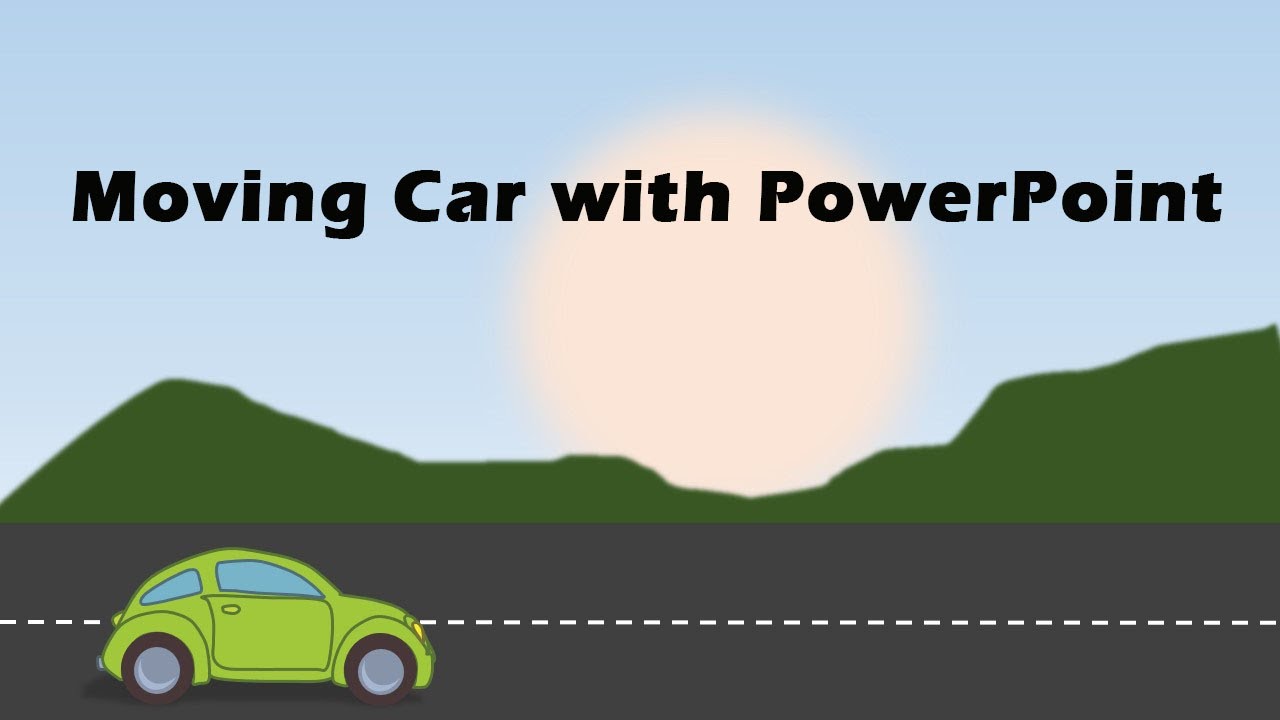
How to Create Moving Car Animation Effect in 2000/2016 Microsoft PowerPoint.
Автор: Game Explorers
Загружено: 2020-04-03
Просмотров: 34272
Описание:
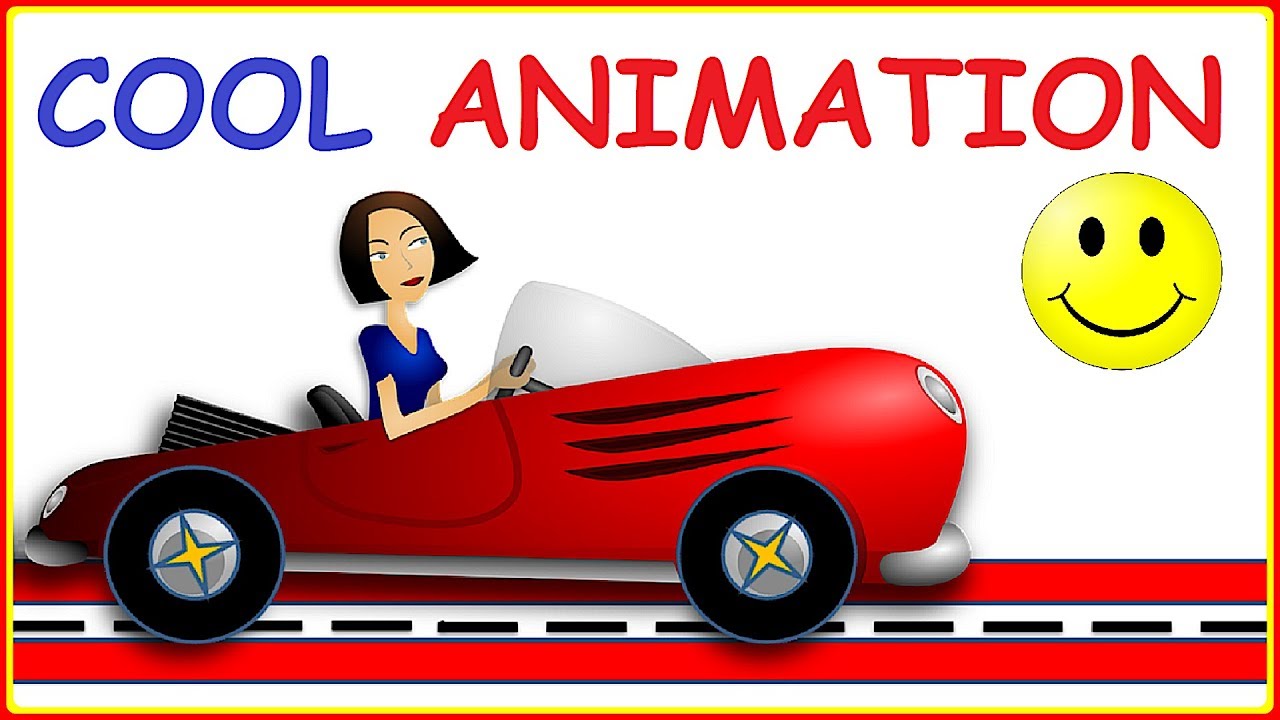
Learn How to Create Moving Car Animation Effect in PowerPoint.
The animation effect works as follows:
There is a car vector graphic on the slide
On click, the wheels of the car turns, and the car moves forward in a realistic way.
To create this effect:
Start by adding the car graphic to the slide
We found the graphic from a website called pixabay.com and converted the picture from SVG format to WMF format.
Ungroup the car so that parts of the wheel are available as separate object
Group each of the wheels
Convert the rest of the car (except wheels and road) back into a picture to reduce file size
Animate the main car and the wheels with Line Motion Path animation
Adjust the direction, timing and length of the Motion Path animation
Add spin animation to the wheels to get a more realistic movement of the car
This completes the effect.
#powerpointpresentation
#animatedcar
Повторяем попытку...

Доступные форматы для скачивания:
Скачать видео
-
Информация по загрузке: