How to Use Mobile Camera for TV Calling - Reliance Jio
Автор: Jio
Загружено: 2021-08-06
Просмотров: 146178
Описание:
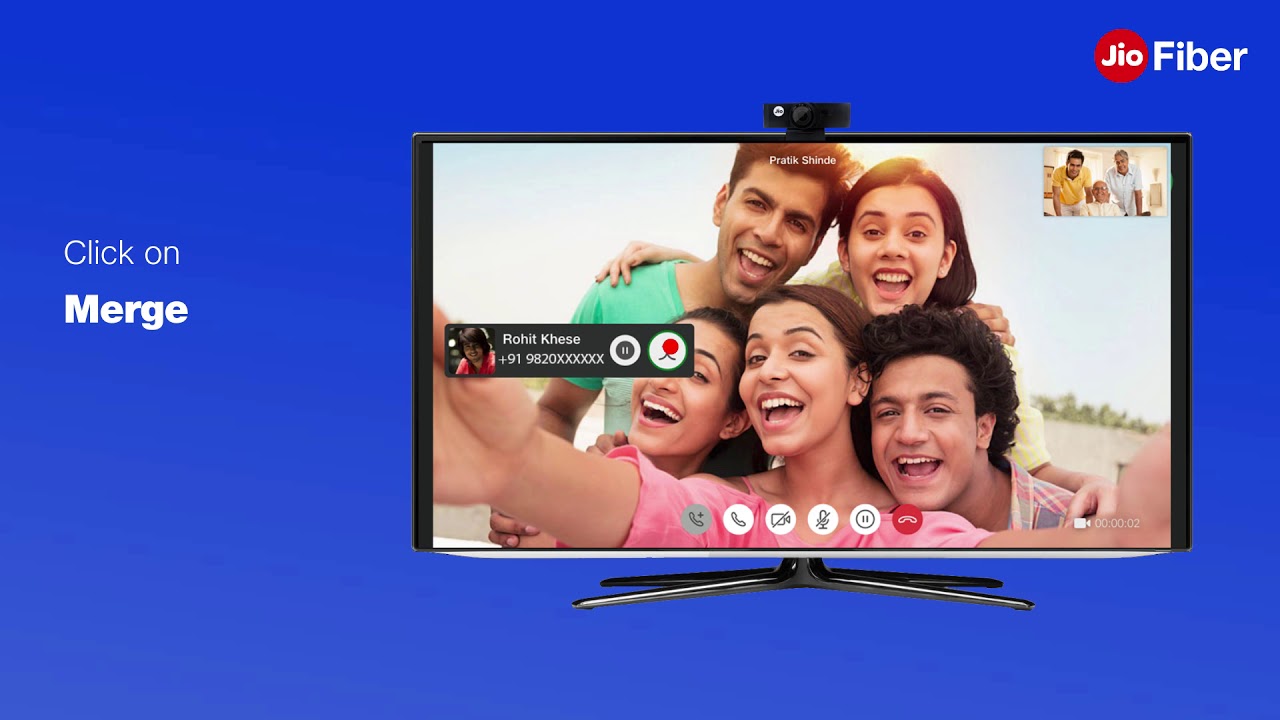
In this video, you will learn about how to use a mobile camera for TV calling. To make a TV video use the following steps -
1. First launch the JioJoin app on STB and complete the one-time setup also download the JioJoin app on your mobile device. Do the one-time setup of your landline number on the JioJoin app
2. Ensure that your mobile is connected to JioFiber Wi-Fi
3. Go to settings and enable mobile camera and mic and set the desired name for easy discovery
4. Now on the home page of the JioJoin app on STB select the contact you want to call. Discovery will be initiated for the set of mobile devices with JioJoin app setup
5. Select the device whose camera you want to use from the available set of devices. Click on the accept prompt on your mobile device, flip the camera to the front or back as per your need
This is how you can make a TV call using Jio STB. Now on stay connected with your friends and family on fullscreen.
#JioJoin #TVVideoCalling #JioSTB #TVVideoCallingJio
Click here to know more about JioFiber - https://www.jio.com/fiber.html
To watch more videos from Reliance Jio - / jio
Reliance Jio Infocomm Limited, doing business as Jio, is an LTE mobile network operator in India. Mukesh Ambani, the owner of Reliance Industries Limited (RIL) whose Reliance Jio is the telecom subsidiary, had unveiled details of Jio's fourth-generation (4G) services on 12 June 2015 at RIL's 41st annual general meeting. Jio is the largest 4G network in India offering High-Speed Internet & Unlimited Free Voice Calls.
Official Website: https://www.jio.com/
Facebook: / jio
Twitter: / reliancejio
Повторяем попытку...

Доступные форматы для скачивания:
Скачать видео
-
Информация по загрузке: