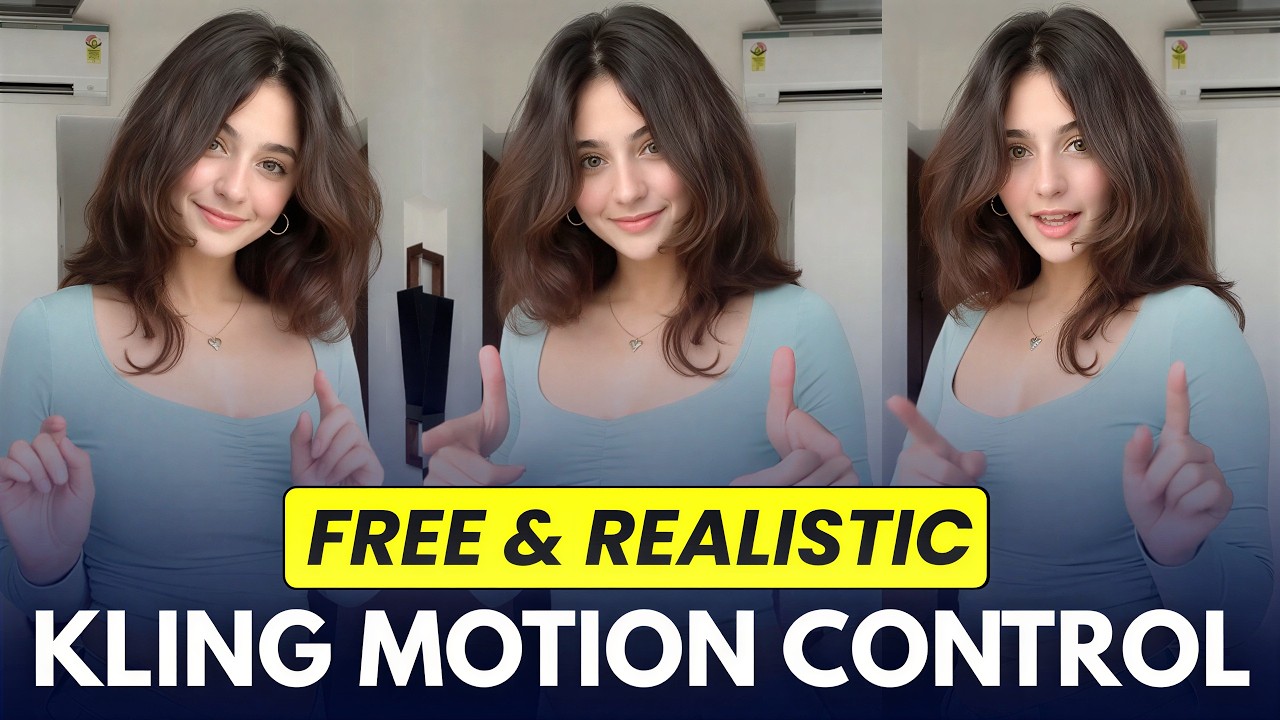
I Created a Realistic AI Influencer with Kling Motion Control (100% FREE)
Автор: Version 2.0
Загружено: 2026-06-01
Просмотров: 9155
Описание:
#FreeAITools #MotionControl #aiinfluencer
I created a 100% Realistic AI Influencer using the new Kling AI Motion Control! In this full tutorial, I show you the easiest way to make high-quality AI video for FREE.
High-Quality AI Generator: https://tinyurl.com/bdcuzz7f
Want to create a consistent AI influencer without spending a dime? We’re combining the power of Kling AI, Wan Video, and Lovart AI to get cinematic results. Whether you're a beginner or looking to master Kling Motion Control, this step-by-step guide covers everything you need.
🔥 Tools Used:
Pinterest – Inspiration: https://www.pinterest.com/
Lovart AI – Image Generation: https://www.lovart.ai/
Klickpin – Assets: https://klickpin.com/
Frame Extractor – Motion Frames: https://frame-extractor.com/en
Wan Video – AI Motion: https://wan.video/
Kling AI – AI Motion: https://kling.ai/
Wank AI – Watermark Remover : https://wink.ai/video-watermark-remover
🎬 What You’ll See in This Video:
00:00 – Demo
00:17 – Creating Source Image
01:03 – Reference Video
01:24 – Frame Extract
02:10 – Method 1 (Wan AI)
03:22 – Method 2 (Kling AI)
04:22 – Watermark Remove
04:50 – Final Output
🧠 Prompt Used:
1️⃣ Generate a new, realistic female face inspired by the uploaded image. Preserve subtle facial structure and vibe, but create clearly different features, identity, and expression. High detail, natural skin texture, soft lighting, photorealistic.
2️⃣ Transform Image 2 (model image) so that its pose and outfit exactly match Image 1 (extracted frame image).
💡 Pro Tips:
1. Use high-quality reference images for better realism
2. Keep lighting consistent for viral-quality visuals
3. Focus on expressions to make your AI influencer feel real
📩 Business & Sponsorships:
[email protected]
⚠ Disclaimer:
This content is fully AI-generated for educational purposes. No real individuals are represented.
If you enjoyed this Kling AI tutorial, make sure to subscribe to Version 2.0 for more free AI video tips, realistic AI avatar guides, and the latest AI influencer methods!
#KlingAI #AIInfluencer #MotionControl #AIVideo #WanVideo #CapCut #Version20 #FreeAITools
Повторяем попытку...
Доступные форматы для скачивания:
Скачать видео
-
Информация по загрузке: