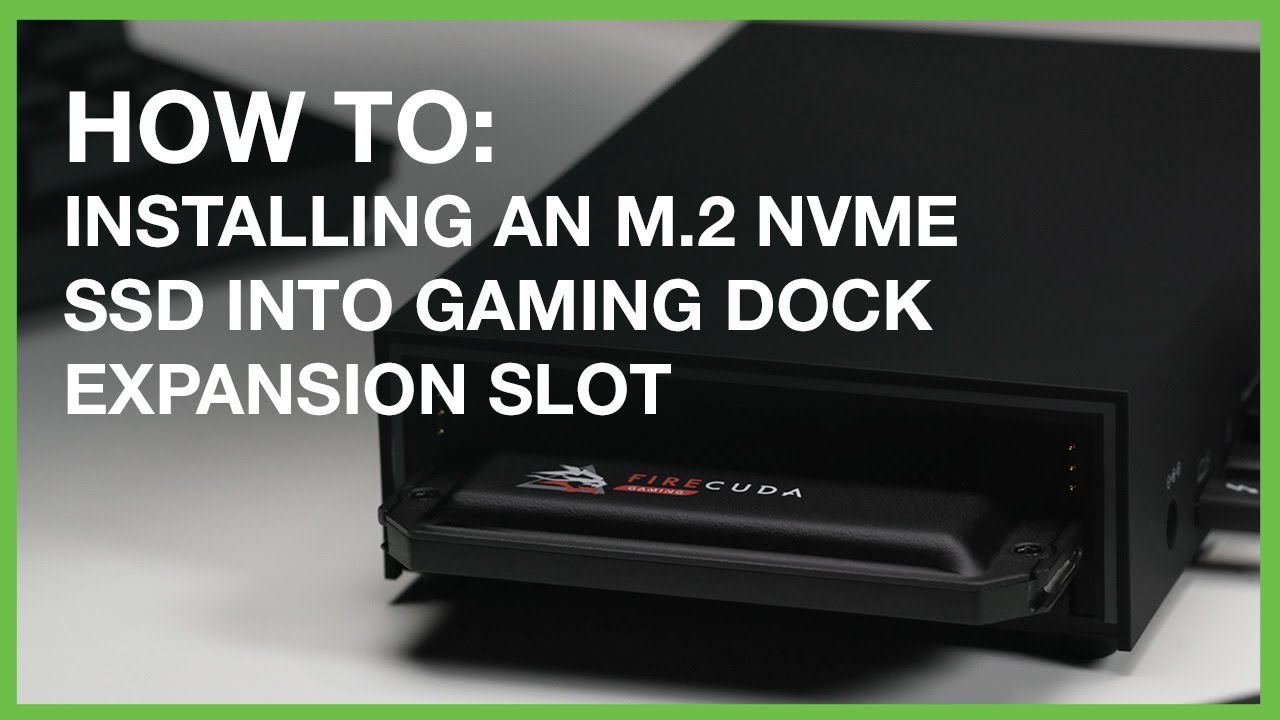
How to Install an NVMe SSD Into FireCuda Gaming Dock | Inside Gaming with Seagate
Автор: Seagate Technology
Загружено: 2020-11-27
Просмотров: 5077
Описание:
The Seagate FireCuda Gaming Dock has a ton of awesome features—docking power, an internal 4TB hard drive, RGB LED lights—but what’s really impressive is the M.2 NVMe SSD expansion slot. Installing an SSD like Seagate’s FireCuda 510 will not just allow you another external drive to save to, its blazing fast NVMe speeds will allow you to maximize your games’ load and level times too, thanks to the Gaming Dock’s Thunderbolt 3 connection. Check it out.
Links we reference:
FireCuda Gaming Dock
https://www.seagate.com/consumer/play...
FireCuda 510 NVMe
https://www.seagate.com/internal-hard...
How to Setup FireCuda Gaming Dock for Laptop Gaming
• How to Setup FireCuda Gaming Dock For Lapt...
Seagate Support: Installing NVMe in Gaming Dock
https://www.seagate.com/manuals/firec...
Повторяем попытку...
Доступные форматы для скачивания:
Скачать видео
-
Информация по загрузке: