How to Create Lighthouse in PowerPoint | Animated 3D Lighthouse Tutorial (Hindi)
Автор: Akshrika Tutorials
Загружено: 2023-04-23
Просмотров: 1228
Описание:
🏮 PowerPoint Me 3D Lighthouse Kaise Banaye | Animated Lighthouse Tutorial
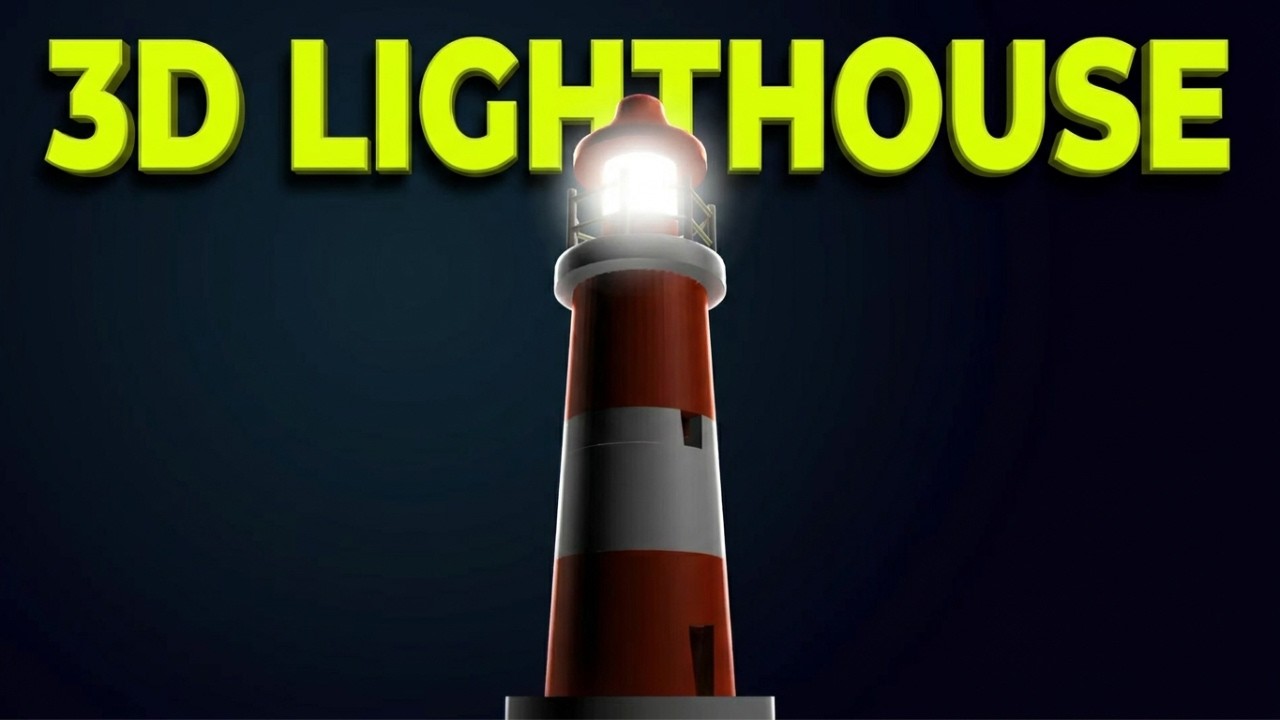
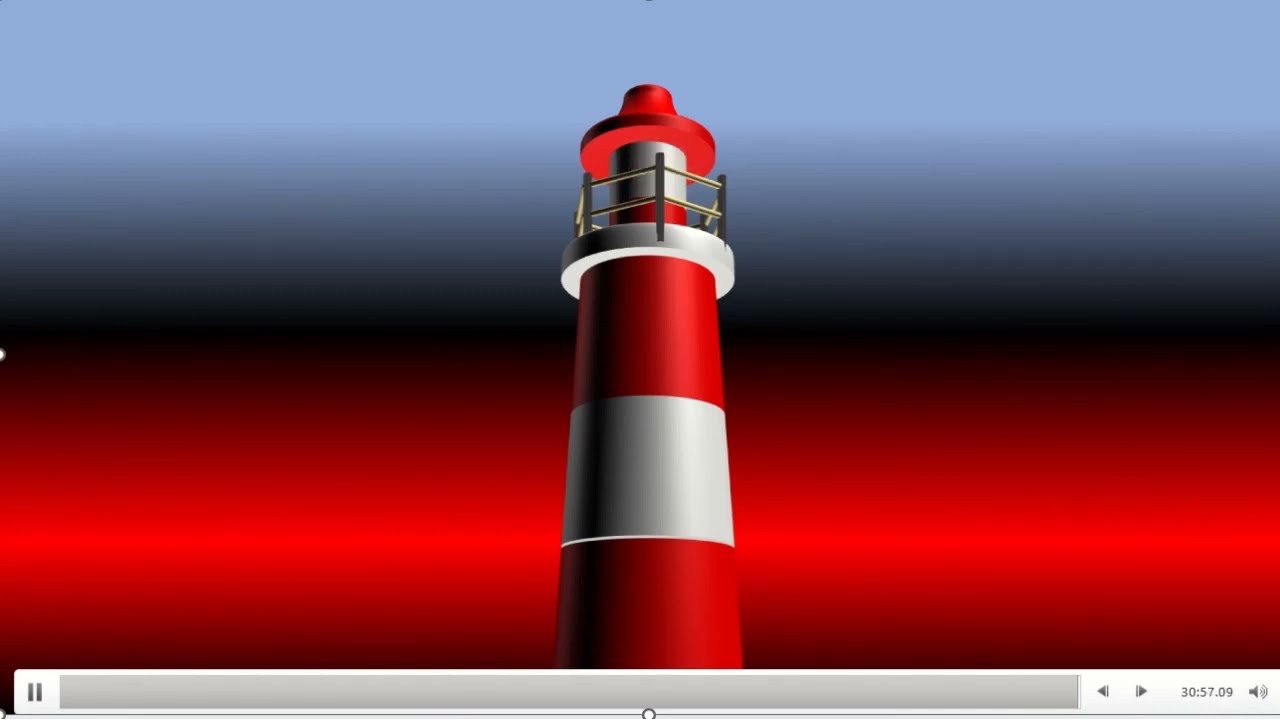
Learn how to create a stunning 3D animated lighthouse in Microsoft PowerPoint! This complete Hindi tutorial shows you step-by-step how to design a professional lighthouse with 3D effects, gradient lighting, and blinking light animation perfect for presentations.
⏱️ TIMESTAMPS:
0:00 - Introduction
0:12 - Format Black Background
0:22 - Insert Base Oval Shape (7cm)
0:41 - Create Lighthouse Layers (5cm to 2cm ovals)
1:56 - Insert Hexagon Shapes (4cm)
2:19 - Add Black Details
2:45 - Create Light Dome (0.3cm circles)
3:04 - Group & Rotate Elements
3:18 - Apply Grey Color (Lighthouse Body)
3:29 - Apply Orange Color (Stripes)
3:38 - Add 3D Rotation (Off Axis)
3:46 - Format 3D Depth (17 points)
4:06 - Apply Top Bevel Effects
5:00 - Add Translucent Powder Material
5:17 - Apply Curve Bevel
6:00 - Adjust Distance from Ground (0-439)
6:48 - No Rotation & Alignment
7:05 - Apply Perspective (Relaxed Moderately)
7:34 - Insert Gradient Light Oval
8:00 - Add Appear Animation (1 sec delay)
8:05 - Add Blink Effect (Until End of Slide)
8:24 - Final Result & Conclusion
🎯 WHAT YOU'LL LEARN:
✅ Create 3D lighthouse in PowerPoint
✅ Multiple oval layers technique
✅ 3D rotation & perspective
✅ Top bevel effects mastery
✅ Depth & material settings
✅ Gradient light effect
✅ Blinking animation
✅ Professional 3D design
💡 KEY TECHNIQUES:
• Black background setup
• Oval shapes (7cm to 0.3cm)
• Hexagon top structure (4cm)
• Grey & orange color scheme
• 3D Rotation: Off Axis preset
• Top Bevel: Angle, Circle, Convex
• Depth sizing (17-60 points)
• Translucent Powder material
• Distance from Ground (0-439)
• Perspective: Relaxed Moderately
• Gradient fill with transparency
• Appear animation (1 second)
• Blink effect (Repeat Until End)
🏮 LIGHTHOUSE STRUCTURE:
Base: 7cm oval
Body layers: 5cm, 4.75cm, 4.5cm, 4.13cm, 4cm
Top section: 3.5cm, 3cm, 2cm ovals
Dome: Hexagons (4cm, 3.7cm)
Light: 0.3cm circles (multiple)
Colors: Grey body + Orange stripes
Light: Gradient oval with blink
🎨 3D EFFECTS APPLIED:
• Off Axis 3D Rotation
• Top Bevel (various sizes)
• Depth (17-60 points)
• Translucent Powder material
• Convex bevel (35-41 points)
• Curve bevel (circle, 2 points)
• Bottom bevel (circle, 2 points)
• Perspective (X: 90, Y: 55, Z: 270)
• Distance from Ground adjustments
🌟 PERFECT FOR:
PowerPoint skill building
3D design practice
Presentation graphics
Creative projects
Educational content
Portfolio pieces
Design inspiration
💻 COMPATIBLE WITH:
✓ PowerPoint 2016+
✓ PowerPoint 2019/2021
✓ Microsoft 365
✓ PowerPoint for Mac
📚 SKILLS COVERED:
• Advanced shape manipulation
• 3D formatting mastery
• Bevel & depth effects
• Material application
• Perspective control
• Animation timing
• Gradient design
• Color coordination
👨🏫 SKILL LEVEL: Advanced
⏰ VIDEO LENGTH: 9:02
🎯 RESULT: 3D animated lighthouse
🔧 REQUIREMENTS:
PowerPoint 2016 or later (3D)
Basic PowerPoint knowledge
30 minutes practice time
💼 USE CASES:
Presentation graphics
Design practice
Creative projects
Skill demonstration
Portfolio work
Educational materials
🇮🇳 HINDI TUTORIAL:
Complete explanation in Hindi language for better understanding!
👍 IF YOU FOUND THIS HELPFUL:
LIKE this video 👍
SUBSCRIBE for tutorials 🔔
SHARE with friends 📤
COMMENT your questions 💬
🏷️ #Lighthouse #PowerPoint #3DAnimation #PowerPointTutorial #HindiTutorial #3DDesign #PowerPointSkills #AnimationTutorial #LighthouseAnimation #AdvancedPowerPoint #3DEffects #PresentationDesign #PowerPointHindi #CreativeDesign #TutorialHindi
💬 COMMENT: Kaun sa 3D object aap PowerPoint me banana chahte ho?
Повторяем попытку...

Доступные форматы для скачивания:
Скачать видео
-
Информация по загрузке:









![Введение в интерфейс Adobe After Effects. Эпизод 2/48 [Adobe After Effects для начинающих]](https://imager.clipsaver.ru/O6KRRQm6meY/max.jpg)