How to design interactive virtual learning sessions with Canva and Miro
Автор: Learning Jam Club
Загружено: 2025-07-30
Просмотров: 614
Описание:
Ready to make your virtual learning sessions more playful, visual, and wildly engaging?
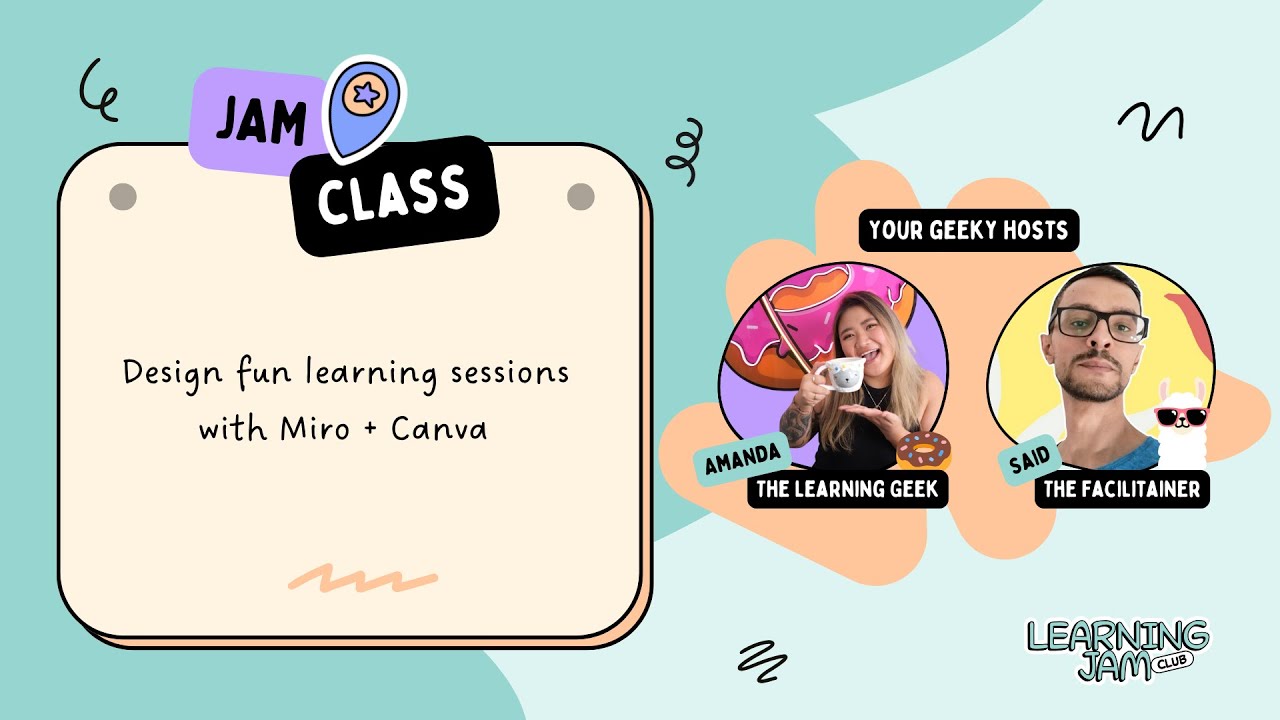
In this Jam Class replay, @theFacilitainer and I walk you through how to design interactive, branded learning experiences using *Canva* and **Miro**! All framed through a magical llama-and-donut-themed island metaphor. 🦙🍩
Whether you're a learning designer, learning content creator, facilitator, or Learning and development professional, this session is packed with tools, tips, and inspiration to help you:
✔️ Design immersive visual experiences using Canva
✔️ Create branded assets, animated elements, and consistent styling
✔️ Turn static content into dynamic, interactive activities in Miro
✔️ Build knowledge checks, feedback loops, and learner choice moments
✔️ Add more fun, intention, and engagement to every learning interaction
🎯 Perfect for:
Virtual facilitators
Instructional designers
Team leads & L&D consultants
Anyone bored of blank slides + default templates
💡 Use Cases:
Designing interactive knowledge checks that feel playful, not painful
Creating visual metaphors (like islands, journeys, or quests) to guide sessions
Using visuals to sense-check learner understanding in real time
Building gamified team activities like spinner wheels, flip cards, or drag-and-drop
Supporting virtual onboarding, skills workshops, or team reflections
Making asynchronous sessions feel alive with clickable, self-paced Miro boards
Leveling up branded learning experiences with Canva-built assets
02:33 – Welcome to the Jam Class 🎉
04:06 – What You’ll Learn + Session Flow (Amanda)
05:22 – What is a Learning Experience Design? (Amanda)
08:48 – Goal of the Jam Class (Amanda)
09:25 – What we are creating in Canva for Miro (Amanda)
11:51 – Canva Step 1: Planning your island (Amanda)
13:06 – Canva Step 2: Finding your island Canva elements (Amanda)
15:45 – Canva Step 3: Customise your Canva elements (Amanda)
19:50 – Miro Island 1: Alignment Scale (Said)
24:11 – Miro Island 2: Flip Cards & Poll (Said)
31:45 – Miro Island 3: Spinner Wheel (Said)
35:00 – Miro Island 4: Feedback Tool (Said)
39:35 – Final Reflections + Remix Challenge
🔔 Subscribe to Learning Jam Club
Stay in the loop with future Jam Classes, creative tutorials, and behind-the-scenes goodies to keep your learning sessions fresh.
👉 @LearningJamClub
📅 Add our events calendar
Never miss a learning jam! Get upcoming events and creative sessions added straight to your calendar.
👉 https://lu.ma/learningjamclub
🛸 Show off your remix!
Recreate one interaction or design your own learning island and tag us on LinkedIn or Instagram:
@learningjamclub @theFacilitainer
-----------------
About the *Learning Jam Club*
Heya, I’m Amanda! A creative alien, learning experience designer and founder of Learning Jam Club. This is a space for learning designers, instructional designers and curious learning content creators to explore soulful, strategic ways to design learning that sticks.
We share toolkits, speaker jams, and joyful resources that bring more creativity and connection into every session. Come jam with us ✨
🤓 Let's be geeky friends
Connect with Amanda on LinkedIn: / amandalxd
Explore sessions, templates & freebies: https://www.learningjam.club
Повторяем попытку...
Доступные форматы для скачивания:
Скачать видео
-
Информация по загрузке: