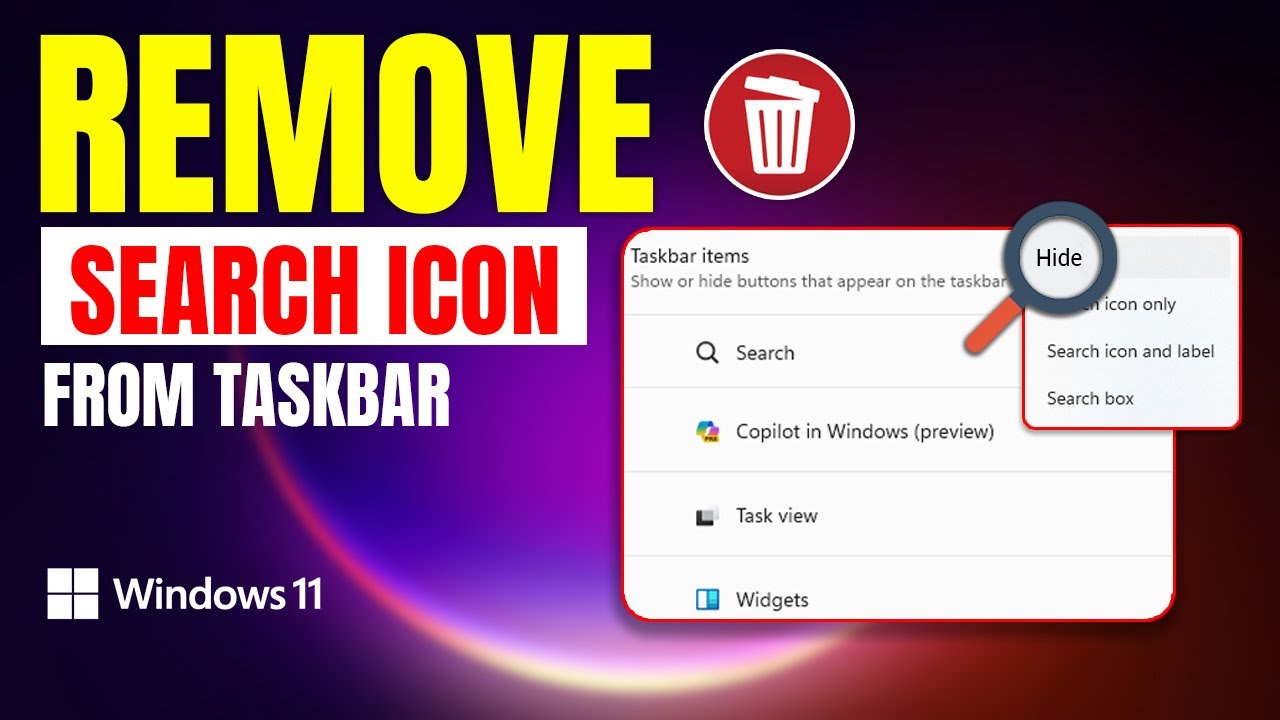
How To Remove Search Icon From The Taskbar On Windows 11 PC | Hide Search Icon In Windows 11
Автор: Tech Analytic 360
Загружено: 2024-05-30
Просмотров: 69
Описание:
Do you want to remove the search bar from the taskbar on your PC? Well! In this video, I've shown how you can remove the search box from your taskbar. Deleting the search box from the Windows 11 taskbar offers a double win: a cleaner look and potentially sharper focus. It shows your taskbar for a minimalist aesthetic, especially if space is tight. Plus, with the icon gone, you might find yourself less tempted by quick searches throughout the day, helping you stay laser-focused on your current task and boosting productivity. Remember, search is still just a click in the Start menu or a keystroke away, so you won't lose functionality, just a bit of chaos.
So finally after watching this video, you will get a proper tutorial to get rid of from search icon on the taskbar On your Computers Windows 11. After that, if you find this video helpful, don't forget to hit the like, subscribe, and notification bell buttons. If you have anything to ask, let me know in the comment section below. Thanks for watching!
00:01- Video intro
00:13- Process
00:42- Process Ending
#Windows11
#SearchIcon
#RemoveSearchBox
#HideSearchBar
#DeleteSearch
Повторяем попытку...
Доступные форматы для скачивания:
Скачать видео
-
Информация по загрузке: