GOOGLE Pixel Watch 4 41mm – How to Enable Power Saving Mode
Автор: HardReset.Info
Загружено: 2026-01-22
Просмотров: 33
Описание:
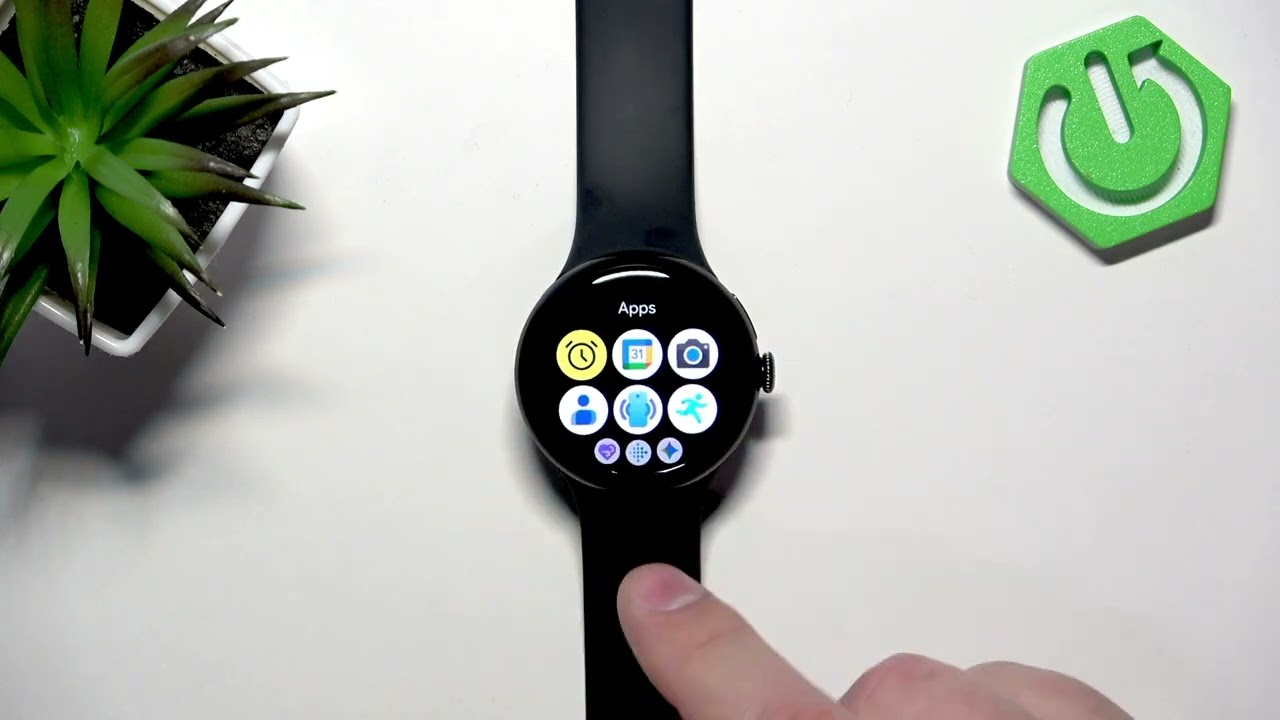
In this short video I show how to enable and disable Power Saving Mode on the GOOGLE Pixel Watch 4 41mm. You will learn how to wake the watch, open the quick panel, tap the battery saver (battery icon with percentage), confirm to enable power saving, and how to turn it off again. This helps extend battery life by disabling non-essential features and shows a battery icon on the watch face when active. Perfect if you need to preserve battery during long days or when you can't charge right away.
How to enable power saving mode on GOOGLE Pixel Watch 4 41mm?
How to disable power saving mode on GOOGLE Pixel Watch 4 41mm?
Where is the battery saver icon on GOOGLE Pixel Watch 4 41mm?
0:00 Intro – what we'll show
0:09 Wake the screen and open the quick panel
0:23 Find and tap the battery saver (battery icon)
0:37 Confirm to enable and see the on-screen description
0:59 How to tell power saving is active (watch face icon)
1:08 How to disable power saving mode
1:21 Outro and subscribe reminder
#PixelWatch4 #PowerSavingMode #BatterySaver #WearOS
Find out more:
https://www.hardreset.info/devices/go...
Follow us on Instagram ► / hardreset.info
Like us on Facebook ► / hardresetinfo
Tweet us on Twitter ► / hardreseti
Support us on TikTok ► / hardreset.info
Use Reset Guides for many popular Apps ► https://www.hardreset.info/apps/apps/
Повторяем попытку...
Доступные форматы для скачивания:
Скачать видео
-
Информация по загрузке: