HARD RESET Xiaomi Redmi 4, 4X
Автор: GSM-ABC
Загружено: 2017-09-29
Просмотров: 1605158
Описание:
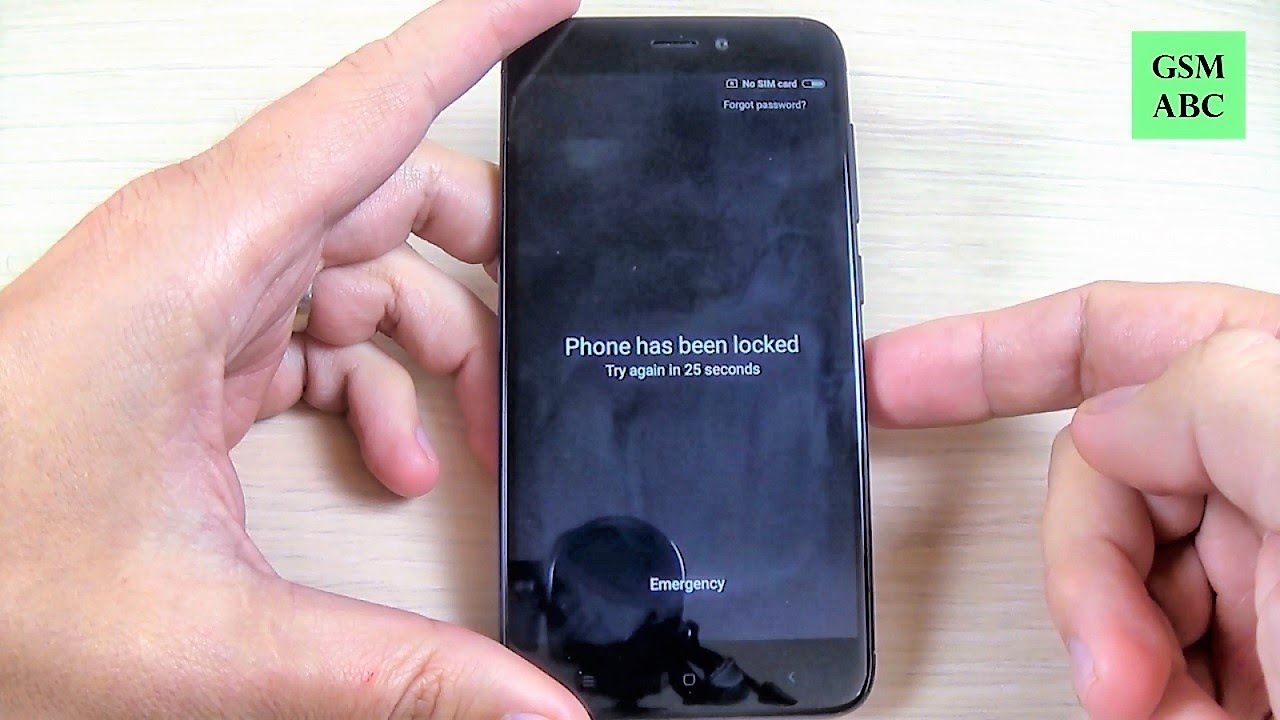
In this video tutorial I will show you how to restore your Xiaomi Redmi 4, 4X (Android 6.0) to factory settings from Android Recovery Mode using HARD RESET method. You can use this operation to fix issues like, freezing, running slow, to remove a file or virus or to clear the memory space or if you forget your security code, password, pattern or pin code. . .
- -
WARNING!
Before performing a hard reset, make sure you know your Google login and password. If you have Android version 5.1 or higher on your device and you have added a Google account, you might be asked to input the Google account login and password after you perform o software repair.If you cannot provide this information during the setup process, you won't be able to use the device at all after software reset!
You do this at your own risk! Make sure your phone battery is fully charged!
Better remove the SIM card and memory SD card from your phone before this operation!
If you reset or update your phone, all your data may be lost, so it's good to do a full backup before!
This method will not upgrade or downgrade the firmware version of your Xiaomi and it will NOT UNLOCK the network lock!
This method does not reset the PIN code of the SIM card! If your tab has been ROOTED this method will NOT UNINSTALL the ROOT.
TOOLS USED IN THIS VIDEO:
For filming I use an old Sony HDR CX220 camera. You can buy the new version from Amazon:http://amzn.to/2rYuGHB (affiliate)
For camera support I use Hama Traveller Flex Pro Camera Support. You can buy it from Amazon:http://amzn.to/2si8d96 (affiliate)
For editing the videos I use CyberLink PowerDirector 15. You can buy from Amazon:http://amzn.to/2rYCclV (affiliate)
SUBSCRIBE
►Youtube:http://goo.gl/56l8B4
Повторяем попытку...
Доступные форматы для скачивания:
Скачать видео
-
Информация по загрузке: