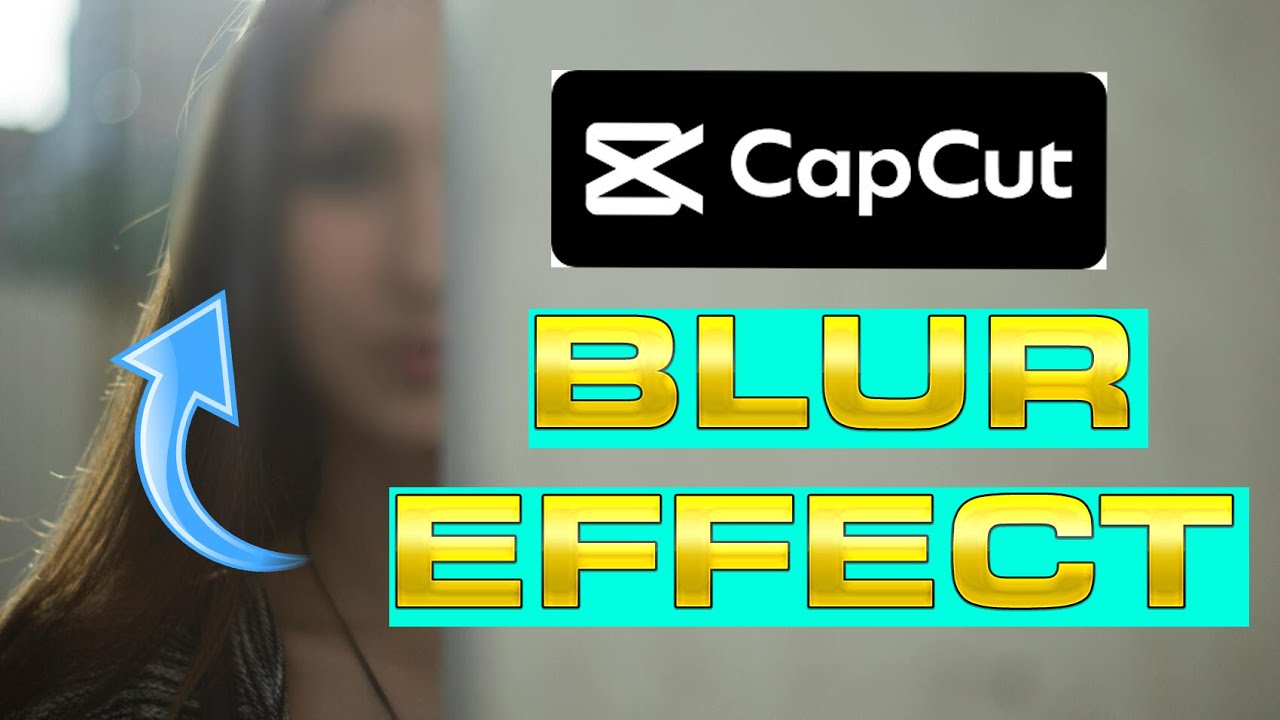
How to Blur Moving Objects in CapCut | Step-by-Step Tutorial
Автор: SaulStudio
Загружено: 2024-01-21
Просмотров: 30
Описание:
Want to blur faces, license plates, or unwanted objects in your videos? In this CapCut tutorial, I’ll show you how to track and blur moving objects with motion tracking and masking techniques. Whether you're protecting privacy, enhancing cinematic effects, or focusing attention on key subjects, this method will help you achieve professional-looking results!
▬▬▬▬▬▬ 📌 What You’ll Learn in This Video: ▬▬▬▬▬▬
✅ How to add a blur effect to moving objects in CapCut
✅ Using motion tracking for accurate blurring
✅ Adjusting blur intensity and shape for a natural effect
✅ Pro tips for seamless object tracking and masking
━━━━━━━━━━━━━━
🔥 Why Blur Moving Objects?
🎬 Protect privacy by blurring faces, logos, or sensitive details
🔍 Add cinematic focus to your edits
📹 Create smooth motion tracking effects
⚡ Make your videos look more professional
▬▬▬▬▬▬ 💬 Got Questions? ▬▬▬▬▬▬
Drop a comment below, and I’ll be happy to help!
☕ Support My Channel: https://www.buymeacoffee.com/SaulSync
━━━━━━━━━━━━━━
📢 More CapCut Video Editing Tutorials:
• How to Reveal Text Seamlessly in CapCut | ...
• How to Create a Hologram Effect in CapCut ...
• How to Split Videos in CapCut | Easy Step-...
🔔 Subscribe & Stay Updated! Don’t miss out on future CapCut tutorials, motion tracking techniques, and creative video editing tips!
▬▬▬▬▬▬ 🔗 Follow for More Content! ▬▬▬▬▬▬
#CapCutTutorial #BlurMovingObjects #MotionTracking #VideoEditing #CapCutEffects #PrivacyBlur #EditingTips #CreativeEditing #HowToBlurObjects #VideoProduction
Повторяем попытку...
Доступные форматы для скачивания:
Скачать видео
-
Информация по загрузке: