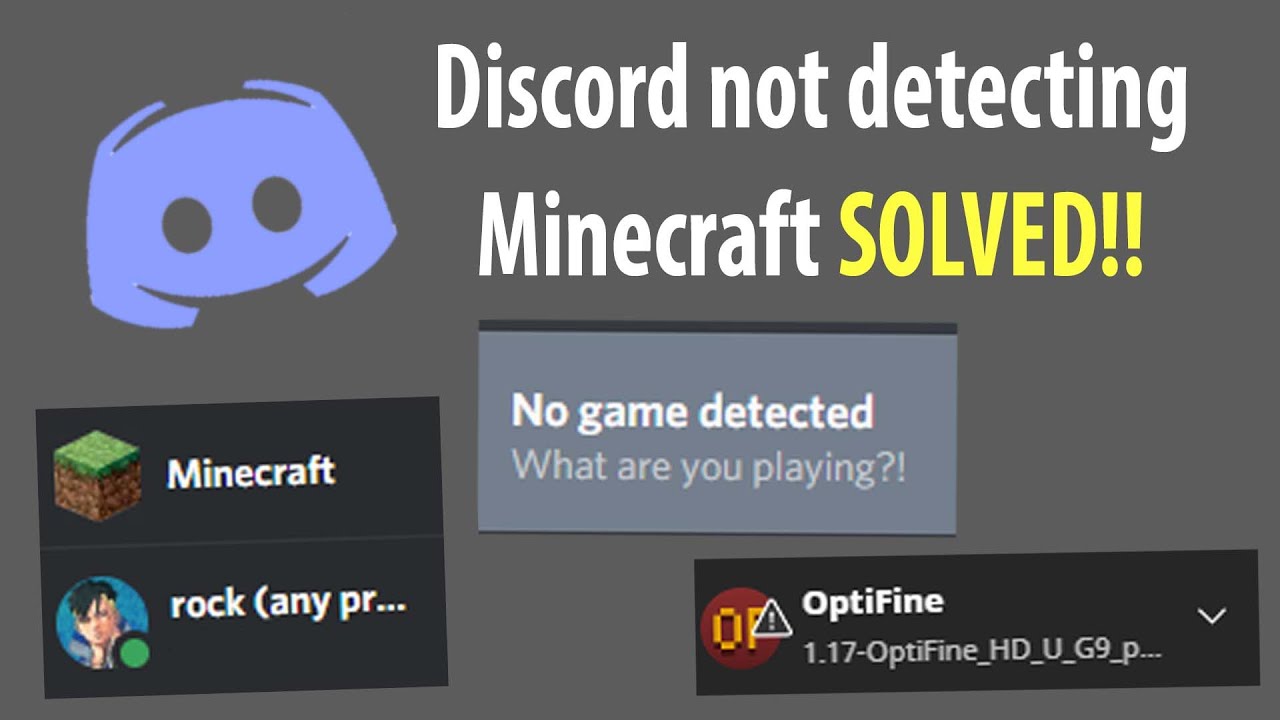
Optifine Minecraft Discord status (tutorial)
Автор: RockTheGreat
Загружено: 2021-06-20
Просмотров: 21330
Описание:
I did go a bit fast, apologies so I'll write the instructions here:
1- Launch Minecraft (in the version of Optifine you want)
2- When it's loaded go onto Discord
3- Select user settings, activity status (under activity settings near the bottom)
4- It says no game detected, underneath it says 'Add it!' - click that
5- Select the one that is running 'Minecraft* [version]
6- Go to the area where the name is since it is now displaying and delete all of the text apart from 'Minecraft' and press enter
Now it should display!!
Please keep in mind you will have to do this every time you launch Minecraft
I don't know what else this works on but it would most likely be the same^^
How to display Minecraft in Discord status
How to set Minecraft status when using Optifine
Optifine Minecraft discord status
Minecraft discord status not displaying
Повторяем попытку...
Доступные форматы для скачивания:
Скачать видео
-
Информация по загрузке: