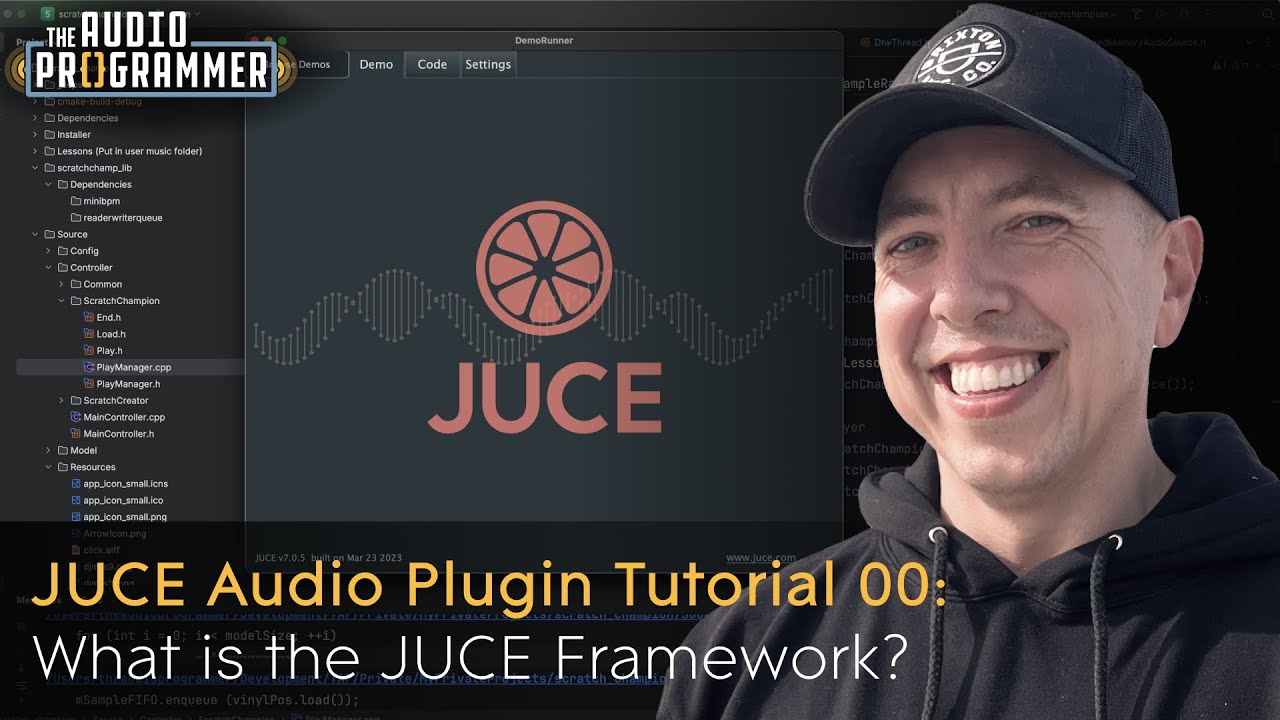
Complete C++ JUCE Development Environment on Windows 11
Автор: Next Studio Dev
Загружено: 2025-07-06
Просмотров: 726
Описание:
In this tutorial, I'll show you how to set up a professional C++ development environment for JUCE audio programming on Windows 11. We'll install all the necessary tools and my custom Jumake tool to make JUCE project creation incredibly simple!
What we'll install:
✅ Visual Studio Build Tools - C++ compiler and build tools
✅ Visual Studio Code - Modern code editor with terminal integration
✅ Git - Version control system
✅ CMake - Cross-platform build system
✅ Rust - Required for Jumake tool
✅ Jumake - My custom tool for easy JUCE project creation
✅ CMake Tools Extension - VS Code extension for CMake support
Download Links:
🔗 Visual Studio Build Tools: https://visualstudio.microsoft.com/vi...
🔗 Visual Studio Code: https://code.visualstudio.com/
🔗 Git for Windows: https://git-scm.com/download/win
🔗 CMake: https://cmake.org/download/
🔗 Rust: https://rustup.rs/
Повторяем попытку...

Доступные форматы для скачивания:
Скачать видео
-
Информация по загрузке:




![How I Set Up Every Audio Plugin C++ Project with JUCE, CMake, and Unit Tests [TEMPLATE REPO]](https://imager.clipsaver.ru/Uq7Hwt18s3s/max.jpg)