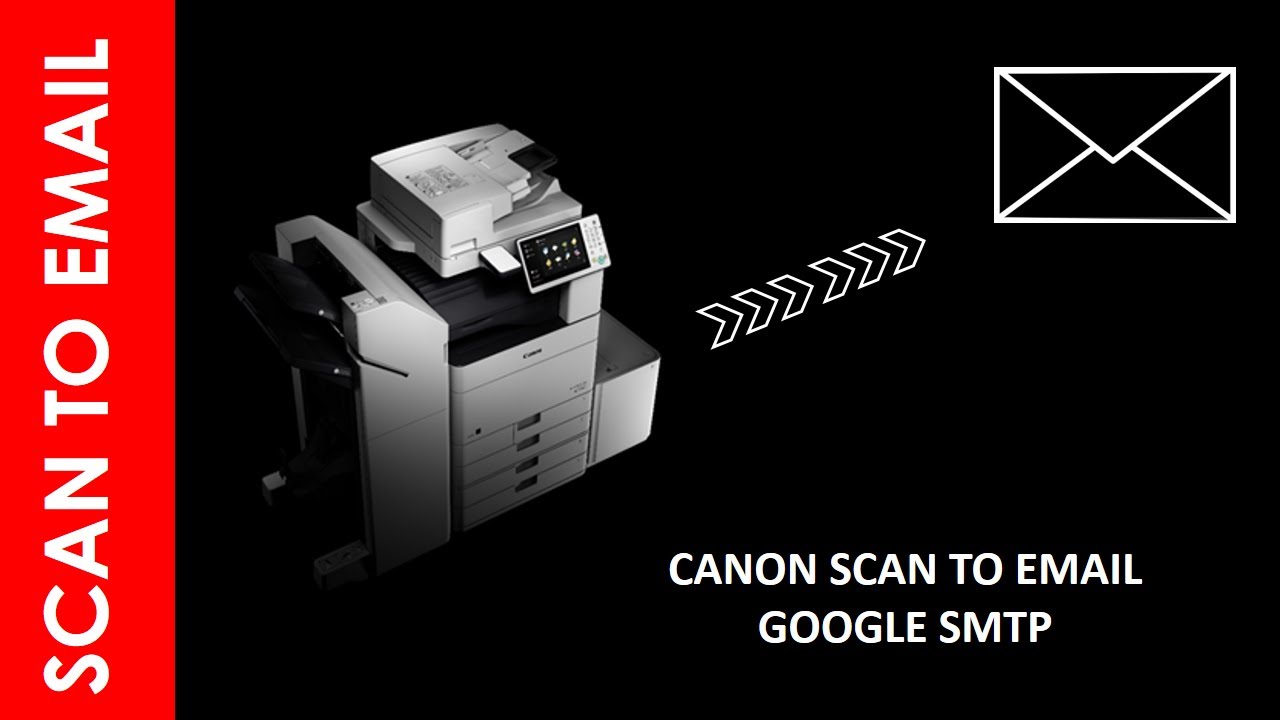
SCAN TO EMAIL FROM CANON TROUGH GOOGLE SMTP ( GMAIL)
Автор: bass techs
Загружено: 2020-10-08
Просмотров: 6517
Описание:
SCAN TO EMAIL FROM CANON MFD TROUGH GOOGLE SMTP
This video let us see how to configure SCAN to EMAIL from Canon device . this procedure is most similar & common in all Canon devices . Before setting up this environment we need make sure the Gmail SMTP details .
it can be found in below link
Google SMTP server details : https://support.google.com/a/answer/1...
Aslo from Device side make sure the right port has been selected (Port 25, 465, or 587 )for the communication as per the security policies applied (Secure Socket Layer (SSL)/Transport Layer Security (TLS) protocols.).
This project I have used port 587 and TLS enabled . it may change device to device as per configuration .
Also you should have an exclusive gmail account for this scanner ir-order to function without any issues . same has been described in this clip .
Please reach out us for further support and clarification
#CANON#SCANTOEMAIL#SCANTOGMAIL#GOOGLESMTP#GMAIL
Повторяем попытку...
Доступные форматы для скачивания:
Скачать видео
-
Информация по загрузке: