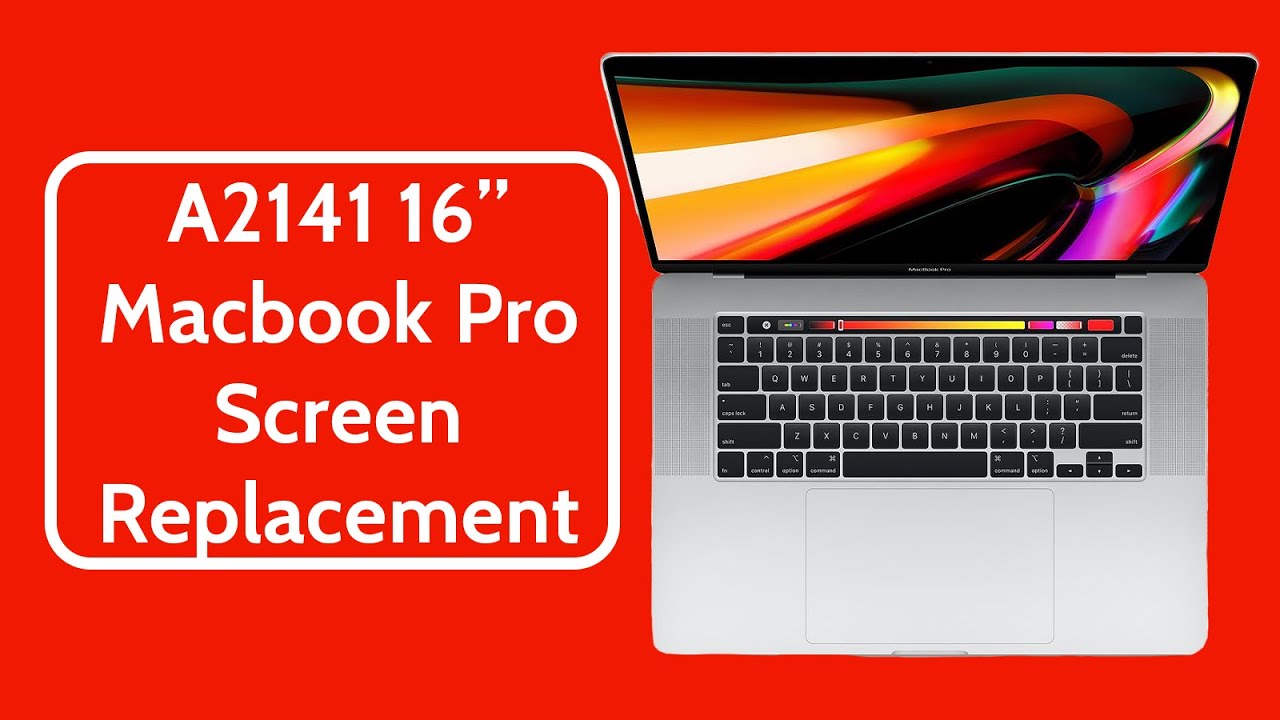
Apple MacBook Pro 16-Inch 2019 A2141 Screen Replacement | Repair & Fix Tutorial
Автор: Joe's Gaming & Electronics
Загружено: 2025-02-04
Просмотров: 2067
Описание:
Send your device in for repair 👉 https://www.joesge.com/pages/repair-s...
Are you a repair ninja? Buy the parts here 👉 https://www.joesge.com/collections/ma...
Written Repair Guide 👉 https://www.joesge.com/blogs/apple-la...
Steps to fix your device.
1. Remove the bottom cover
2. Disconnect the battery
3. Drain any remaining power by holding the power button down for 5 seconds.
4. Disconnect all of the screen cables, the WiFi cables, and others that run into the screen housing.
5. Unscrew the hinge covers and loosen the hinge screws.
6. Lift the screen open a bit, then remove the hinge screws.
7. Install the new screen into the housing.
8. Install the hinge screws and covers.
9. Reconnect the ribbons and cables.
10. Reconnect the battery.
11. Test the new screen for function then reinstall the bottom cover.
12. Get back to jamming out 🎵
Hello repair ninjas 🥷 As a way to help out with the increasing demand for videos of specific repairs, we have created a membership for our channel that allows you to request 1 custom repair video per month. The video you request will be put at the top of our queue and will be uploaded as quickly as possible. The video can also be started with a shout-out if you would like that. As always, thanks for checking out our repair dojo 🥷
Join Here 👉 https://bit.ly/3rMJJkW
Follow us on our social media for more repair content:
Instagram 📸 - / joesge
Facebook - / joesge
Feel free to reach out to our support team with any questions your brain has developed during the watching or pre-gaming of this video:
www.JoesGE.com 📲
[email protected] 📩
360.362.1722 📞 (Text or Call)
Повторяем попытку...
Доступные форматы для скачивания:
Скачать видео
-
Информация по загрузке:


