How To Fix Asus No Boot Device, Boot Device Not Found, No Bootable Device,
Автор: PC Monkey
Загружено: 2020-05-01
Просмотров: 620097
Описание:
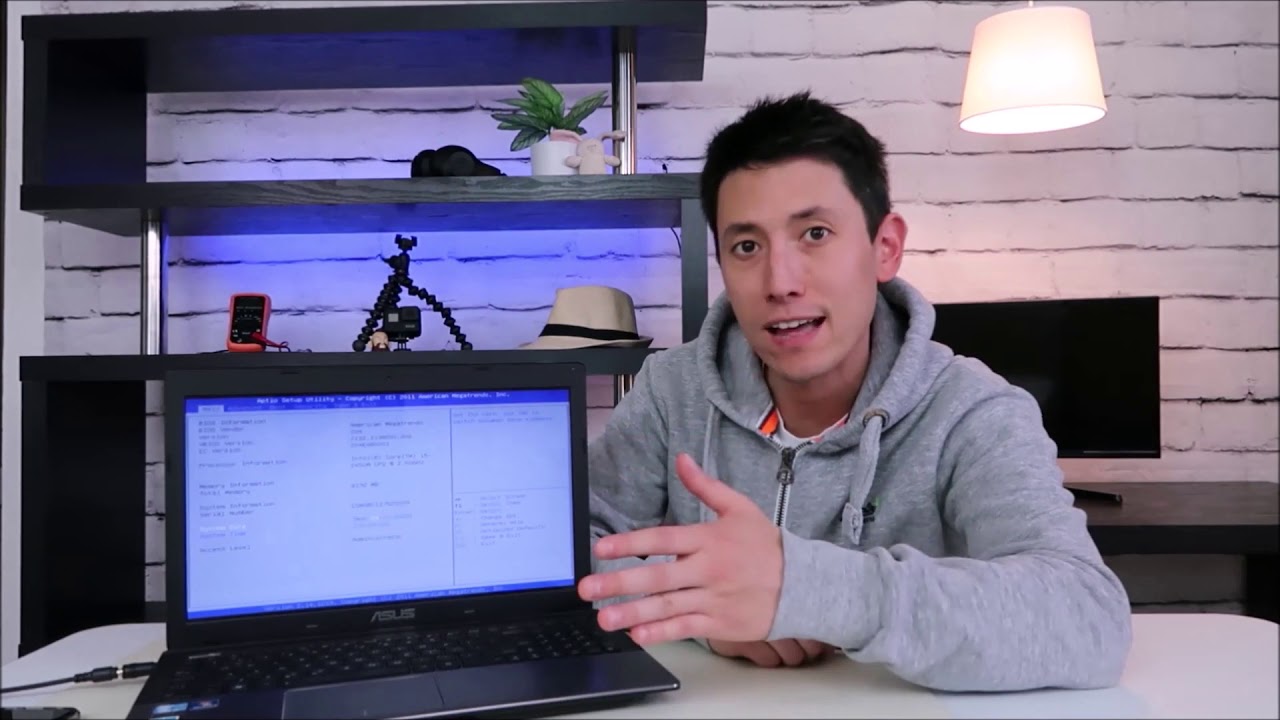
If your Asus Laptop is stuck at a No Boot Device, Boot Device Not Found, No Bootable Device error, or other boot-up issues, this video will help. Note: If your computer just had a fall or a hit, try 'reseating' the HDD by unplugging it and plugging it back in to reset the connection.
Check out the FAQ's and the Related Links below for more helpful info !!
Please remember to Like, Share and Subscribe if this was helpful !!
Please subscribe to / @jamtechs where I give you 5 minute or less videos about cool tech!
Related Links:
Computer Repair Tools & Supplies: https://amzn.to/3XpHdlw
HDD & SSD Replacement / Upgrades: https://amzn.to/430vkEz
Hard Drives vs Different Kinds of Solid State Drives Explained: • How to Choose Storage / Storage Devices Ex...
FAQ's:
Q: I cant switch between Legacy/CSM and UEFI or switching didn't help.
A: If you cannot find how to switch the setting in BIOS or if switching did not help, then can you find any Restore or Repair options in BIOS? If not, or if those options dont help, then we know your issue is not BIOS related. We are left with hardware / HDD or operating system. Try to reinstall the operating system as seen here;
How to install Windows 10: • How To Install Windows 10 on Asus Computer...
How to install Windows 11: • How To Install Upgrade to Windows 11- FREE...
If the install is successful, we know the issue was operating system related and it has been fixed :) If the install fails, the HDD is most likely bad and needs to be replaced. You can learn the difference between various HDD's and SSD's here: • How to Choose Storage / Storage Devices Ex... . If you need help with any of that, let me know :)
(edited 7/25)
Повторяем попытку...
Доступные форматы для скачивания:
Скачать видео
-
Информация по загрузке: