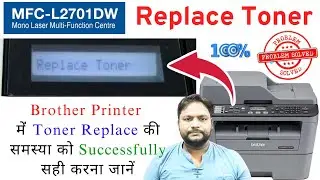
6 Simple Steps To Reset Toner For Brother MFC-L2710DW | Clear Replace Toner Message (DIY)
Автор: The Pulse Of The Market (smtraderCA)
Загружено: 2020-08-06
Просмотров: 187961
Описание:
Here are 6 simple steps to reset the toner for the Brother MFC-L2710DW printer.
1) Open the front cover
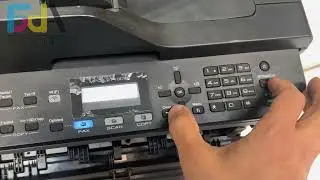
2) Press the 'Clear' & 'Stop' button at the same time then release
3) Press the 'Clear' button
4) Press the 'Down' button until you see 'TNR-HC' on the display
5) Press 'OK' button
6) Press 'Up' button to select Reset
When you see the word 'Accepted' on the display, the toner has been reset. Now close the front cover and your printer is ready to print once again.
If you like to buy me a coffee for this quick fix, click on the link below:
Buy me a coffee : https://buymeacoffee.com/smtraderca
----------------------------------------------------------------
♦ Subscribe to my YouTube: https://goo.gl/AT4vhQ
Follow me on:
♦ Twitter: / smtraderca
♦ My blog: http://www.lastchipstanding.com
Disclaimer:
► The contents in this video are for educational and entertainment purposes only. Use them at your own risk.
Повторяем попытку...

Доступные форматы для скачивания:
Скачать видео
-
Информация по загрузке:

![КАДЫРОВ про Адамчика и новые ПОЧКИ 😁 [Пародия]](https://image.4k-video.ru/id-video/fCo85HWuy8U)