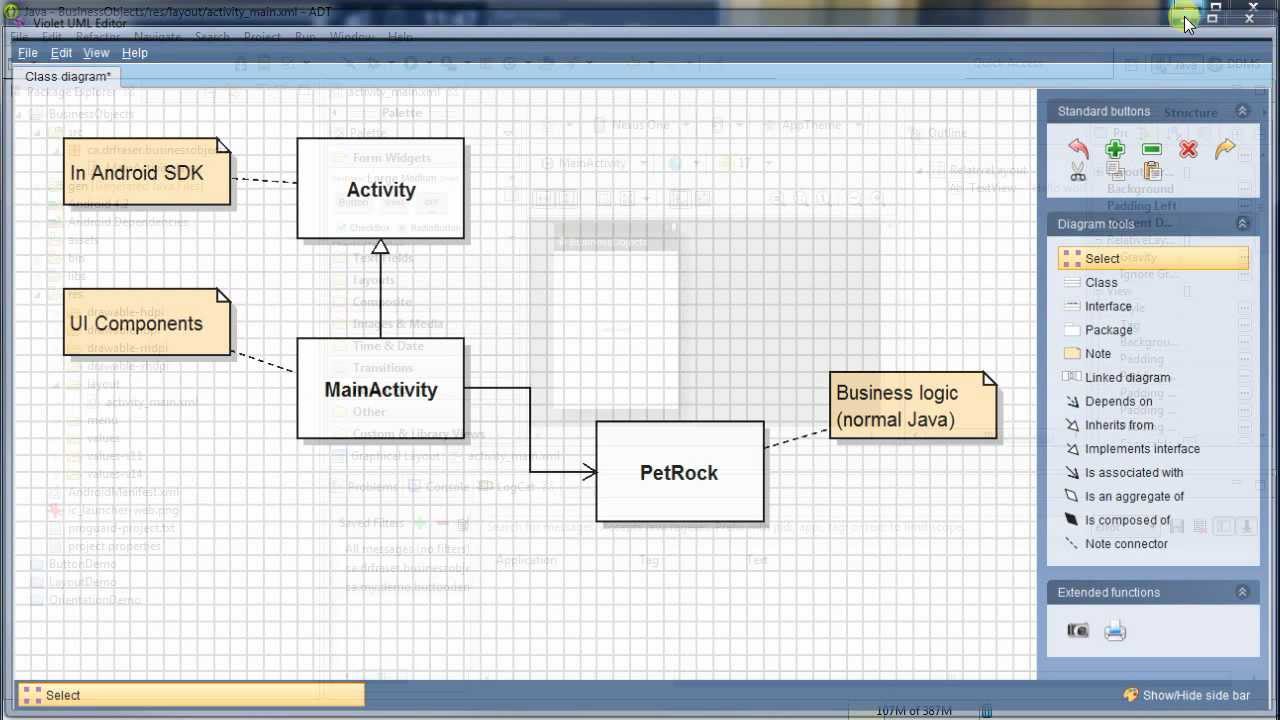
Passing values to activities using Extras: Android Programming
Автор: Brian Fraser
Загружено: 2014-02-16
Просмотров: 38017
Описание:
Demonstrate passing a value to an activity when it is created, and passing a value back (returning) when it finishes. Complete source code available at https://github.com/drbfraser/video-tu...
Passing To an Activity:
-----------------------
Pass data to an activity from MainActivity:
Intent intent = new Intent(MainActivity.this, DisplayActivity.class);
intent.putExtra("my parameter name", 42);
startActivity(intent);
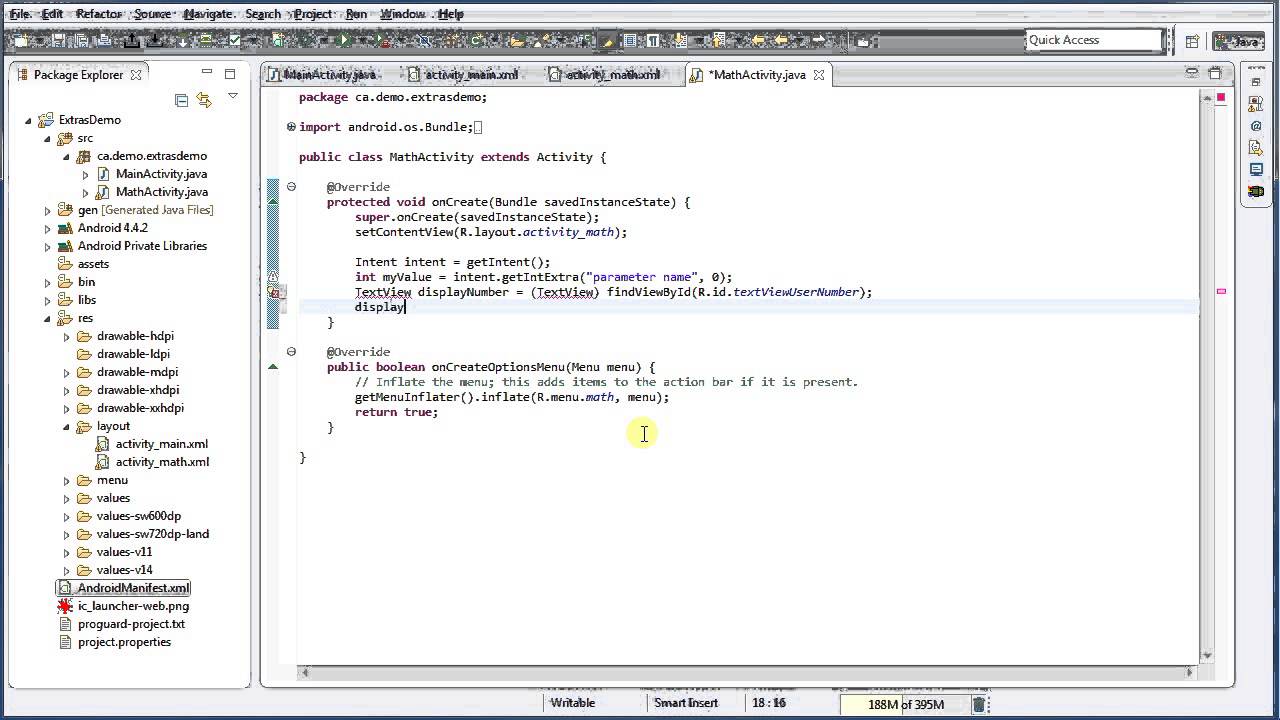
Getting value in second activity's onCreate():
Intent intent = getIntent();
int myValue = intent.getIntExtra("my parameter name", 0);
// 0 is the default value if the parameter not set.
Returning a value:
------------------
Change calling code (1st activity) to use startActivityForResult():
Intent intent = new Intent(MainActivity.this, DisplayActivity.class);
intent.putExtra("my parameter name", 42);
startActivityForResult(intent, 12345);
// 12345 is a code to myself to identify which call is returning.
Set data in the called activity (2nd activity):
Intent returnData = new Intent();
returnData.putExtra("my answer", 24);
setResult(Activity.RESULT_OK, returnData);
// use Activity.RESULT_CANCELED to indicate failure.
finish();
Catch the return value in 1st activity's onActivityResult:
protected void onActivityResult(int requestCode, int resultCode, Intent data) {
super.onActivityResult(requestCode, resultCode, data);
switch(requestCode) {
case 12345:
if (resultCode == Activity.RESULT_OK) {
int answer = data.getIntExtra("my answer", 0);
// 0 is default value if none was specified
// Do something with the answer...
break;
}
}
Повторяем попытку...
Доступные форматы для скачивания:
Скачать видео
-
Информация по загрузке: