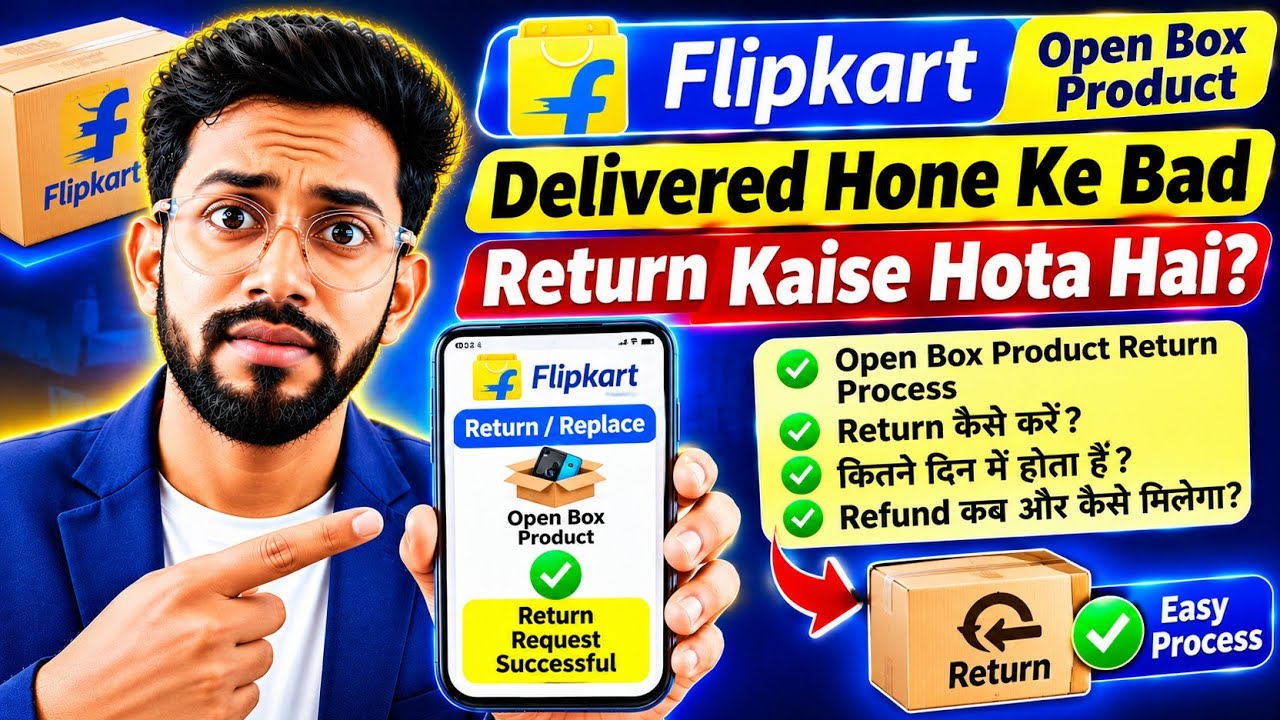
flipkart return process | How to return flipkart items | flipkart order return kaise kare
Автор: TheeTube
Загружено: 2023-01-09
Просмотров: 78205
Описание:
Hello Friends!!
Hope Aap Sabhi Achhe hai...
flipkart return process | How to return flipkart items | flipkart order return kaise kare
hello dosto kaise hai aap loag video me hm loag sikhenge ki flipkart ka product return kaise kare ya flipkart ka order return kaise kare isi ke baare me full process sikhenge
Flipkart Cancellations and Returns -
➡️ If I request for a replacement, when will I get it?
Visit My Orders to check the status of your replacement.
In most locations, the replacement item is delivered to you at the time of pick-up. In all other areas, the replacement is initiated after the originally delivered item is picked up. Please check the SMS & email we send you for your replacement request for more details.
➡️ Which products are not eligible for returns?
https://www.flipkart.com/helpcentre?c...
➡️ Can items be returned after the time period mentioned in the seller's Returns Policy?
No, sellers will not be able to accept returns after the time period mentioned in the seller's Returns Policy.
➡️ Do I have to return the freebie when I return a product?
Yes, the freebie has to be returned along with the product.
➡️ How do returns work?
You can raise a request to return your items with these simple steps:
1. Log into your Flipkart account
2. Go to My Orders
3. Click on 'Return' against the item you wish to return or exchange
4. Fill in the details and raise a return request
Once you raise a request, you'll get an email and SMS confirming that your request is being processed. Based on the item, your request may be automatically approved or you may be contacted for more details. If the request is approved, the item will be picked up after which you will get a replacement or refund. You can also track the status of your return request instantly from the 'My Orders' section of your Flipkart account.
➡️ I see the 'Cancel' button but I can't click on it. Why?
A greyed out and disabled 'Cancel' button can mean any one of the following:
1. The item has been delivered already
OR
2. The item is non-refundable (e.g. Gift Card)
➡️ Your Queries & Tags for Reference:-
flipkart return process
how to return flipkart items
flipkart me return kaise kare
flipkart par return kaise kare
flipkart return
flipkart se order return kaise kare
flipkart order return kaise kare
flipkart return process refund
flipkart return kaise kare
flipkart pe return kaise kare
how to cancel order on flipkart
flipkart refund process
Flipkart COD Order ka Refund
Flipkart par refund ya replace kaise kare
flipkart
return
refund
exchange
replacement
order return
#flipkart #return #refund #replacement #exchange #flipkartordercancel #flipkartrefund
➡️ Open Demat Account -
► Angle One Account Opening : https://angel-one.onelink.me/Wjgr/rk5...
► Upstox Account Opening- https://upstox.com/open-account/?f=5K...
► Subscribe : https://www.youtube.com/TheeTube?sub_...
You can follow me on Social Media :-
Instagram: / thisisamansingh
Facebook page: / theetubeyt
LinkedIn: / aman-kumar-971289160
Email for Business Queries : [email protected]
Disclaimer- Some contents are used for educational purpose under fair use. Copyright Disclaimer Under Section 107 of the Copyright Act 1976, allowance is made for "fair use" for purposes such as criticism, comment, news reporting, teaching, scholarship, and research. Fair use is a use permitted by copyright statute that might otherwise be infringing. Non-profit, educational or personal use tips the balance in favor of fair use. All credit for copyright materiel used in video goes to respected owner.
** There is no personally identifiable information of any individual shown in the video.
** Some of links are affiliate links.
Повторяем попытку...

Доступные форматы для скачивания:
Скачать видео
-
Информация по загрузке: