How to Enable Direct Messages Notifications on X (Twitter) (Updated)
Автор: Smart Fixer
Загружено: 2024-08-17
Просмотров: 321
Описание:
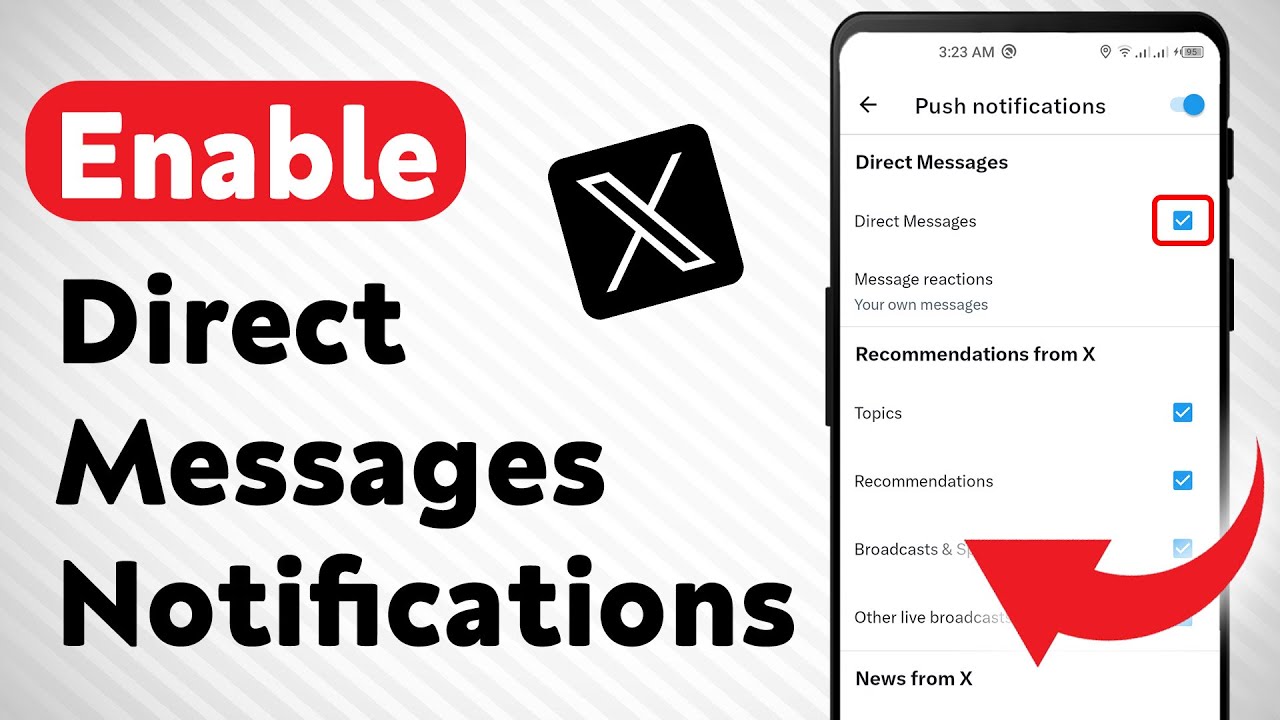
Learn how to enable Direct Messages notifications on X (formerly known as Twitter) with this updated step-by-step guide. Stay connected and never miss an important message from your friends or followers again. Follow the simple steps below to adjust your notification settings easily:
Steps:
1. Open the X app on your Android device.
2. Tap your profile picture at the top right.
3. Tap "Settings & Support".
4. Tap "Settings and Privacy".
5. Tap "Notifications".
6. Tap "Preferences".
7. Tap "Push notifications".
8. Under "Direct Messages," mark "Direct Messages".
Now you're all set. Enjoy seamless communication on X and stay notified about your direct messages. If you found this video helpful, please like, comment, and subscribe for more updates.
#TwitterNotifications #Xapp #SocialMediaTips
For advertiser contact us via email : [email protected]
Повторяем попытку...
Доступные форматы для скачивания:
Скачать видео
-
Информация по загрузке: