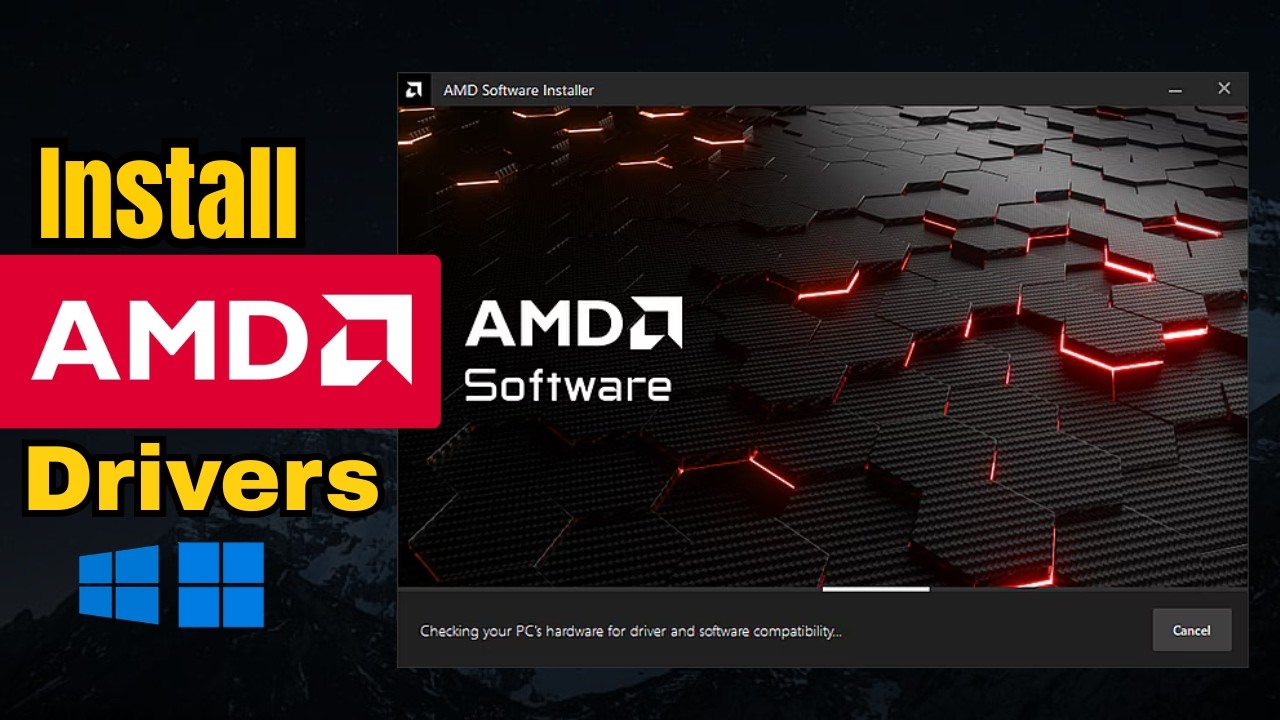
How To Install/Update AMD Graphics Drivers on Windows - Full Guide
Автор: FixSoft
Загружено: 2026-03-21
Просмотров: 1744
Описание:
Want better gaming performance, smoother visuals, and fewer crashes? Updating your AMD graphics drivers is one of the easiest ways to boost your PC’s performance. In this complete guide, I’ll show you exactly how to install or update AMD GPU drivers on Windows the right way.
Whether you’re a beginner or just want a clean install, this tutorial covers everything step by step.
🔧 What You’ll Learn:
• How to check your current AMD driver version
• How to download the latest AMD drivers safely
• Clean install vs normal install (which one is better?)
• How to use AMD Software: Adrenalin Edition
• Fix common driver installation issues
💻 Works For:
• Windows 10 & Windows 11
• All AMD Radeon Graphics Cards
• Laptops & Desktop PCs
📥 Download AMD Drivers (Official Website):
Go to AMD’s official support page to get the latest drivers for your GPU.
⚡ Why Update AMD Drivers?
• Boost FPS in games
• Fix bugs and crashes
• Improve system stability
• Unlock new features
❓ FAQs:
Q1: How do I know if my AMD driver is outdated?
You can check inside AMD Software or Device Manager. If your version is old or games are lagging, it’s time to update.
Q2: Should I do a clean install of AMD drivers?
Yes, if you’re facing crashes or performance issues. A clean install removes old files and prevents conflicts.
Q3: Is AMD Software Adrenalin Edition safe?
Yes, it’s the official software from AMD and completely safe to use.
Q4: Can I update AMD drivers automatically?
Yes, AMD Software can automatically detect and install the latest updates.
Q5: Why does my screen flicker after updating drivers?
This can happen due to incompatible settings. Try reinstalling drivers or adjusting display settings.
👍 Don’t forget to:
Like 👍 | Comment 💬 | Subscribe 🔔
#AMDDrivers #UpdateDrivers #Windows11 #GamingPC #AMDGPU #TechGuide #DriverUpdate #PCPerformance
Повторяем попытку...
Доступные форматы для скачивания:
Скачать видео
-
Информация по загрузке: