Snom M-KLE DECT Phone Series Review | VoIP Supply
Автор: VoIP Supply
Загружено: 2020-03-20
Просмотров: 1368
Описание:
Are you searching for an intuitive, easy-to-deploy DECT phone solution for your team? Check out Snom’s M-KLE series DECT phones!
We have everything you need for VoIP!
https://www.voipsupply.com/?utm_sourc...
Check out the Snom M-KLE Series of DECT phones here!
https://www.voipsupply.com/manufactur...
See ALL Snom Products here
https://www.voipsupply.com/manufactur...
Become a Snom reseller today!
https://www.voipsupply.com/snom-vtech...
Marc:
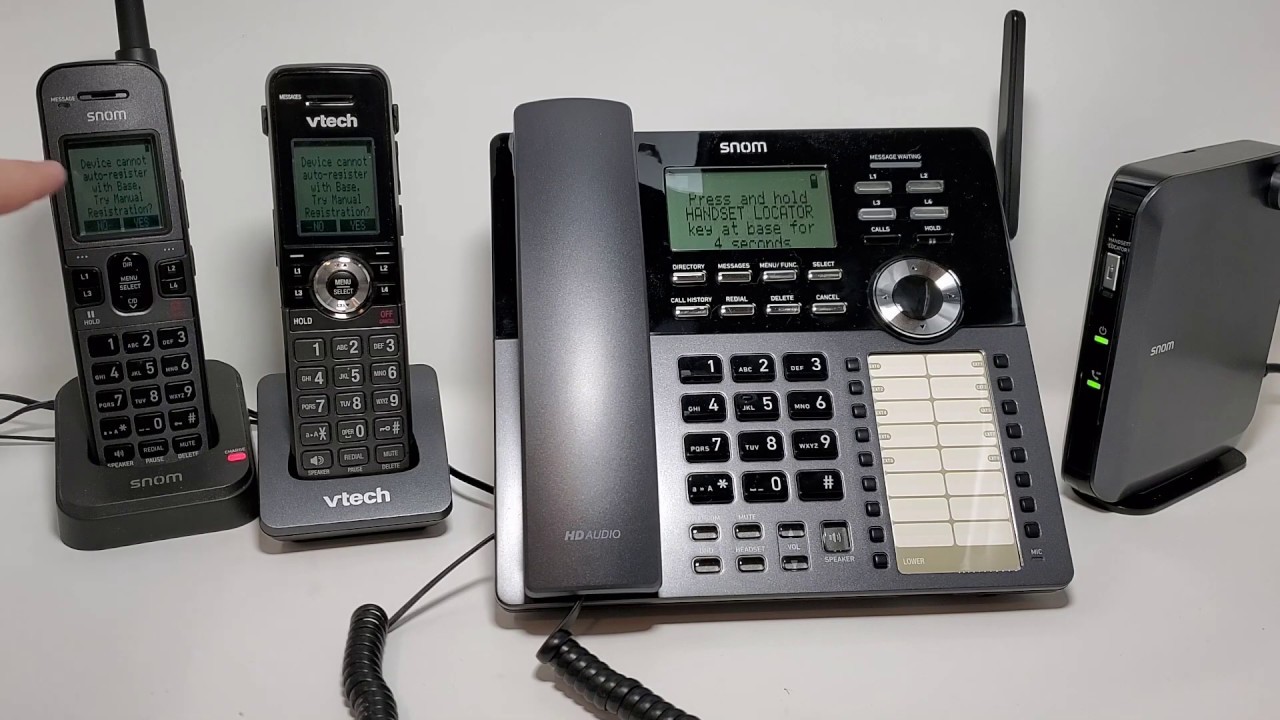
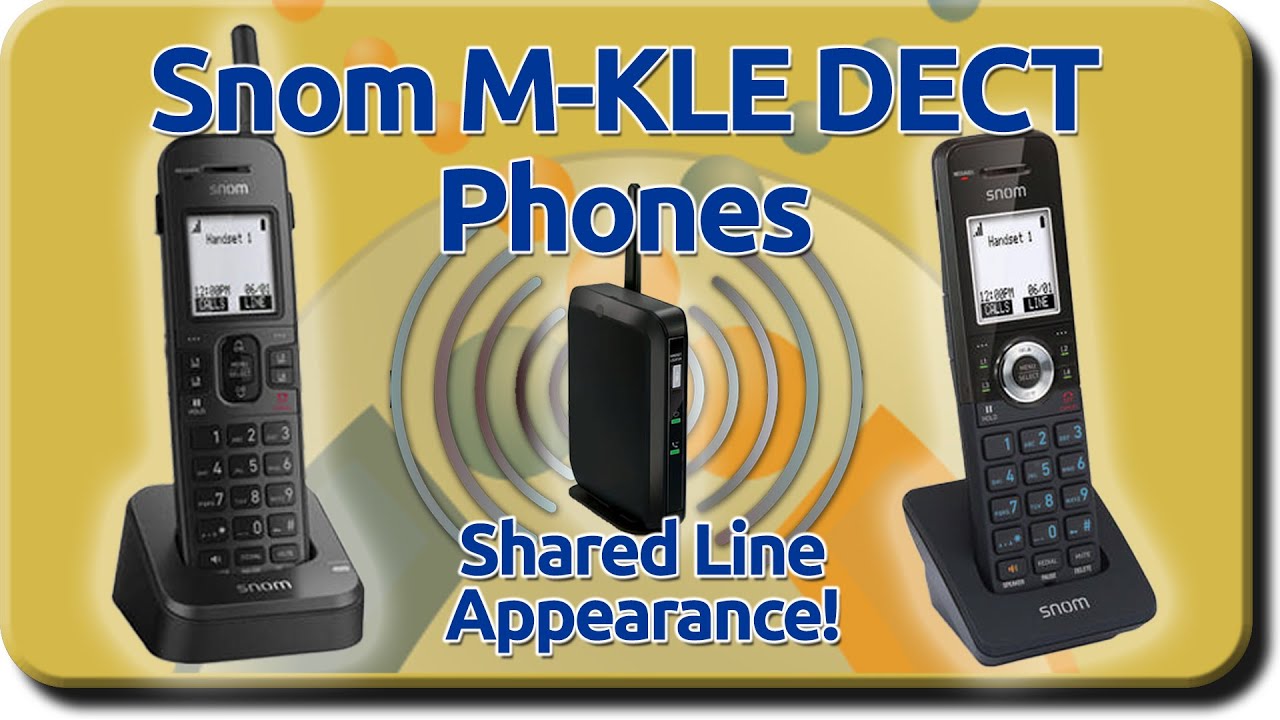
Hello. And welcome back. I'm Mark, here in the lab at VoIP Supply. And today we're talking about Snom's KLE Series DECT Phones, and these phones include a desk set and a handset, which also comes in a ruggedized version. These phones aren't just regular DECT phones though. There's something special about them. Let's take a look. As I mentioned before, there is something special about this series of phones. KLE stands for key line emulation, slow to a system that has shared call appearance or parking. That requires a little bit of extra intervention on the phone system. This does all the work for you. Starting off. We're going to talk about the M100, this is where all of the logic happens, this is where the magic happens for the KLE series phones. The phones communicate with this device, which supports up to eight SIP accounts and 10 phones.
Marc:
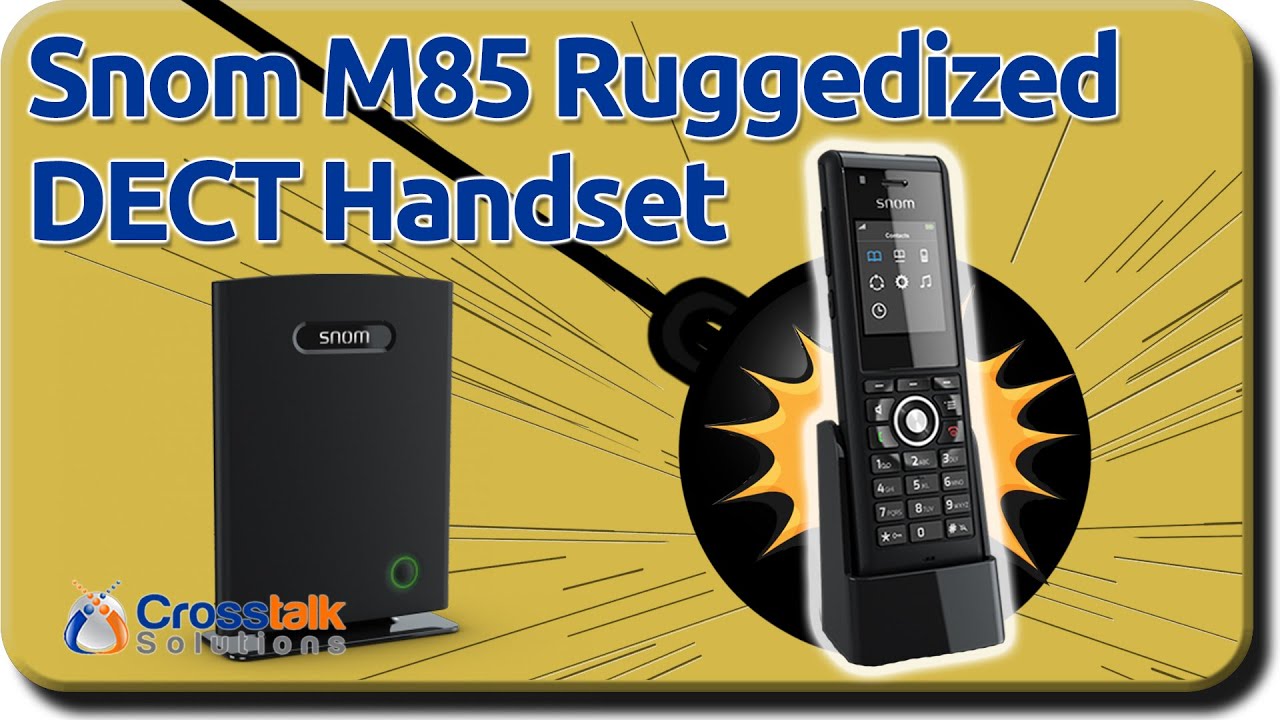
In the device itself, you have an antenna that's adjustable, you have a handset locator button, power button, and SIP status indication. On the back, we have a 10/100 ethernet port, a reset button, and a fivefold DC power. Moving along to the M10 KLE. It's a wireless handset, you have four illuminated line keys with a black and white screen that's backlit, has a menu button, standard keypad, has a belt clip, speaker for the speakerphone, volume up and down, intercom button, and has a little port for a headset. Moving along to the M18 KLE, you have the desk set. And the interesting thing about the desk set is that it is battery powered. You can see that we also have four line keys here, this is used for sharing calls among all the DECT phones in the system. You have a non-color screen, of course, but it is also backlit.
Marc:
Also, your regular numeric keypad. You have an intercom button, mute, do not disturb, headset button, your volume rocker, and speakerphone. This desk set is also battery-powered, meaning you can unplug this from power and still use it, which is an interesting feature. Let me explain the line key emulation part of these phones. Like I said, all of the logic takes place in the base station so that I can share an account between each registered set. As you see, I'm cycling through different lines and it synchronizes to the other phone. Now, the way this is configured is I have one SIP account in the base station, and I can divide that into multiple lines.
Marc:
Additionally, in the base station, you can configure these lines to do unique things. You can have up to eight SIP accounts and you can put different SIP accounts on different lines so that when a call comes in, maybe you want one telephone number to come into line one on this phone only, and you want another telephone number to come into line one on the desk set. This is all configurable through the base station. Also, this is very easy to use, requires little to no training. This is a very simple concept of pushing the line you want to use or the line you want to pick up.
Marc:
It's worth mentioning that because these lines are shared between all of the phones registered to the base station, placing a call on hold on this phone will display the call over here. So anyone near this phone can pick up that call, you can actually pick up the call on both phones simultaneously and conference. So let's show a little bit about how the line key emulation works, let's say we get a call coming in. Now that call is active. Now let's say we get another call in on line two, I pick up line two. Now that first call is on hold, by the way, we're synchronized over here. Line one is on hold, line two is active, let's say we want to take up line one again. Line one is active, line one is active, line two is on hold. That's how the synchronization works.
Marc:
If you want to intercom or page one of the handsets or desk sets, you go through the menu. For example, we want to page, select paging, enter. Select the unit you want to page or all, we're going to use the desk set, we're connecting. Hello, hello. And if you want to intercom a certain phone, scroll down to intercom or use the intercom button on the side of the handset, for example. Select your device and it'll call.
Повторяем попытку...

Доступные форматы для скачивания:
Скачать видео
-
Информация по загрузке:







![Introducing the upcoming Snom D735 VoIP desktop phone [english]](https://imager.clipsaver.ru/HuFiz_rMeo4/max.jpg)