How to Clean the DNF and APT Caches in Linux
Автор: Computer Everywhere
Загружено: 2025-01-31
Просмотров: 188
Описание:
I will show you how to clean the caches for both the DNF and APT package managers, so you can solve package installation problems that arise from corrupt installation metadata.
Commands:
sudo dnf clean dbcache
sudo dnf clean all
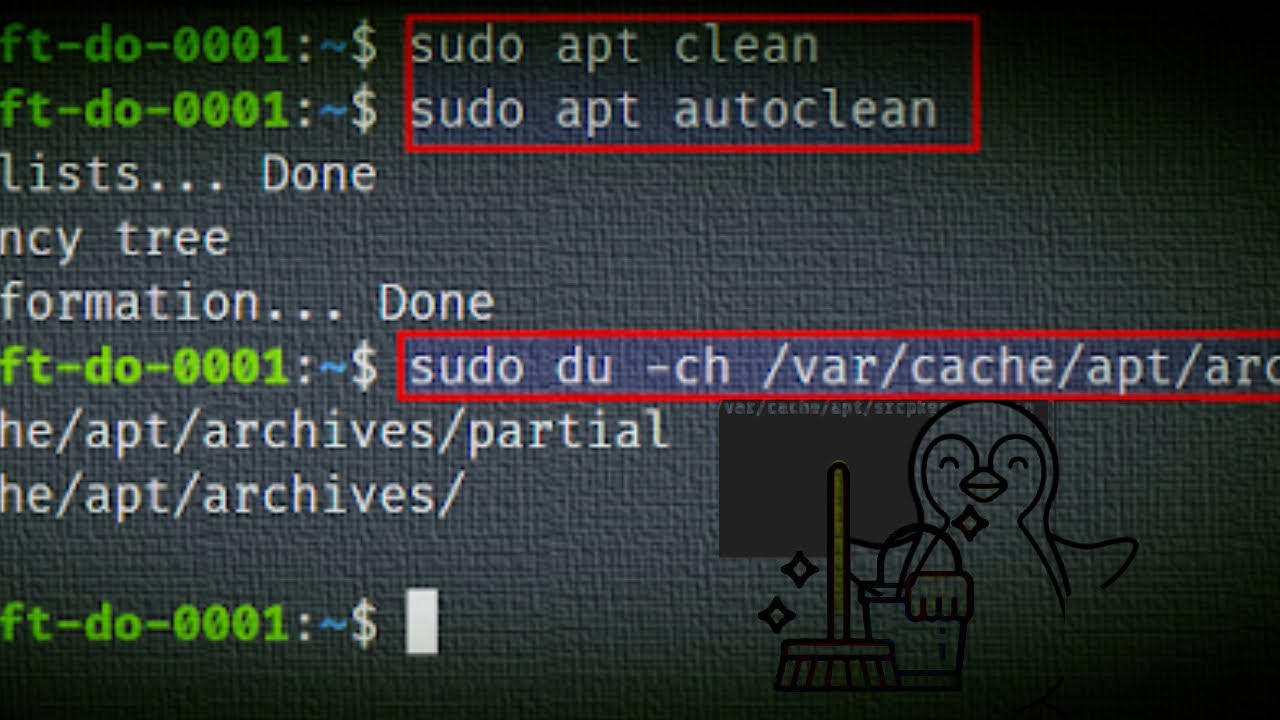
sudo apt-get clean
sudo apt-get autoclean
Chapters:
0:00 Intro
0:19 How to clean the cache for the DNF package manager
0:47 How to clean the cache for the APT package manager
1:24 End screen
What you'll learn:
1. How to clean caches for Red Hat and Ubuntu-based Linux distributions
2. How to fix cache information outdated or corrupted
3. How to clean the cache for the DNF package manager
a. best way to clean the DNF cache
b. How to remove all cache files generated from the repository metadata
c. How to run a complete clean with the command
4. How to clean the cache for the APT package manager
a. How to remove the content from /var/cache/apt/archives (except for the lock file)
b. How to remove the packages that cannot be downloaded from repositories
5. How to clean the package manager caches for both Red Hat and Ubuntu-based distributions
---
🔥 Download Opera GX (Gamer’s Browser): https://offergate-software12.com/2-ct...
🌍 Try Opera One (Multigeo): https://nefabop.com/6-11g1fd-c1hm-gv5...
💸 Every install supports COMPUTER EVERYWHERE — thank you!
---
Song: Emberlyn - Sonority
Music provided by Vlog No Copyright Music.
Link: https://bit.ly/3YMWwW7
#computereverywhere #howto #clean #dnf #apt #caches #linux
Повторяем попытку...
Доступные форматы для скачивания:
Скачать видео
-
Информация по загрузке: