QNAP Container Station - Installing Transmission BitTorrent Container for Torrents
Автор: xmdude626
Загружено: 2019-04-14
Просмотров: 21598
Описание:
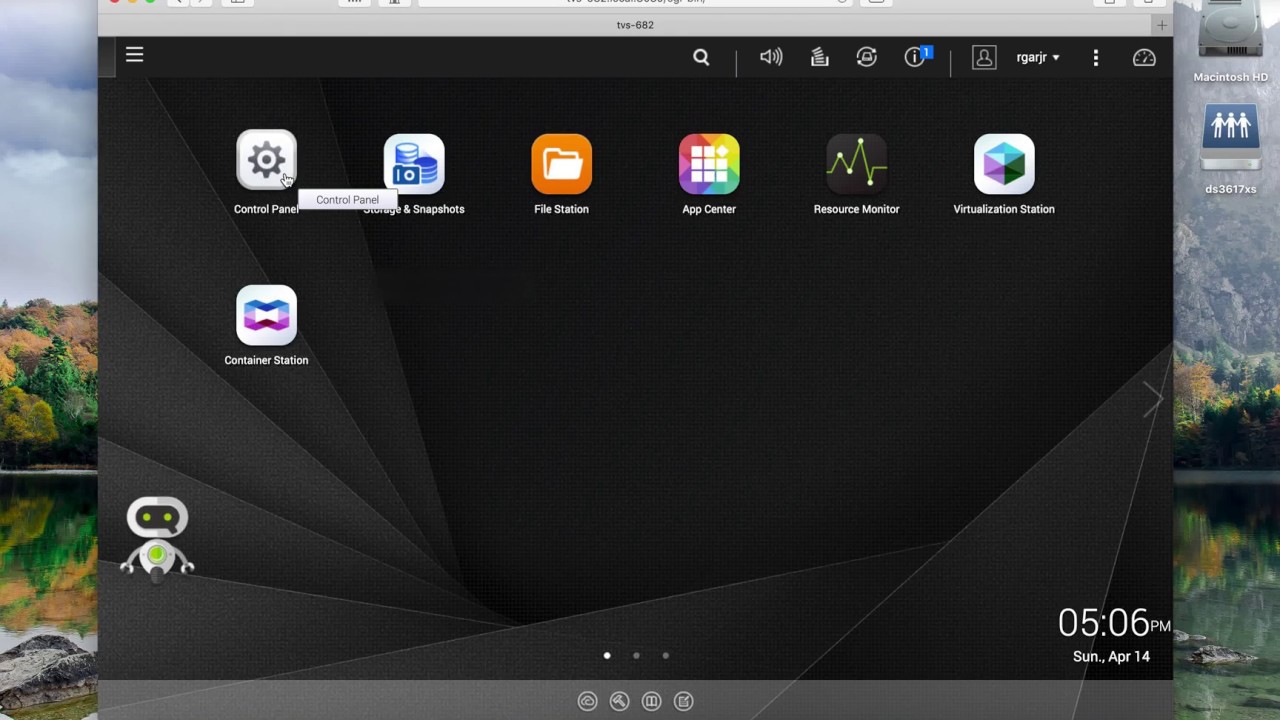
QNAP Container Station - Installing Transmission
========================================
Quick rundown on setting up Transmission BitTorrent client using QNAP Container Station to download/seed torrents.
Overview:
Google Chrome browser has a Transmission extensions (Transmission Easy Client) that you can install and then you simply right click on a magnet link from your favorite torrent search engine and it will send the torrent to your QNAP and start downloading/seeding. This saves a lot of time by not having to copy the magnet link and then going into the torrent web interface page and pasting it there.
Container Station can use LXC and Docker containers. In this case I used a Docker container from LinuxServer.io repo.
I first created a new shared folder called "Transmission". Then inside that shared folder, I created 3 folders (config,downloads,and watch). When you are creating the container, you need to map (point) the 3 folders to the Transmission container. To change settings you simply have to navigate to /Transmission/Config/Setttings.json and alter the settings and save it.
To grab your torrent after it finishes downloading, you simply navigate to Transmission/Downloads/Complete to get it.
Повторяем попытку...
Доступные форматы для скачивания:
Скачать видео
-
Информация по загрузке:




![Best of Deep House [2026] | Melodic House & Progressive Flow](https://imager.clipsaver.ru/Il-ZpBuC8tA/max.jpg)