How To Remove "Important Camera Message" In Any iPhone Easily | Using Luban L3 Mini
Автор: Relive Apple Tech
Загружено: 2024-03-20
Просмотров: 5148
Описание:
Hello to all the tech lovers and our beloved technician family across the globe,
Today we are back with a brand-new and absolutely fantastic video for all of you.
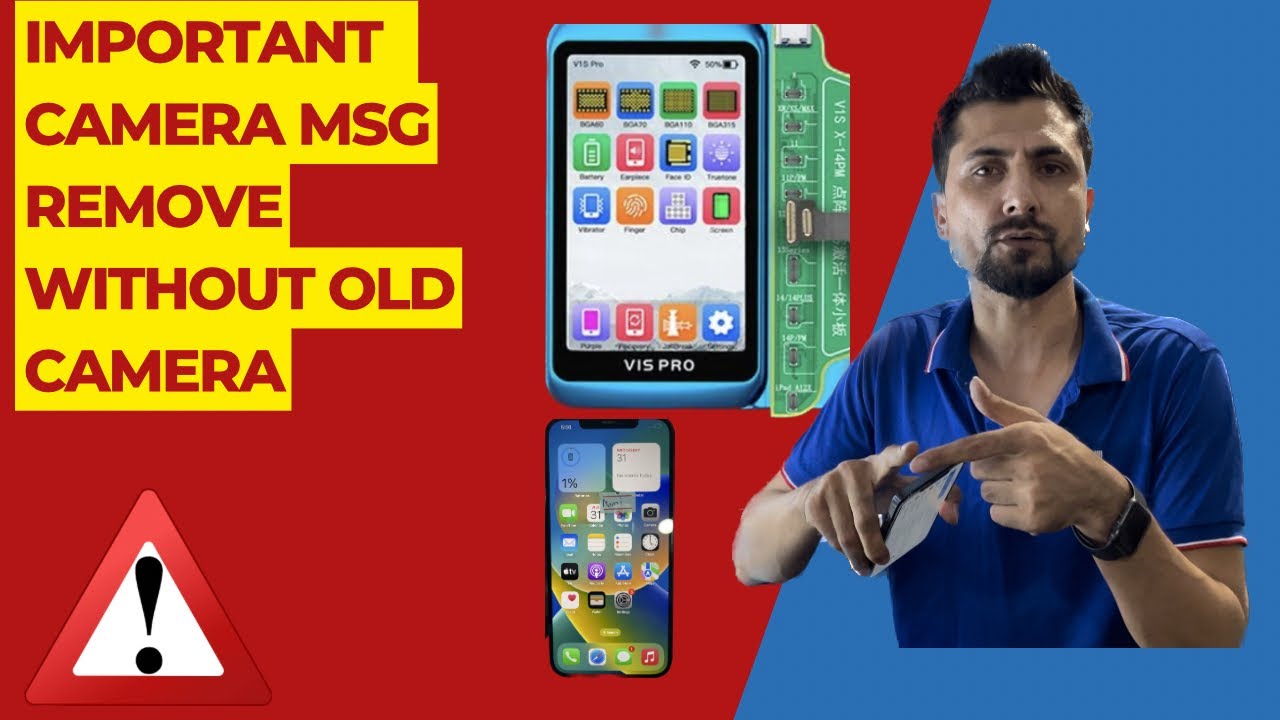
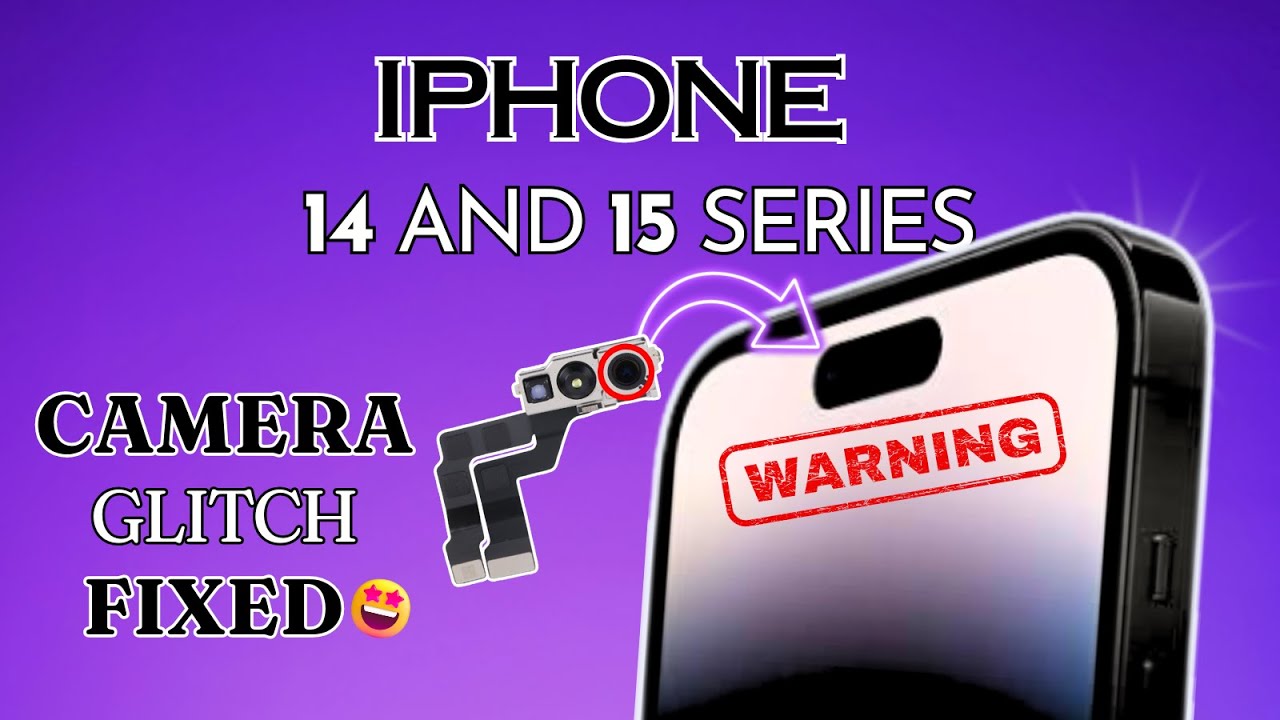
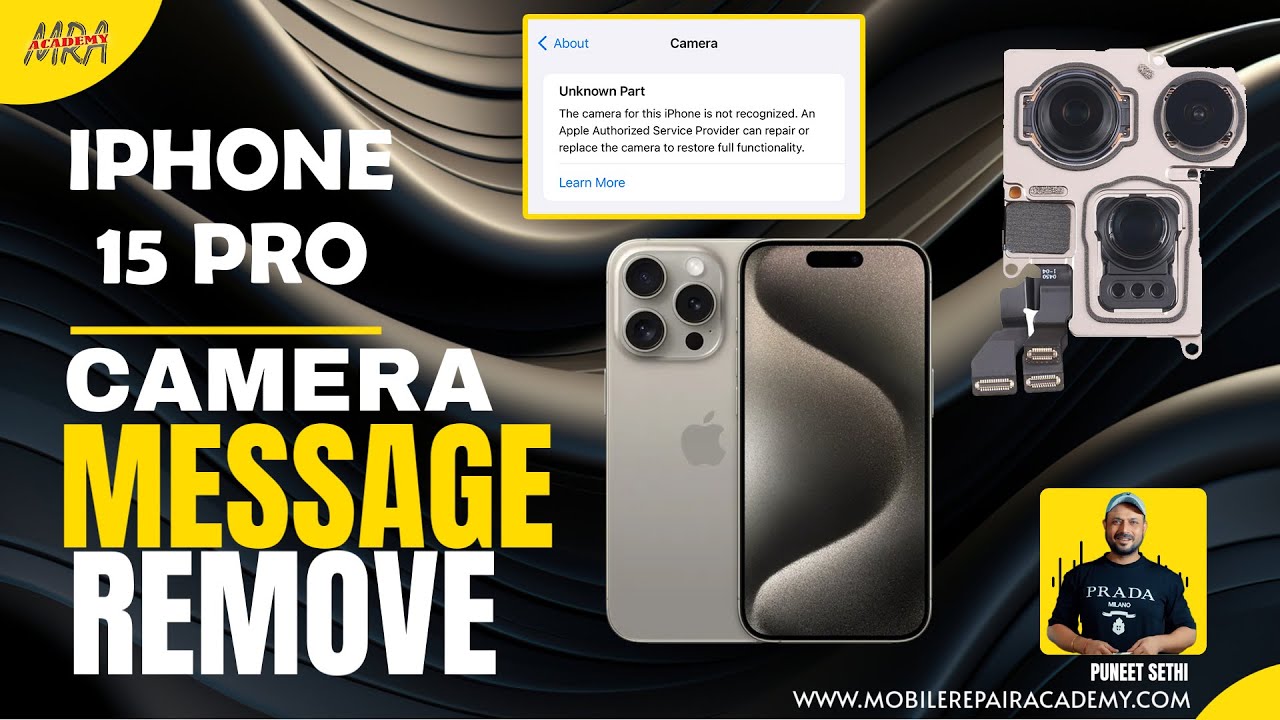
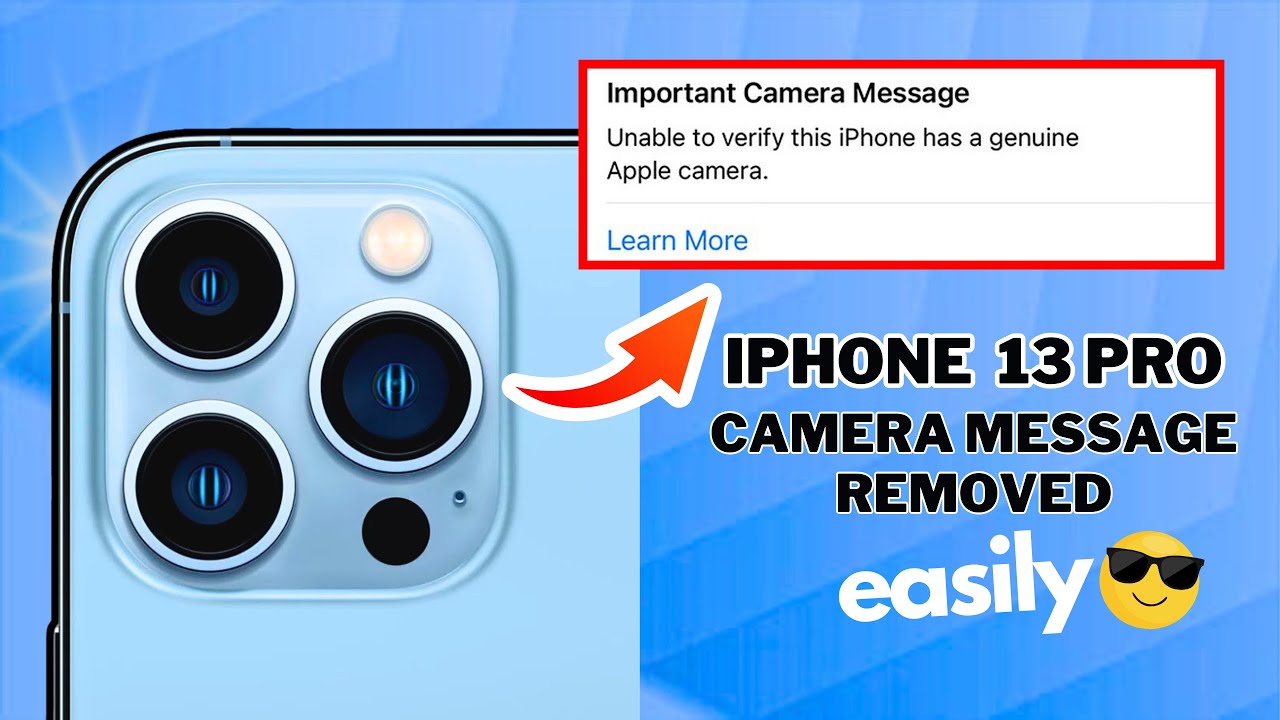
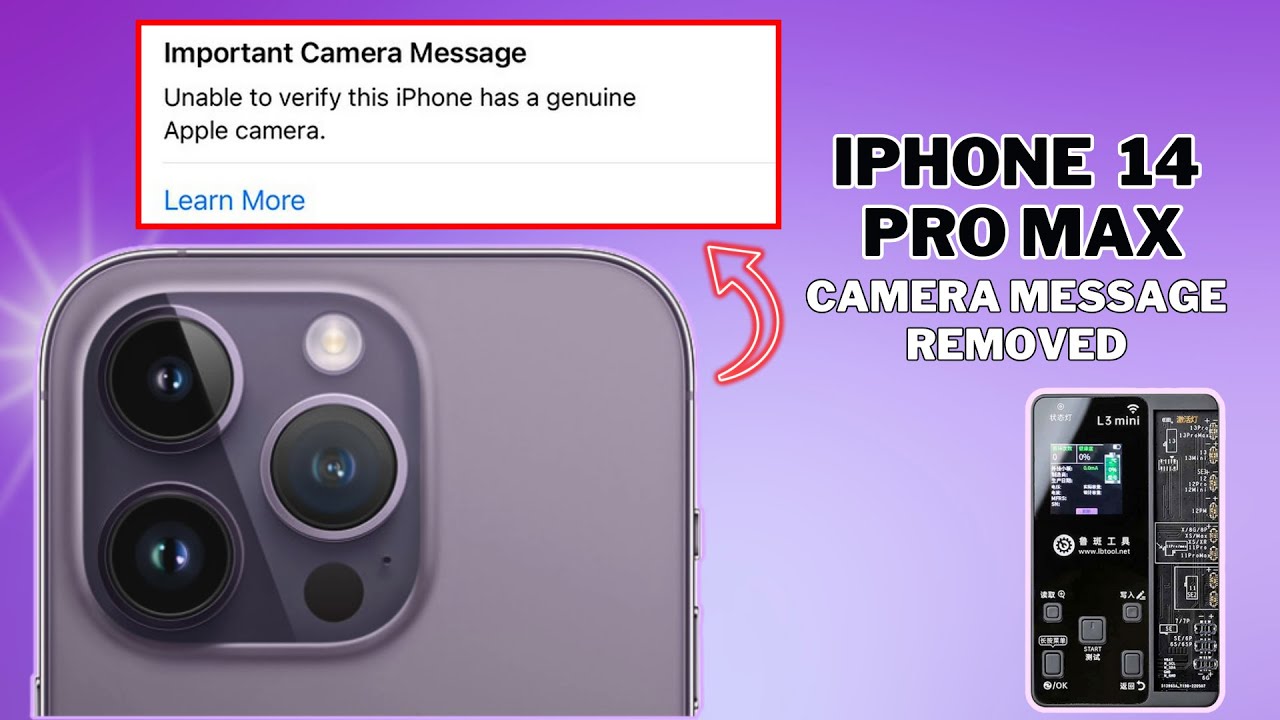
In this video we will show you how to remove the important camera message pop up that you can see in the Setting section of an iPhone 14 Pro Max if it’s camera has been replaced.
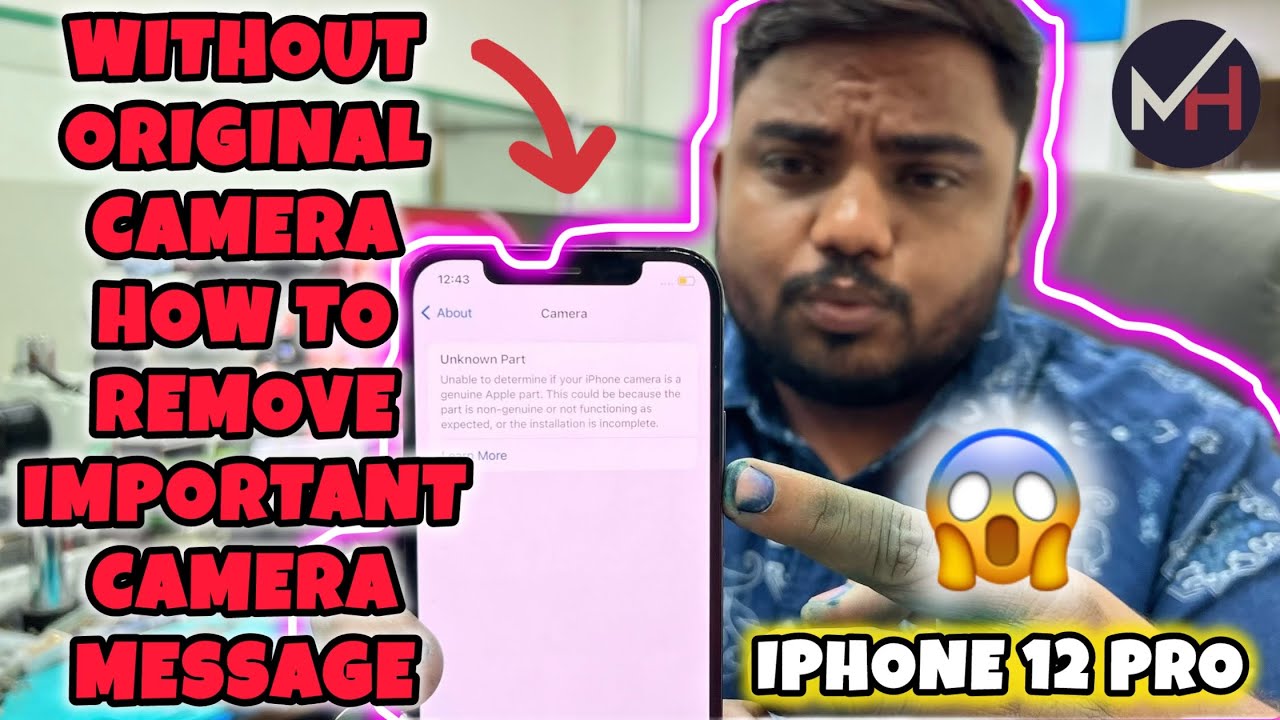
The camera is one of the most sophisticated components inside the iPhone and can be easily damaged if dropped during daily use. Camera replacement can be expensive. In addition, Apple has encrypted the camera of the iPhone 12 series and later models. So if the camera is changed, the “Important Camera Message” will pop up. Therefore, camera replacement will undoubtedly become a trend. Today, RELIVE APPLE TECH will share with you a repair case of an iPhone camera and walk you through some knowledge of iPhone camera repair.
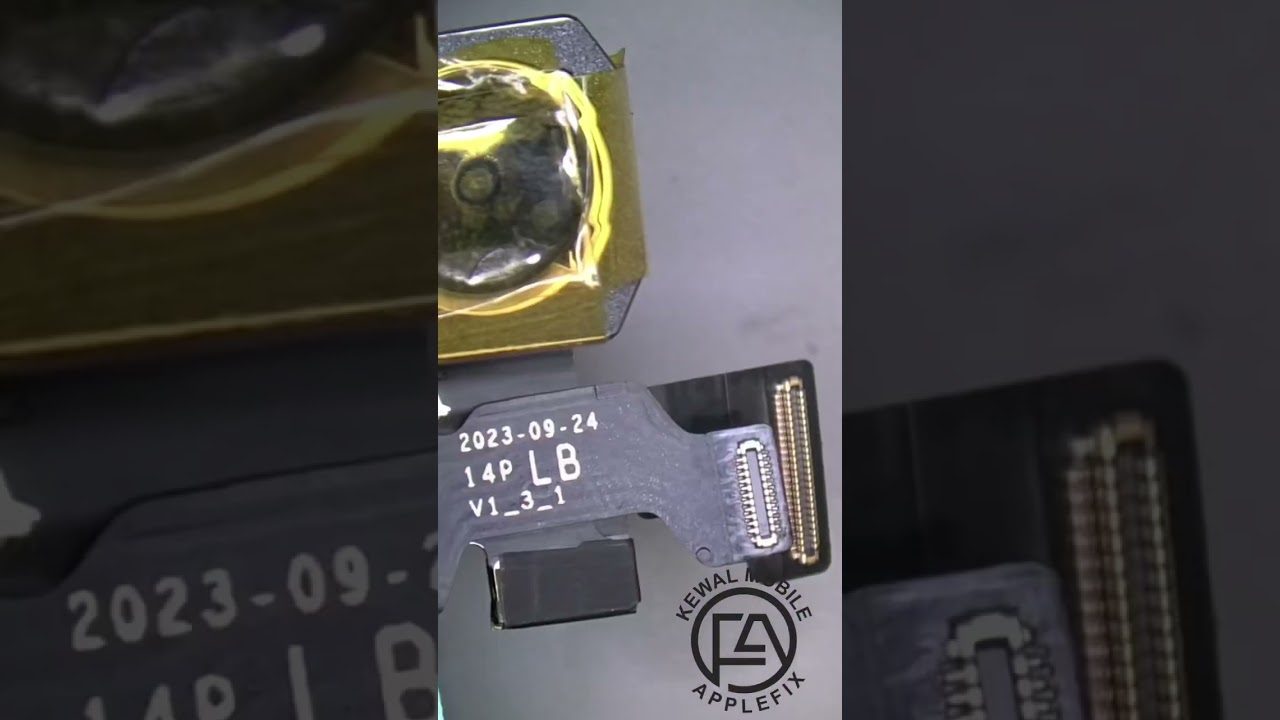
In this video, RELIVE APPLE TECH is introducing the latest solution on the market for removing the "unknown part" notification message after replacing the rear camera, which we use LB Tool and LB software along with the new camera to solve the problem.
It is easy to remove this message if the devices original camera or old camera is available with us with its flex intact.
However, it is very difficult to remove the important pop-up message after camera replacement if we do not have the original camera with us or if the flex of the original camera is broken.
Please note that this is only for genuine technical knowledge exchange from us to you and is not intended to help anyone carry out any sort of immoral activities of any kind. Hence we request you to kindly not misuse the knowledge provided by us in any manner anywhere at any point of time.
Apple introduced a feature that a warning notification will be sent when the camera on an Phone 12 models and above is unable to be verified as a new, genuine Apple camera when the iOS 14.4 update released. The non-genuine camera notifications will show up on an iPhone 12, 12 Pro, 12 Pro Max, or 12 mini and above till the latest 15, 15 Plus, 15 Pro and 15 Pro Max models if the camera was repaired with a non-Apple camera component.
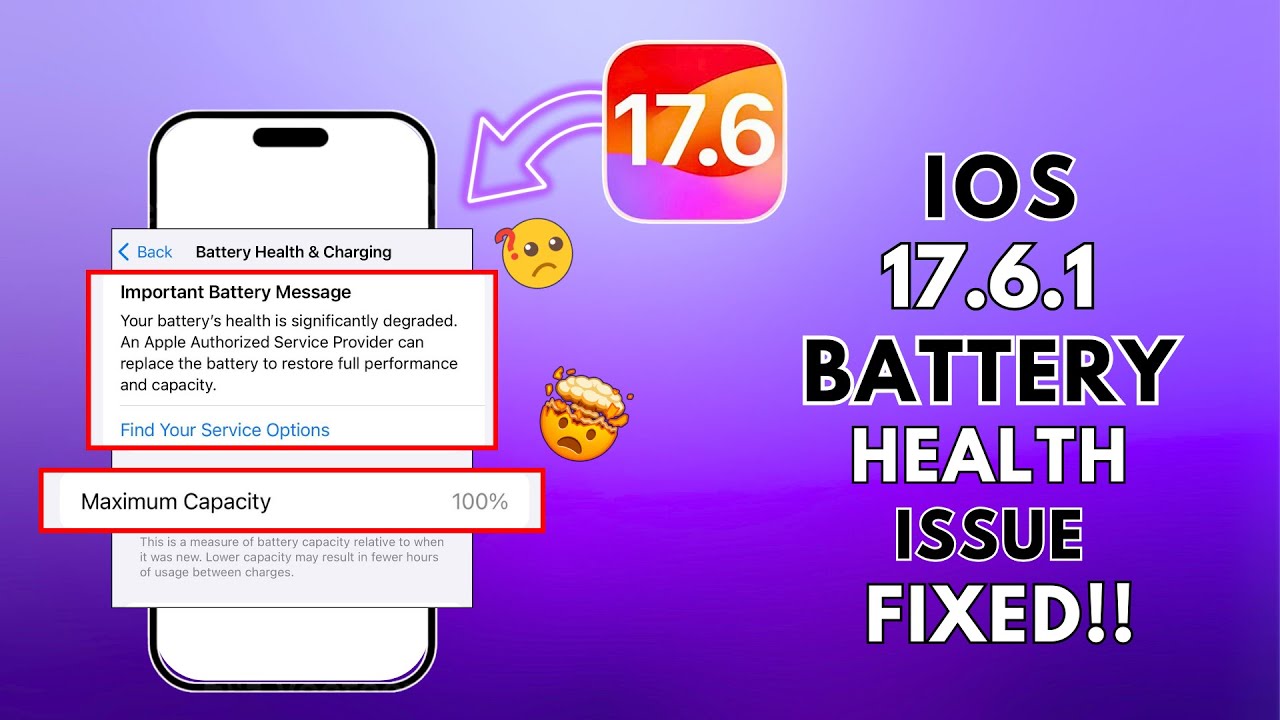
The "unable to verify this camera is genuine" is hands down one of the most annoying messages you can get after repairing your phones broken camera. In this video, we go over how to bypass this message and how difficult it really is. The Important Battery Message is not here to stay. Are you willing to put in the extra work to get your camera message to disappear?
This method can be used for any series of iPhones right from iPhone 11 series up until the latest 15 Pro Max models.
Also, if anyone still has any doubt doubt regarding the illustrated process or needs any further clarification, please feel free to use the comment section and get in touch with us so that we can help you further in any specific issues that you might be experiencing.
Before we take leave, we have a quick request to make to all of you lovely people. Please show us your support by subscribing to our channel and liking our videos so that we get the zeal and motivation to create many more fantastic videos for you and do not forget to share this video with anyone in your contact list and friend circle whom you think this video will be of use to in anyway
We will be back very soon as usual with another absolutely kick ass video for all of you fabulous people out there who make it a point to support us and benefit from our content in any way.
Until then,
LIVE.
LOVE.
LAUGH.
LEARN.
From,
RE-LIVE Team Bangalore.
----------------------------------------------------------
––––––––––––––––––––––––––––––
Dimension by KV
/ kvmusicprod
Creative Commons — Attribution 3.0 Unported — CC BY 3.0
Free Download / Stream: https://bit.ly/3TrGn5O
Music promoted by Audio Library https://bit.ly/4a4qgAF
––––––––––––––––––––––––––––––
#Important Camera message iPhone|Unknown part Camera
#iphonexr
#iphonexs
#15promax
#11
#12
#13
#14
#15
#fix
#important
#camera
#iphone
#viral
#trending
#viralvideo
#video
#technology
#technician
#tech
#tranding
#how
#howto
#whattodo
#whattodowhen
#hindi
#reliveappletech
#importantcameramessageiphone12promax
#importantcameramessageiphonefix
#importantcameramessageiphone
#importantcameramessageiphone14promax
#importantcameramessageiphone13promax
#how to remove important camera messageiphone
#howtoremoveimportantcameramessageiphone13pro
#howtoremoveimportantcameramessage
#importantcameramessage
#howtofiximportantcameramessageoniphone2024
#cameramessage
#importantmessagepopup
#iphonerepair
#microsoldering
#faceidrepair
#faceunlock
#righttorepair
#repair
#reliveappletech
#iphone12
#iphone12promax
#iphone12promax
#iphone13
#iphone13promax
#iphone13pro
#iphone14pro
#iphone14promax
#iphone14
#iphone15
#iphone15pro
#iphone15promax
#unknownpart
#lbtool
#howtoremoveimportantmessage
#solution
#solved
#rinkeshpathak
#rewa
#lb
#LB
#lbtool
Повторяем попытку...
Доступные форматы для скачивания:
Скачать видео
-
Информация по загрузке: