How To Draw Road Multiple Cross Section In AutoCAD By SWDTM Using Excel Data | Draw Road X-Section
Автор: Tech Yatra
Загружено: 2025-05-07
Просмотров: 2492
Описание:
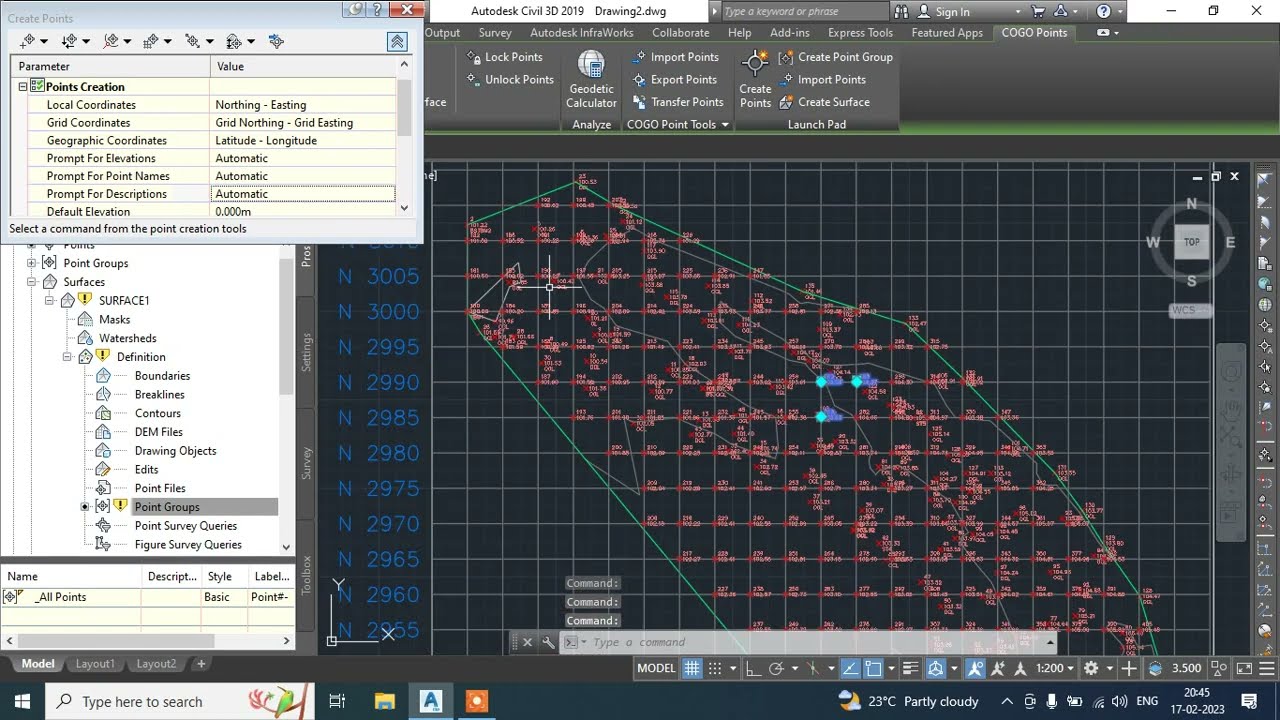
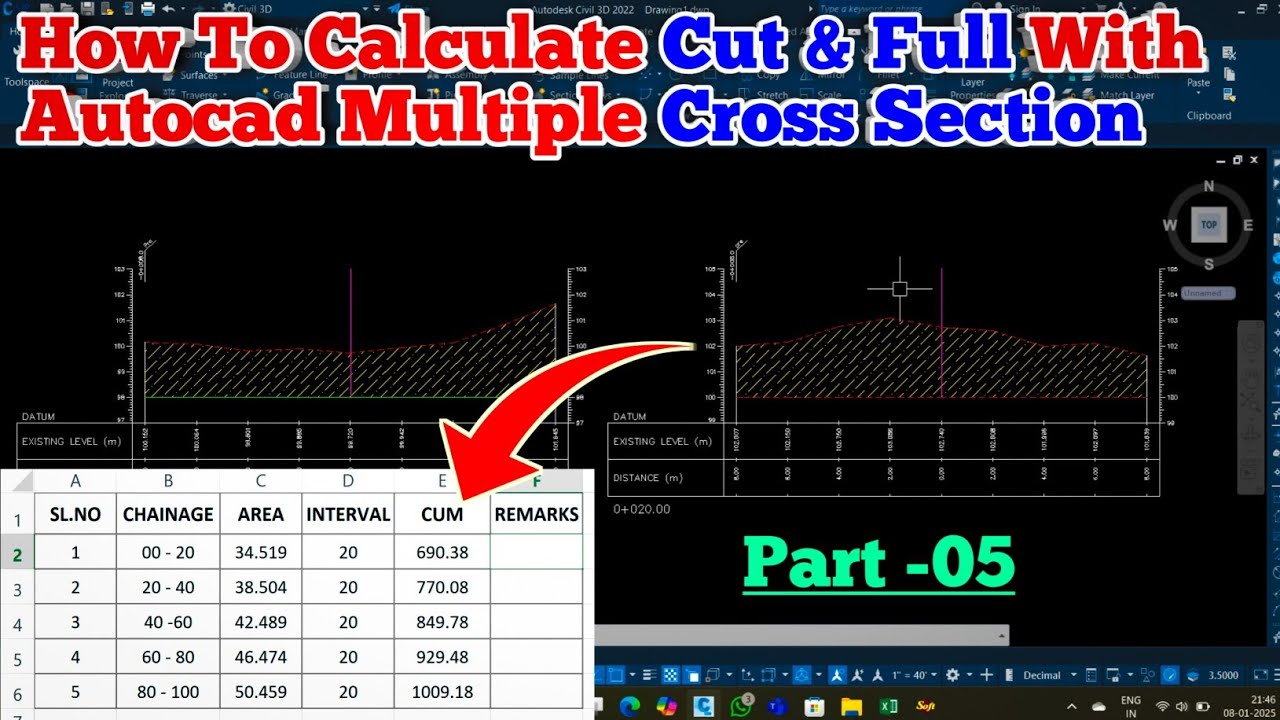
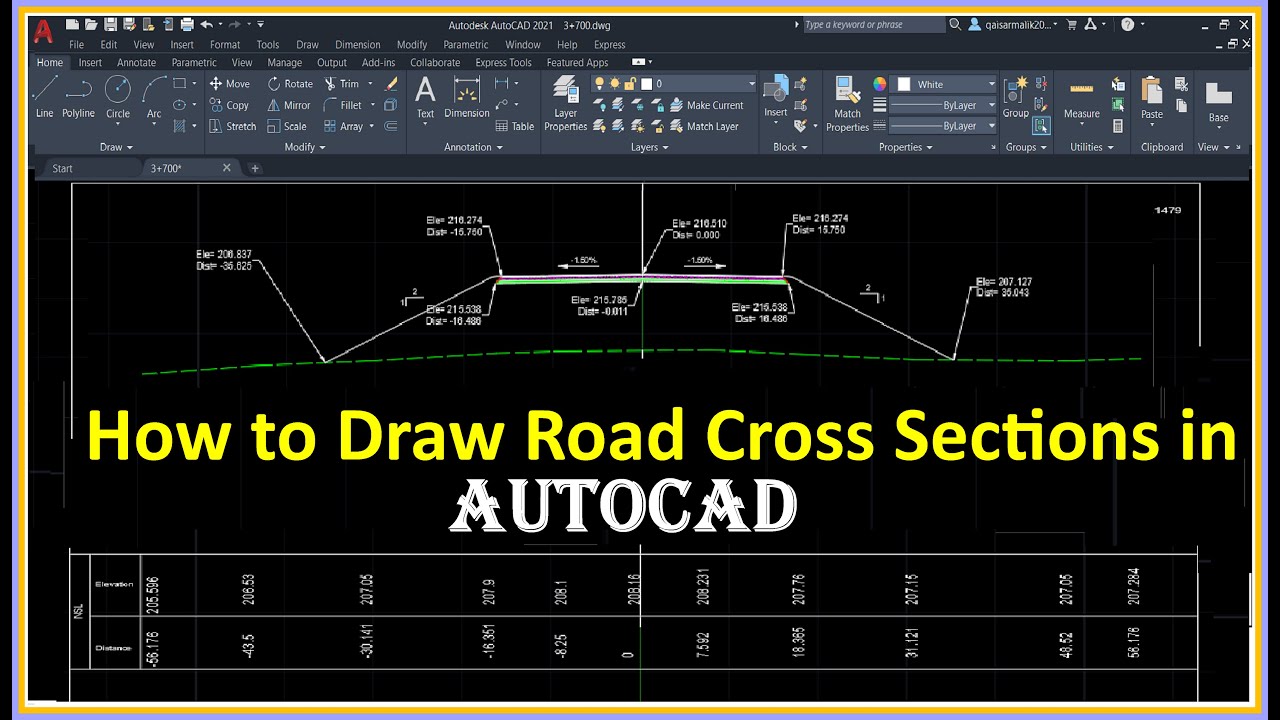
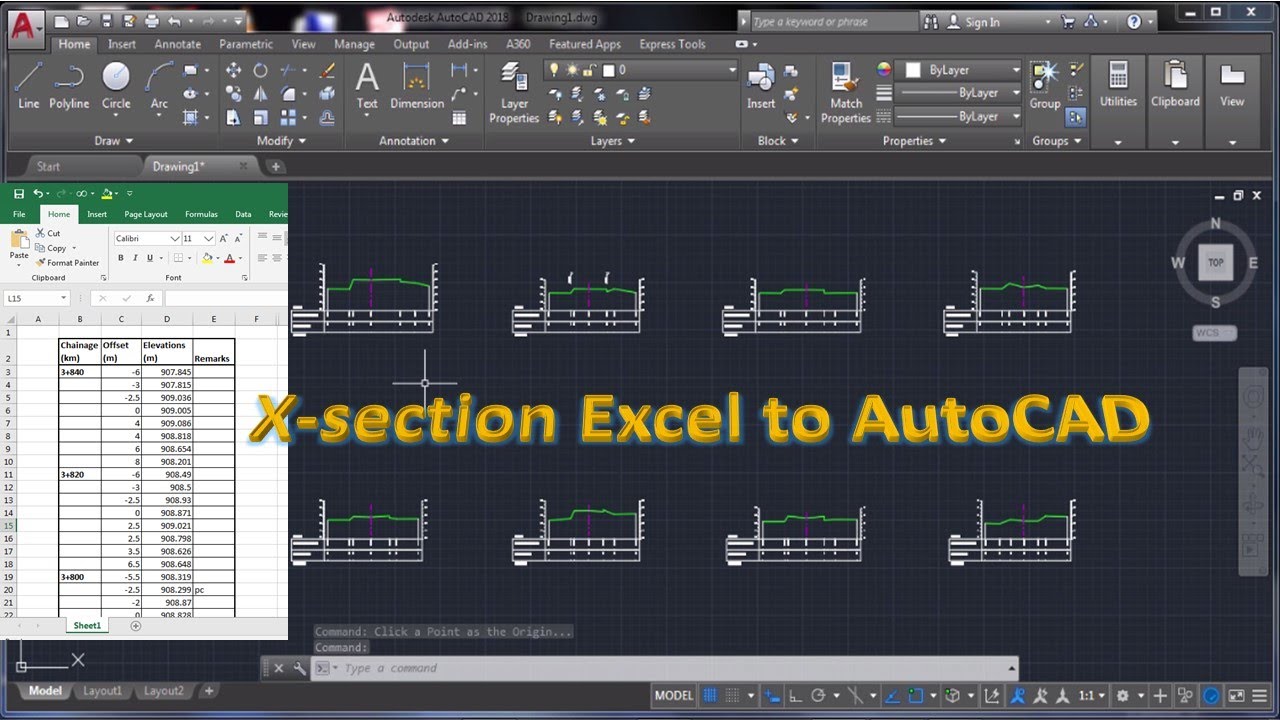
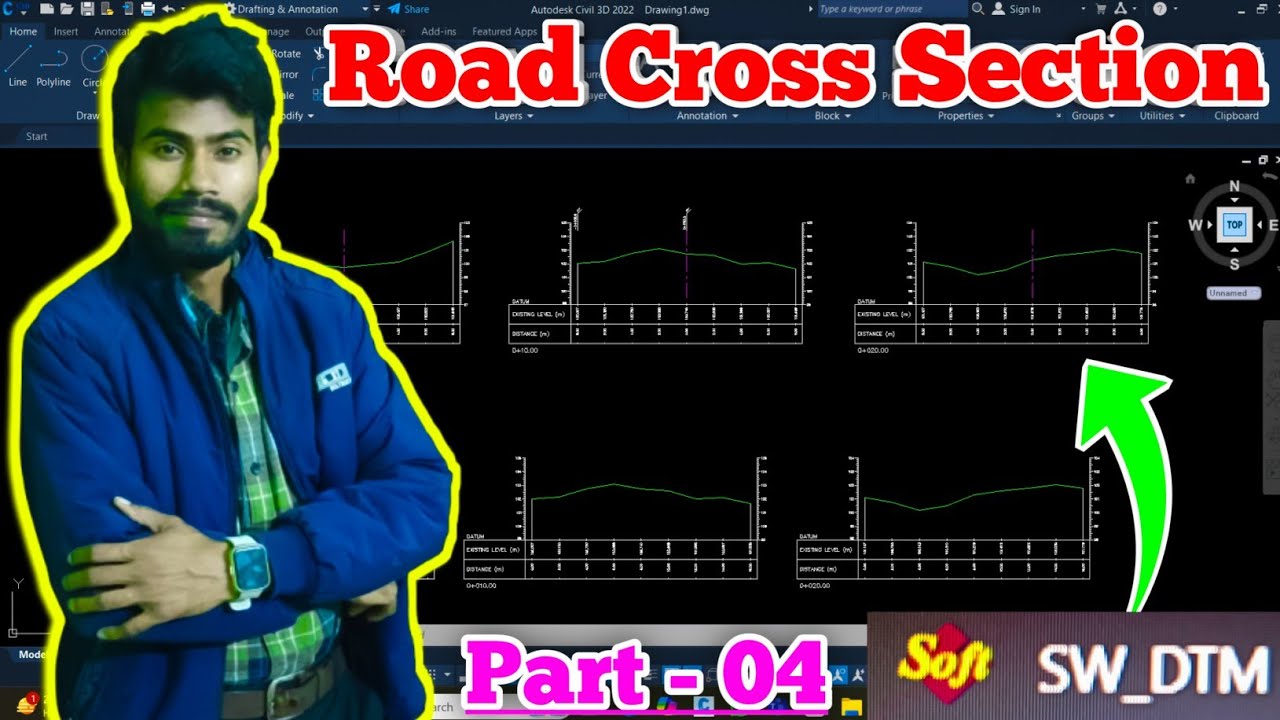
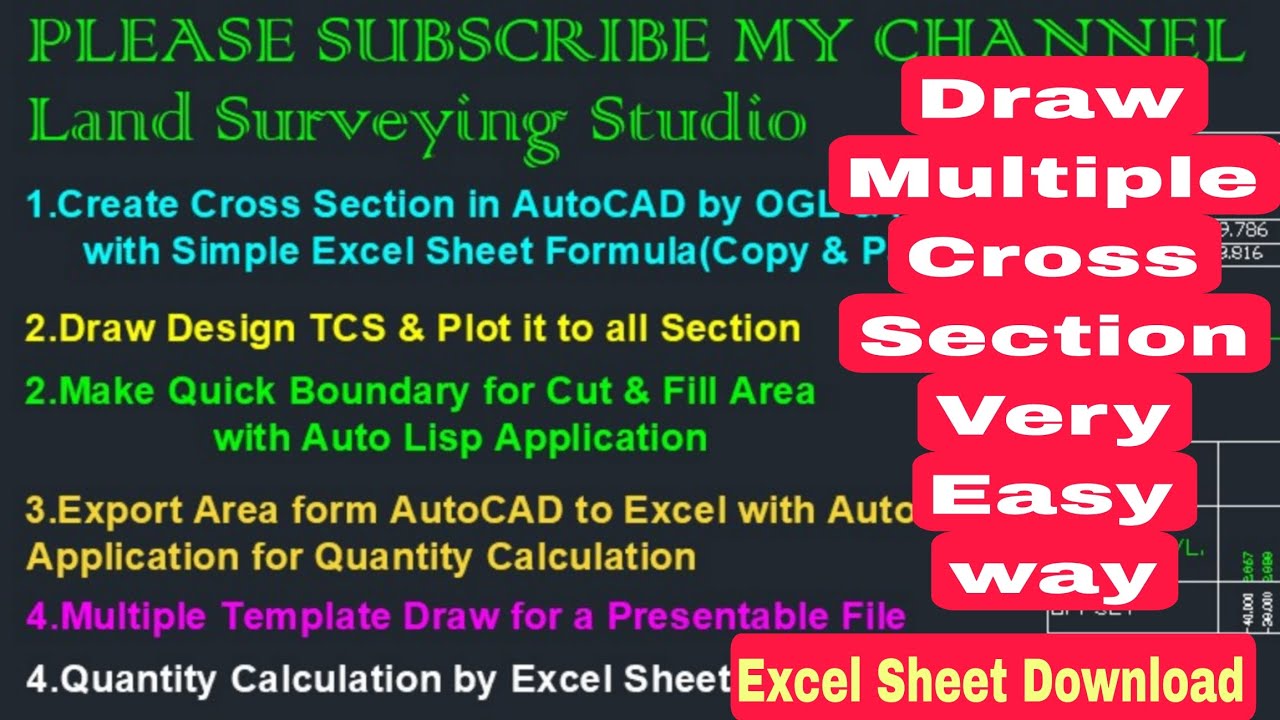
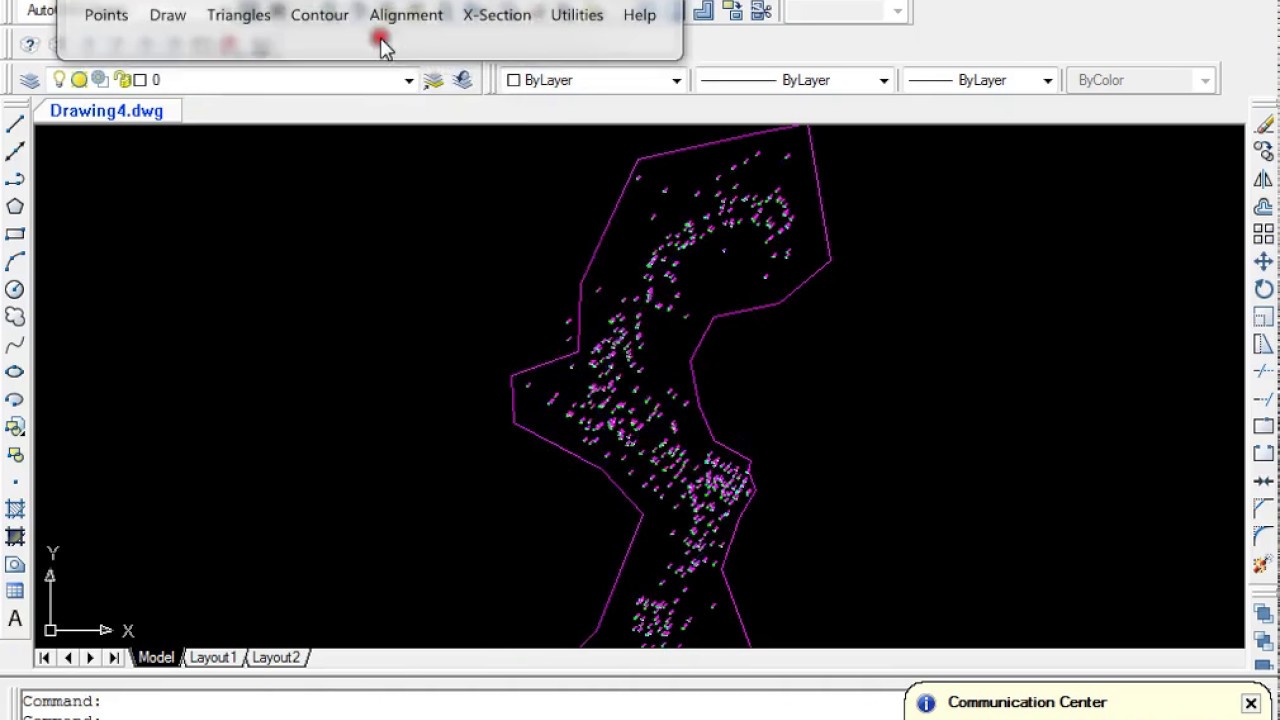
In this comprehensive tutorial, learn how to generate road cross-sections in AutoCAD using Excel data and SWDTM software. This step-by-step guide covers the entire process, from preparing your Excel data to importing it into SWDTM and exporting the cross-sections to AutoCAD.
What You'll Learn:
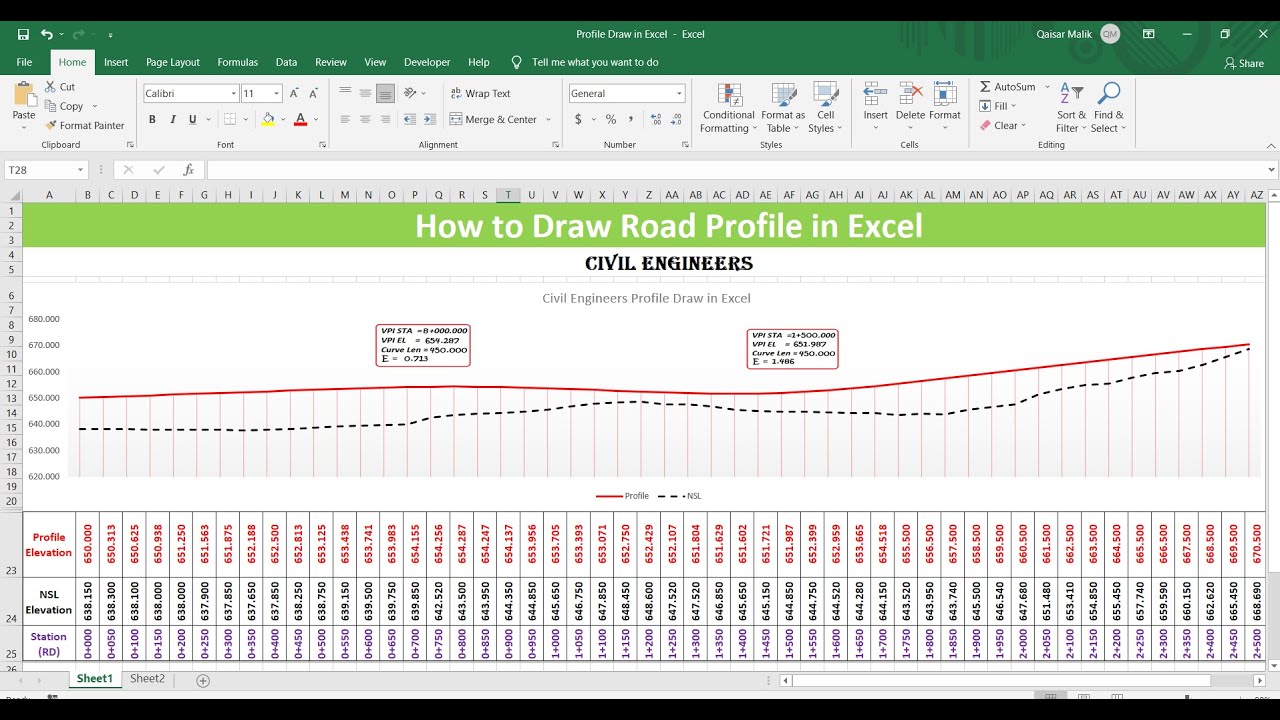
• Preparing Excel data with chainage, offset, and reduced levels.
• Importing data into SWDTM and verifying cross-section previews.
• Exporting cross-sections to AutoCAD in DWG format.
• Tips for accurate data formatting and common pitfalls to avoid.
This tutorial is ideal for civil engineers, surveyors, and students involved in road design and infrastructure projects.
Connect with Me:
Subscribe for more tutorials on civil engineering software and practices.
Leave your questions and feedback in the comments below.
#AutoCAD #SWDTM #RoadCrossSection #ExcelToAutoCAD #CivilEngineering #SurveyDataProcessing #CrossSectionDrawing #SWDTMTutorial #AutoCADCivil3D #RoadDesign #InfrastructurePlanning #TopographicSurvey #ChainageAndOffset #ReducedLevelRL #techyatra #draw_Road_CrossSection
Повторяем попытку...

Доступные форматы для скачивания:
Скачать видео
-
Информация по загрузке: