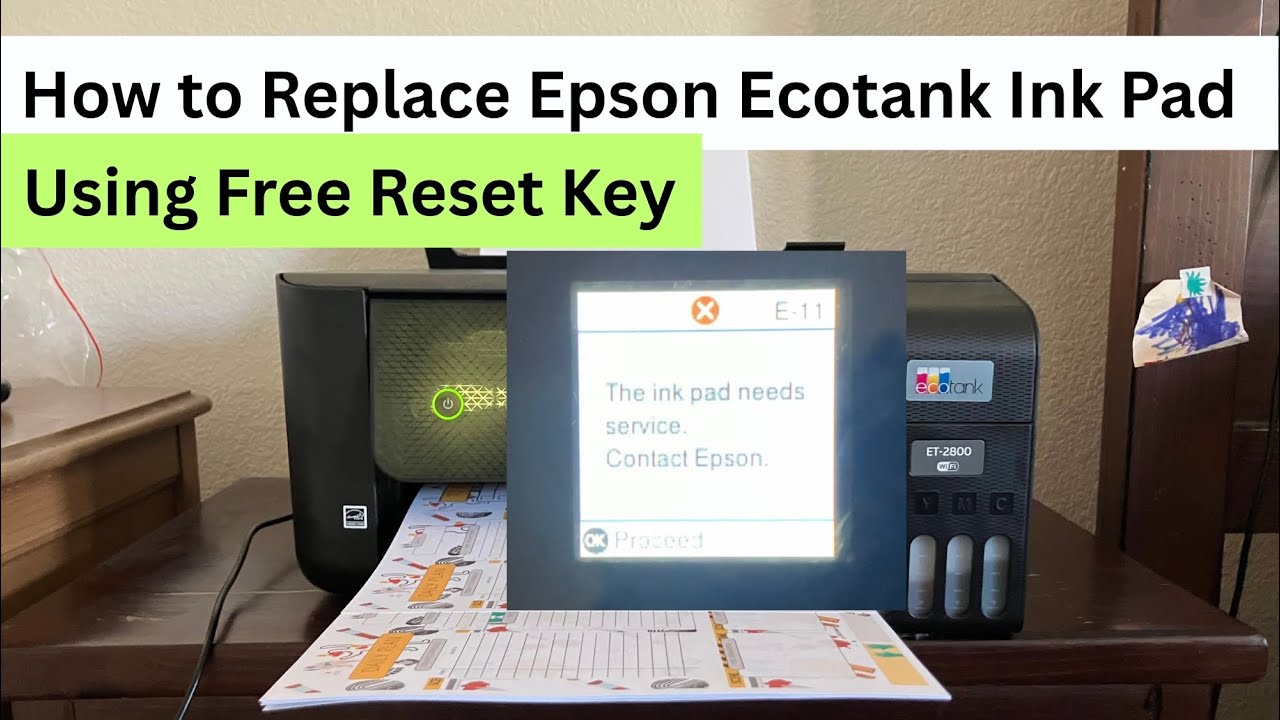
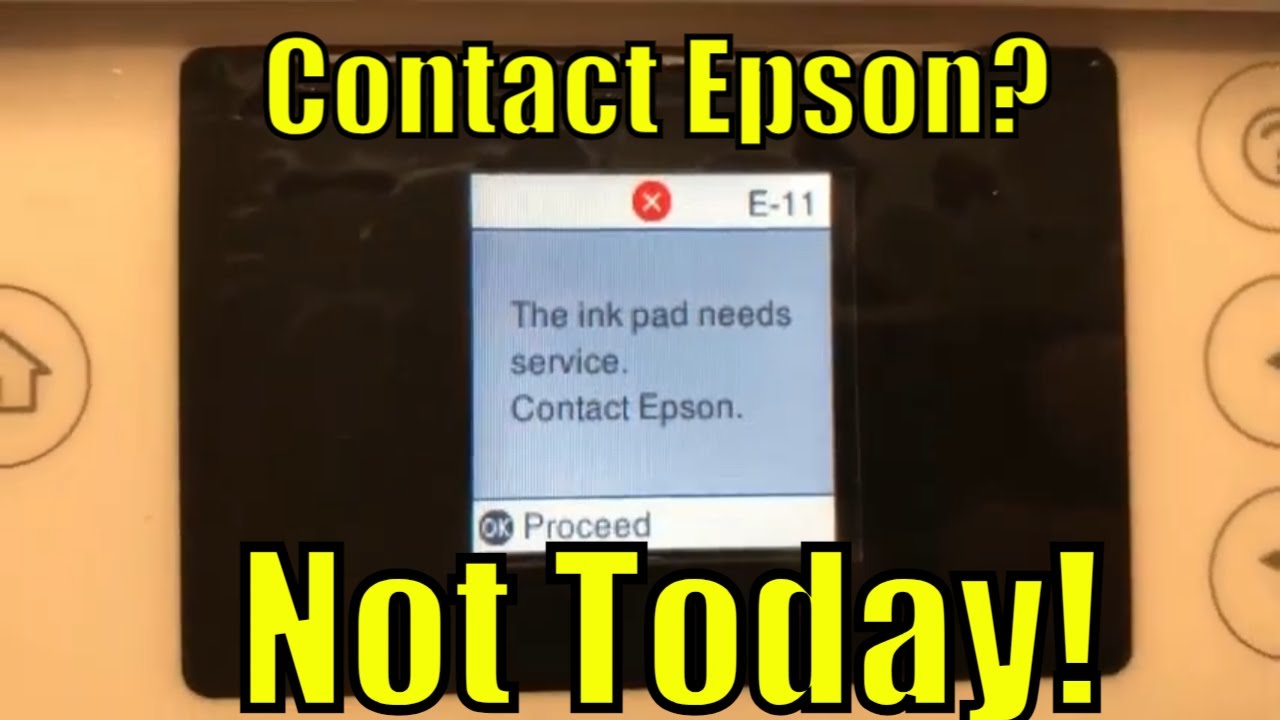
Epson EcoTank Waste Ink Pad Full? How to Clean It Without Replacement!
Автор: PrintFix ID
Загружено: 2025-12-05
Просмотров: 884
Описание:
Learn how to clean the waste ink pad on your Epson EcoTank printer without replacing it. If you're getting the “Waste Ink Pad Full”, “Ink Pad at the End of Its Service Life”, or “Service Required” message, this step-by-step tutorial will show you the safest and easiest way to clean the ink pad manually and keep your EcoTank printer working again.
This method works for many Epson EcoTank models, including:
ET-2800, ET-2850, ET-2400, ET-4800, ET-3850, L3210, L3250, L3150, L3110, and similar models.
👍 Don’t forget to LIKE & SUBSCRIBE for more EcoTank repair tutorials.
🛠️ Comment below if you need help with your specific Epson model.
#epsonecotank
#epsonprinterfix
#wasteinkpad
#epsoninkpadfull
#epsonmaintenance
#printerrepair
#ecotanktutorial
#epsonet2800
#epsonet2850
#epsonfix
#printerdiy
#epsonerrorfix
Повторяем попытку...

Доступные форматы для скачивания:
Скачать видео
-
Информация по загрузке: