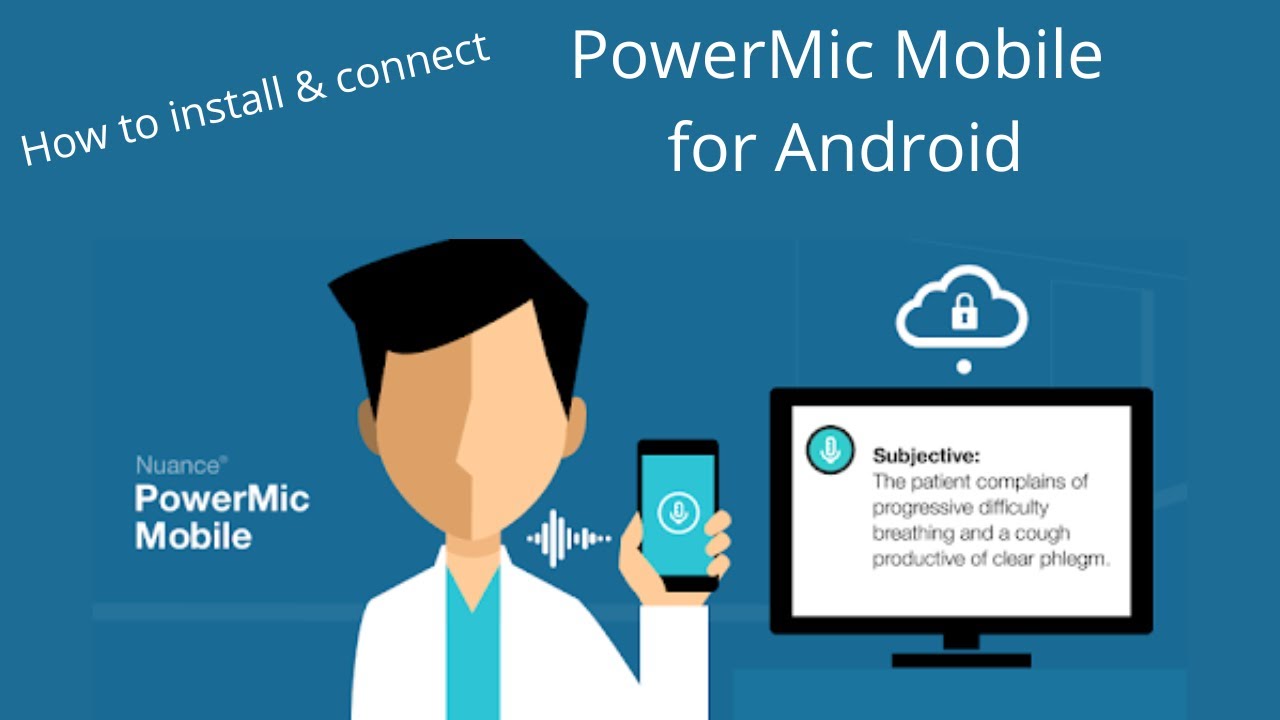
PowerMic Mobile for Android : How to connect PowerMic Mobile to Dragon Medical One
Автор: VoiceX Communications
Загружено: 2022-06-08
Просмотров: 903
Описание:
How to install PowerMic Mobile on Android Mobile Devices
Dragon Medical One Speech Recognition Premium Subscription from VoiceX includes the Nuance PowerMic Mobile App. The app is available for Android (ie Samsung) and iOS (Apple) mobile devices.
Instructions: Set up PowerMic Mobile for Android users...
This video will show Android users how to install and pair the PowerMic Mobile App to their Dragon Medical One system.
Is PowerMic Mobile App available for iOS (Apple) users?
Yes! Please see our video "How to install PowerMic Mobile
What is PowerMic Mobile?
PowerMic Mobile is a powerful application that enables Dragon Medical One users to use their mobile device (ie smartphone or tablet) as a dictation microphone. This is particularly useful for users travelling or using remote desktop / Citrix applications.
What is Dragon Medical One?
Dragon Medical One is the latest in speech recognition technology - designed specifically for healthcare professionals. It allows doctors and physicians to dictate directly into any application for real-time speech-to-text. Dictate letters and patient notes directly into your EMR (such as Shexie, Medical Director, Genie, Gentu etc), compose emails directly in Outlook or Gmail, create and dictate into documents and templates in Microsoft Word or fill in a form in your web browser.
Find out more about Dragon Medical One at
https://bit.ly/3Q9DxyM
Free Trial for Dragon Medical One with PowerMic Mobile App: https://bit.ly/3Q9hCYC
Subscribe to VoiceX for further Dragon Medical One Instructional & Training Videos:
https://bit.ly/3NYEhF0
Повторяем попытку...
Доступные форматы для скачивания:
Скачать видео
-
Информация по загрузке: